5-9
Cycle and Control Value Programming Operator Manual 920011-649
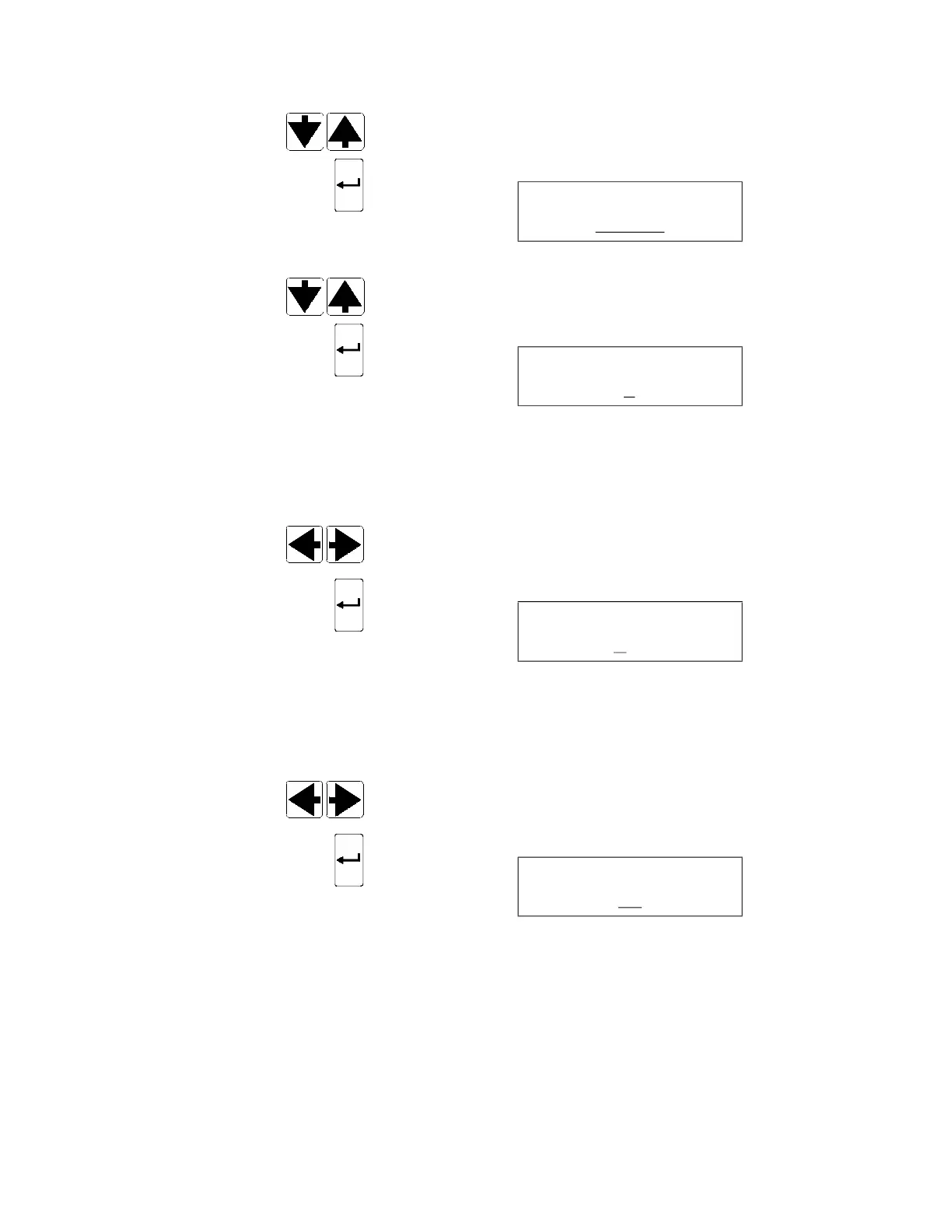
2. Press SCROLL arrows (up or down) until MISCELLANEOUS
appears.
3. Press ENTER touch pad to confirm selection. Display shows:
__ blinking
4. Press SCROLL arrows (up or down) to scroll through available
languages for display messages and printouts.
5. Press ENTER touch pad to confirm selection. Display shows:
__ blinking
NOTE: Time format can be changed from AM/PM to 24 h in
Service mode by a qualified service technician. For instructions,
refer to S
ECTION 2, SERVICE MODE PROCEDURE, of Maintenance
Manual (P764333-736).
6. Press SCROLL arrows (left or right) to set current time of day.
7. Press ENTER touch pad to confirm time setting. Display shows:
__ blinking
NOTE: Date format can be changed to MM-DD-YY, DD-MM-YY
or YY-MM-DD in Service mode by a qualified service technician.
For instructions, refer to S
ECTION 2, SERVICE MODE PROCEDURE,
of Maintenance Manual (P764333-736).
8. Press SCROLL arrows (left or right) to set current date.
9. Press ENTER touch pad to confirm setting. Display shows:
__ blinking
NOTE: Concerning bar code reader accessory, note the following:
1) Bar code reader function cannot be enabled if bar code
reader (accessory) is not installed.
2) If bar code reader is present, refer to Bar Code Reader
Installation Instruction (P920011-654), included with bar code
reader, or S
ECTION 2, SERVICE MODE PROCEDURE, of
Maintenance Manual (P764333-736), for complete
programming instructions and bar code lists templates.
LANGUAGE
ENGLISH
MISCELLANEOUS
TIME HH:MM
MISCELLANEOUS
DATE M
M-DD-YY
BAR CODE READER
NO













 To Next Page