5-10
920011-649 Operator Manual Cycle and Control Value Programming
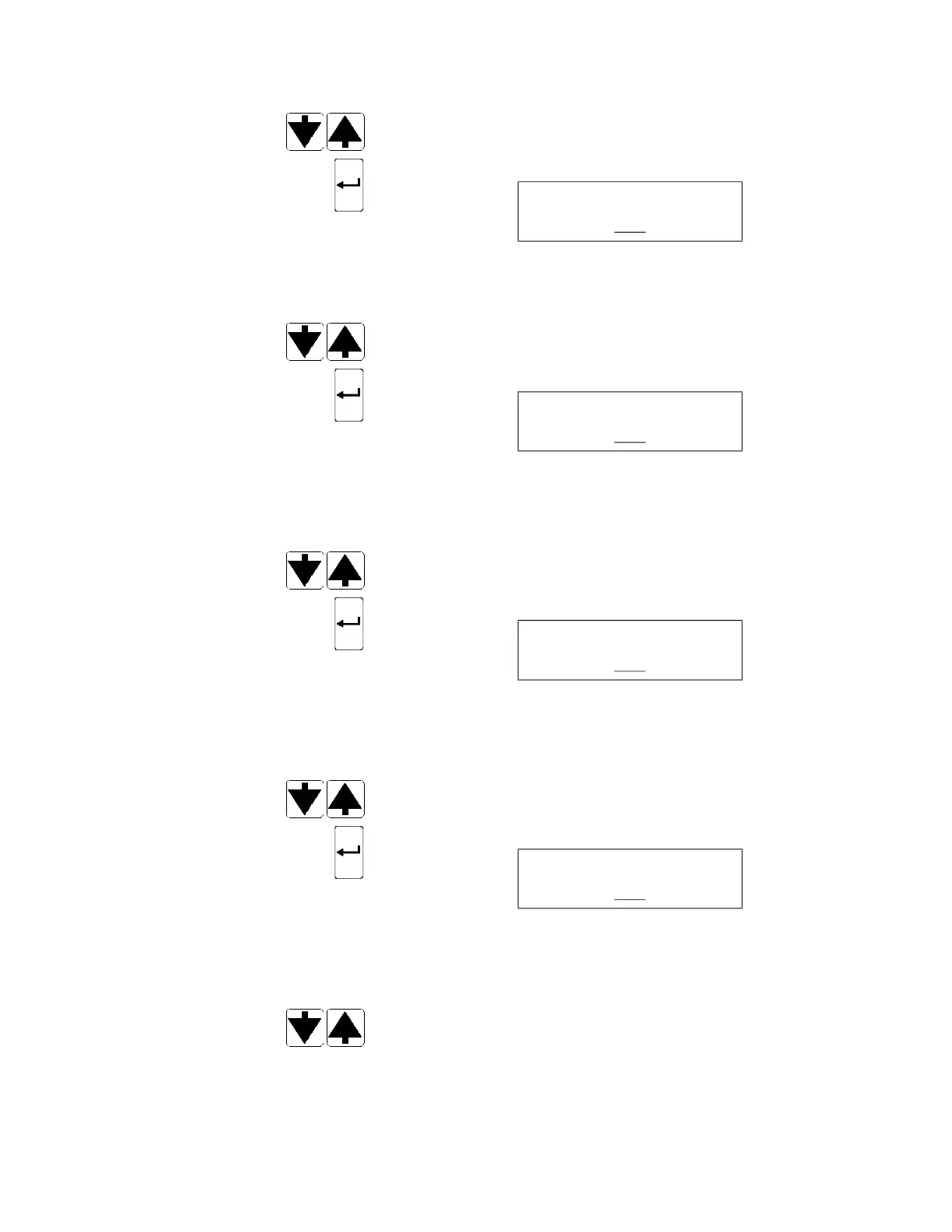
10. Press SCROLL arrows (up or down) to enable (YES) or disable
(NO) bar code reader. If NO is selected, display goes to Step 21.
11. Press ENTER touch pad to confirm setting. Display shows:
__ blinking
12. Operator ID function allows operator to scan a bar code to identify
processor operator. Operator ID is recorded on cycle printout.
Press SCROLL arrows (up or down) to enable (YES) or disable
(NO)
optional Operator ID function.
13. Press ENTER touch pad to confirm setting. Display shows:
__ blinking
14. Patient ID function allows operator to scan a bar code to identify
patient associated with endoscope to be processed. Patient ID
is recorded on cycle printout.
Press SCROLL arrows (up or down) to enable (YES) or disable
(NO) optional Patient ID function.
15. Press ENTER to
uch pad to confirm setting. Display shows:
__ blinking
16. Device ID function allows operator to scan a bar code to identify
endoscope to be processed. Device ID is recorded on cycle
printout.
Press SCROLL arrows (up or down) to enable (YES) or disable
(NO) optional Device ID function.
17. Press ENTER touch pad to confirm setting. Display shows:
__ blinking
18. Procedure ID function allows operator to scan a bar code to
identify procedure in which endoscope to be processed was
used. Procedure ID is recorded on cycle printout.
Press SCROLL arrows (up or down) to enable (YES) or disable
(NO) optional Procedure ID function.
OPERATOR ID
YES
PATIENT ID
YES
DEVICE ID
YES
PROCEDURE ID
YES













 To Next Page