Working with the Tools Page Network
Page 91
© Copyright 2020 Stratasys. All rights reserved.
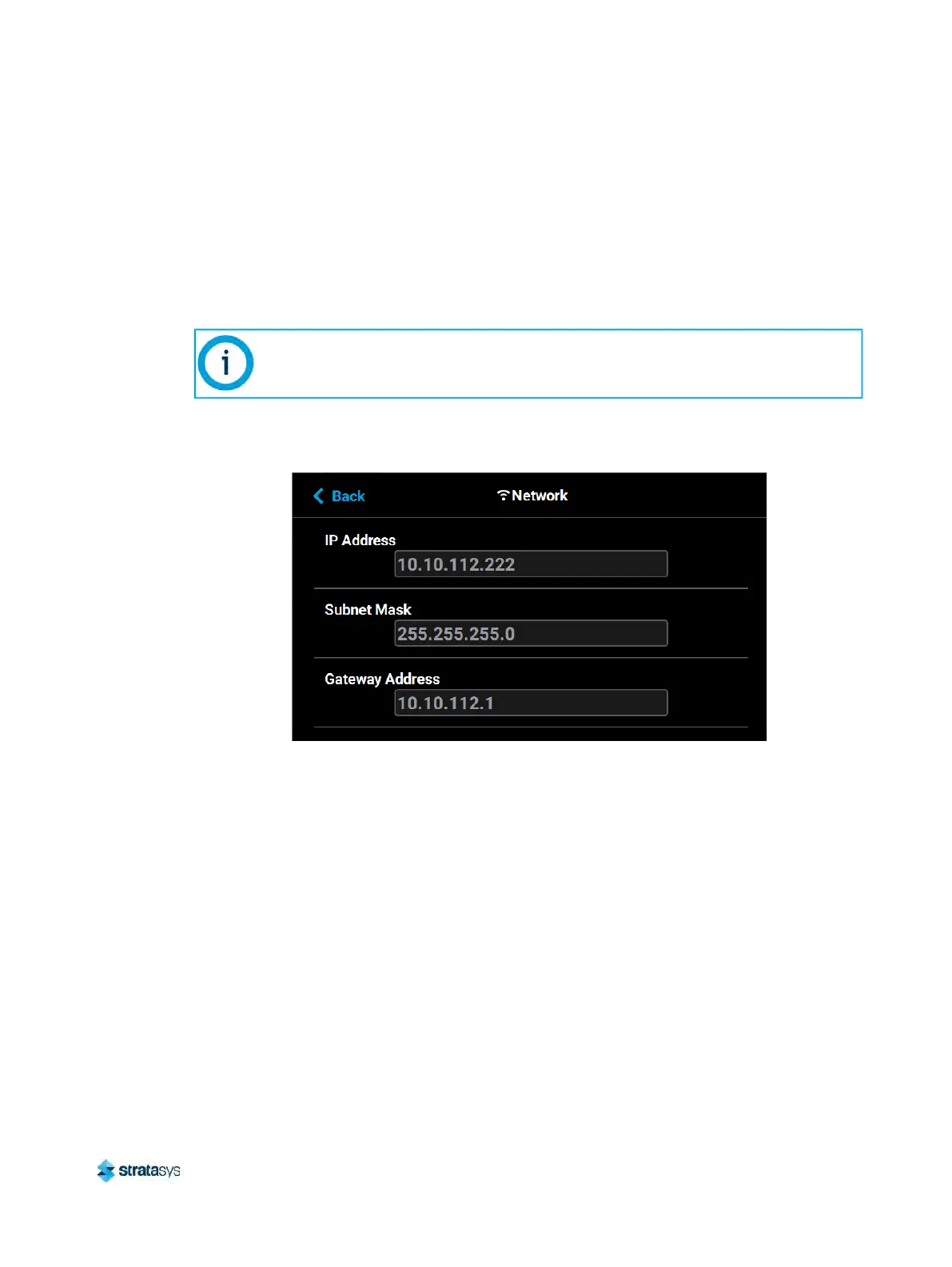
Static Network Configuration
When the Static wired network option is enabled you must manually configure the IP Address,
Subnet Mask, and Gateway Address fields for the printer (provided by the system
administrator). Use the keypad to configure this information; simply touch a field on the screen
to select it and then use the keypad displayed to enter network information. Touch anywhere
on the screen outside of the keypad to exit and close the keypad. Press the Apply button to
save the network information configured. Once the Apply button has been pressed and
network information is saved, network information will not change.
When finished, press the Ba
ck button to exit and return to the Tools page.
Figure 82: Static Network Configuration
Wi-Fi Network Configuration
When the wireless network option is enabled you can scan for and connect to the printer via
your local Wi-Fi network (see Figure 80 (page 90)). Depending on the network’s security
requirements you may need to enter a password and/or username in order to connect to the
ne
twork. Use the keypad to configure this information; simply touch a field on the screen to
select it and then use the keypad to enter network security information. Touch anywhere on the
screen outside of the keypad to exit and close the keypad. Press the Connect button to save
the network information configured. Once the Connect button has been pressed and network
information is saved, network information will not change.
See your system administrator if you do not know the IP address, Subnet Mask, or
Gateway Address.













 To Next Page