Working with the Tools Page Network
Page 92
© Copyright 2020 Stratasys. All rights reserved.
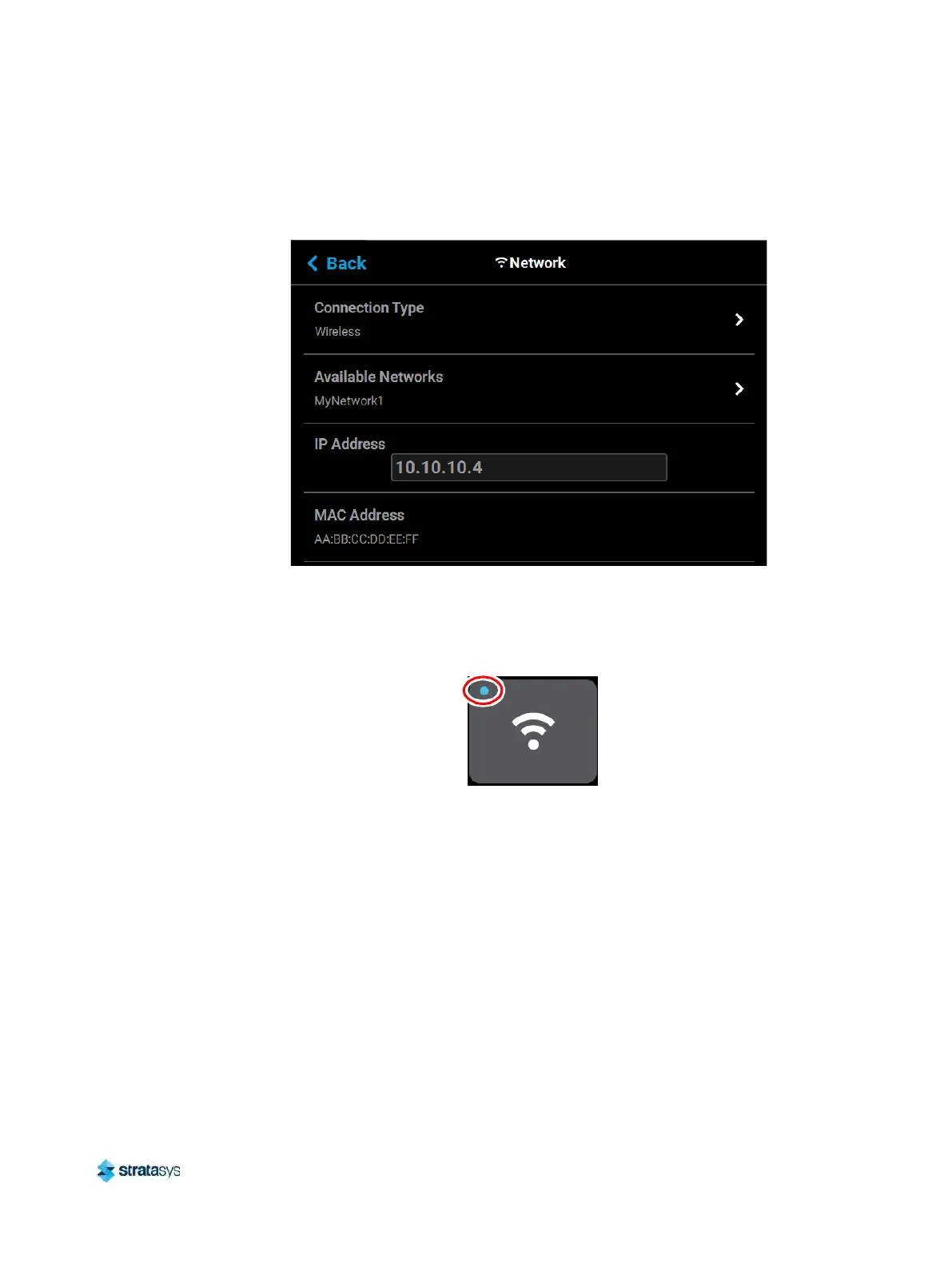
Press the Back button to exit the page and return to the Network page; the The name of the
selected wireless network will be displayed within the Available Networks row.
Figure 83: Wi-Fi Network Page
Press the Ba
ck button to exit the page and return to the Tools page. The Network button will
refresh and a blue indicator will be displayed indicating that the printer is configured for a Wi-Fi
network.
Figure 84: Enter Network Settings Dialog













 To Next Page