Tip Calibration Automatic Tip Calibration
Page 132
© Copyright 2020 Stratasys. All rights reserved.
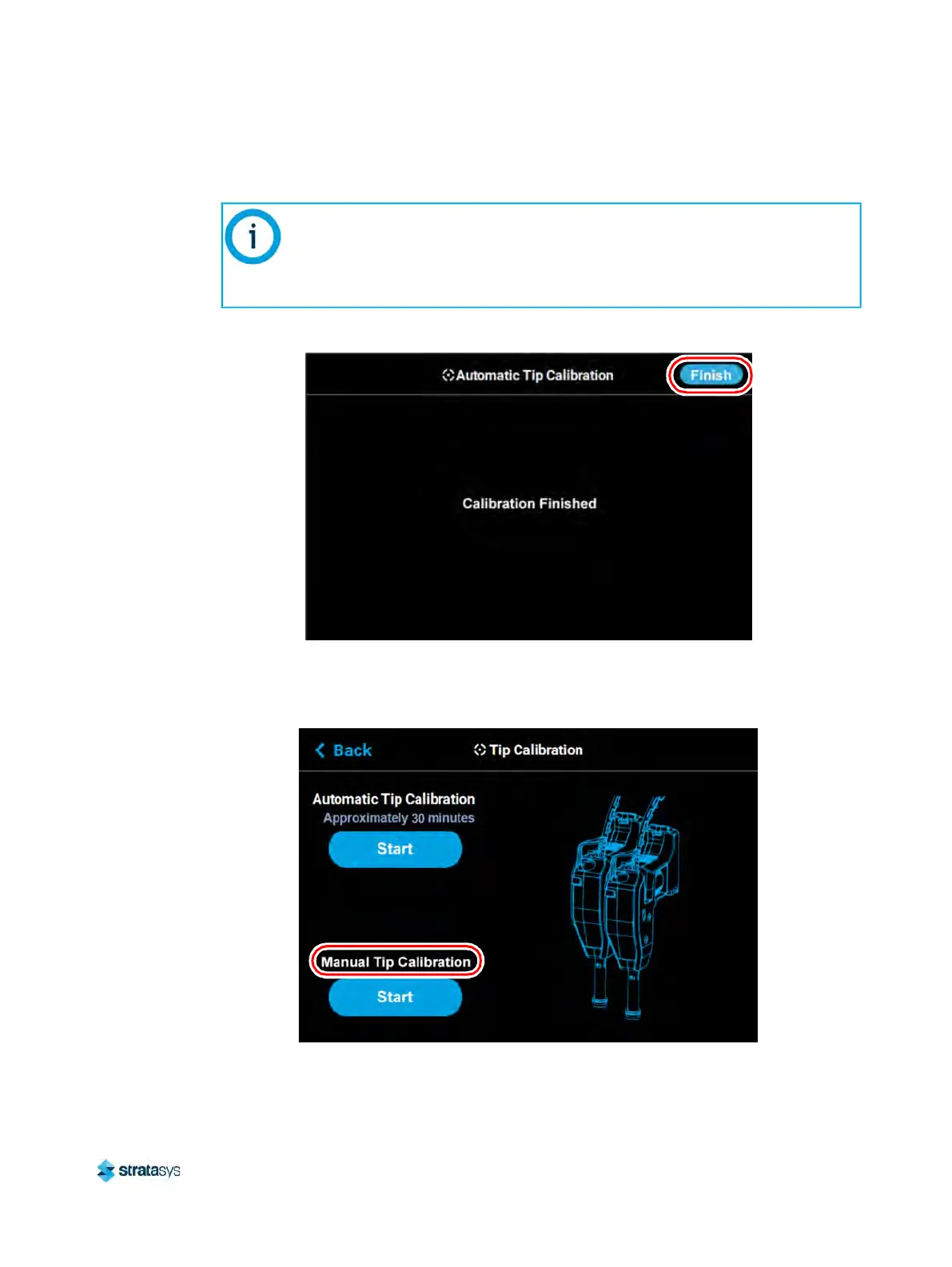
5. Completion of the calibration process will be indicated on the screen; press the Finish
button within the header of the page when complete.
Figure 6: Automatic Tip Calibration Complete
6. The main Tip Calibration page will display again. Proceed with the Manual Tip Calibration
a
s described in “Manual Tip Calibration” (page 133).
Figure 7: Automatic Tip Calibration Option
If calibration fails, "Failed to calibrate tip offsets" will be displayed on the screen.
You cannot build a part on the printer until the tips have been calibrated. Ensure
that nothing is blocking the tip or covering the calibration targets and reattempt
the Automatic Tip Calibration. If calibration fails again, perform a Manual Tip
Calibration (see
“Manual Tip Calibration” (page 133) for instructions).













 To Next Page