Tip Calibration Automatic Tip Calibration
Page 131
© Copyright 2020 Stratasys. All rights reserved.
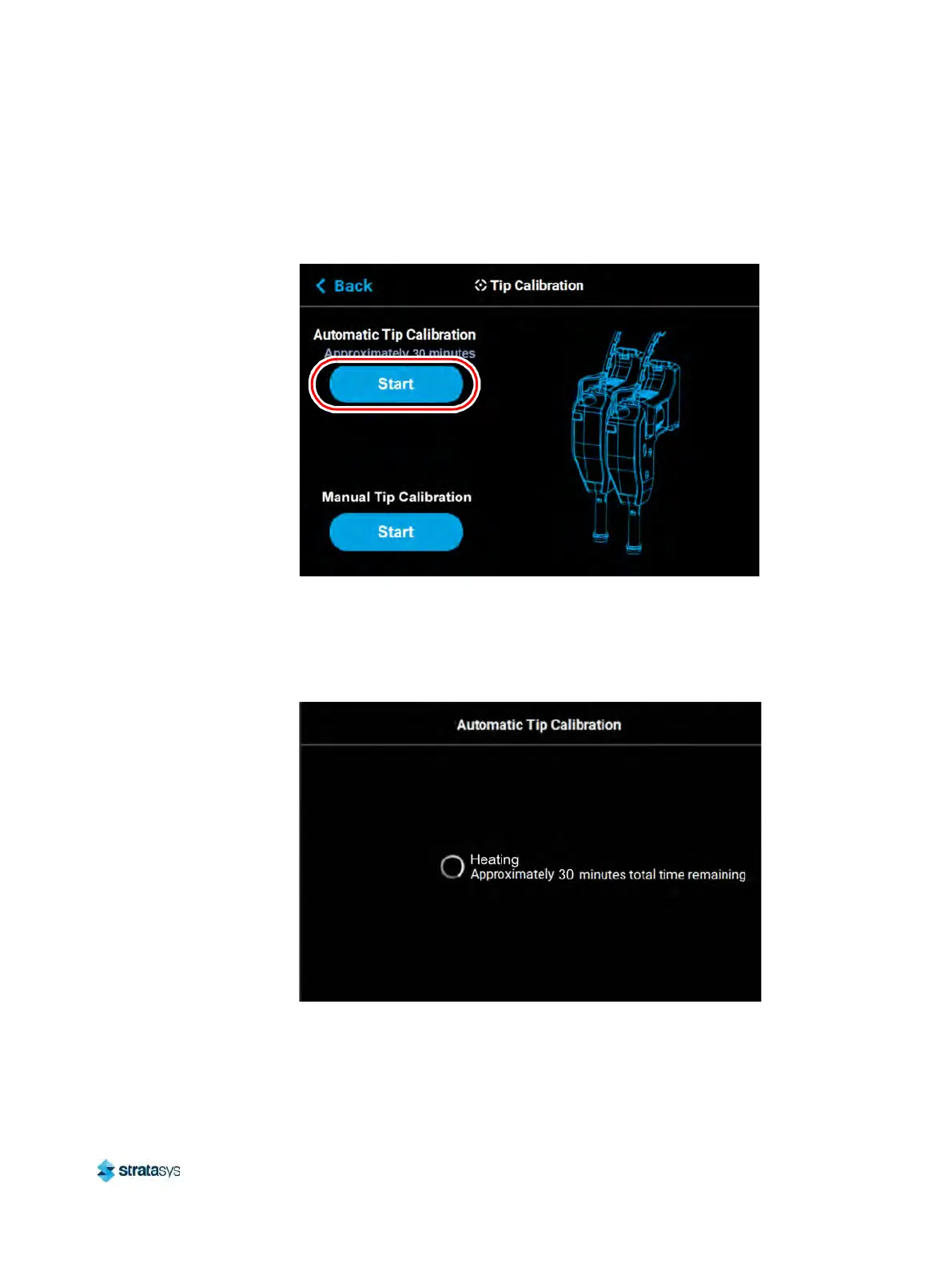
2. Open the Tip Calibration page by navigating to Tools > Calibration > Tip Calibration.
A page similar to Figure 4 will be displayed.
3. Press the S
tart button for the Automatic Tip Calibration option.
Figure 4: Automatic Tip Calibration Option
4. The printer will perform an Automatic Tip Calibration. This process includes heating up or
c
ooling down the oven to reach the required calibration temperature. Completion times will
vary depending on the material used and the initial chamber temperature. The status and
time remaining will continually update on the screen.
Figure 5: Calibrating Tip Offsets













 To Next Page