Working with the Queue Page Adding a Job to the Job Queue
Page 48
© Copyright 2020 Stratasys. All rights reserved.
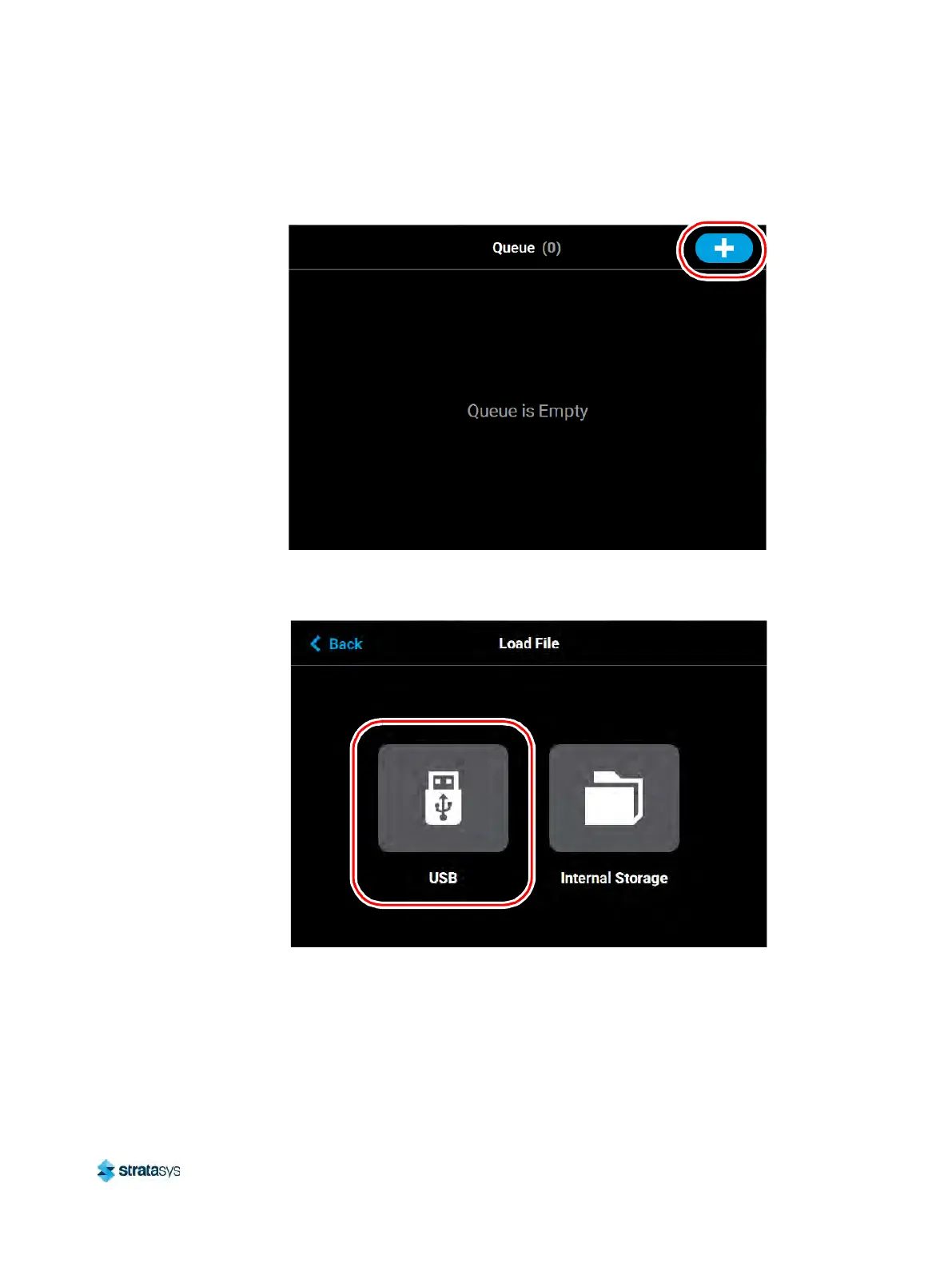
5. Press the Load File button in the upper-right corner of the touchscreen.
Figure 15: Load File Button Location
6. The Load File page will be displayed; press the USB b
utton within this page.
Figure 16: Load File Page - USB Option













 To Next Page