Working with the Tools Page Settings
Page 75
© Copyright 2020 Stratasys. All rights reserved.
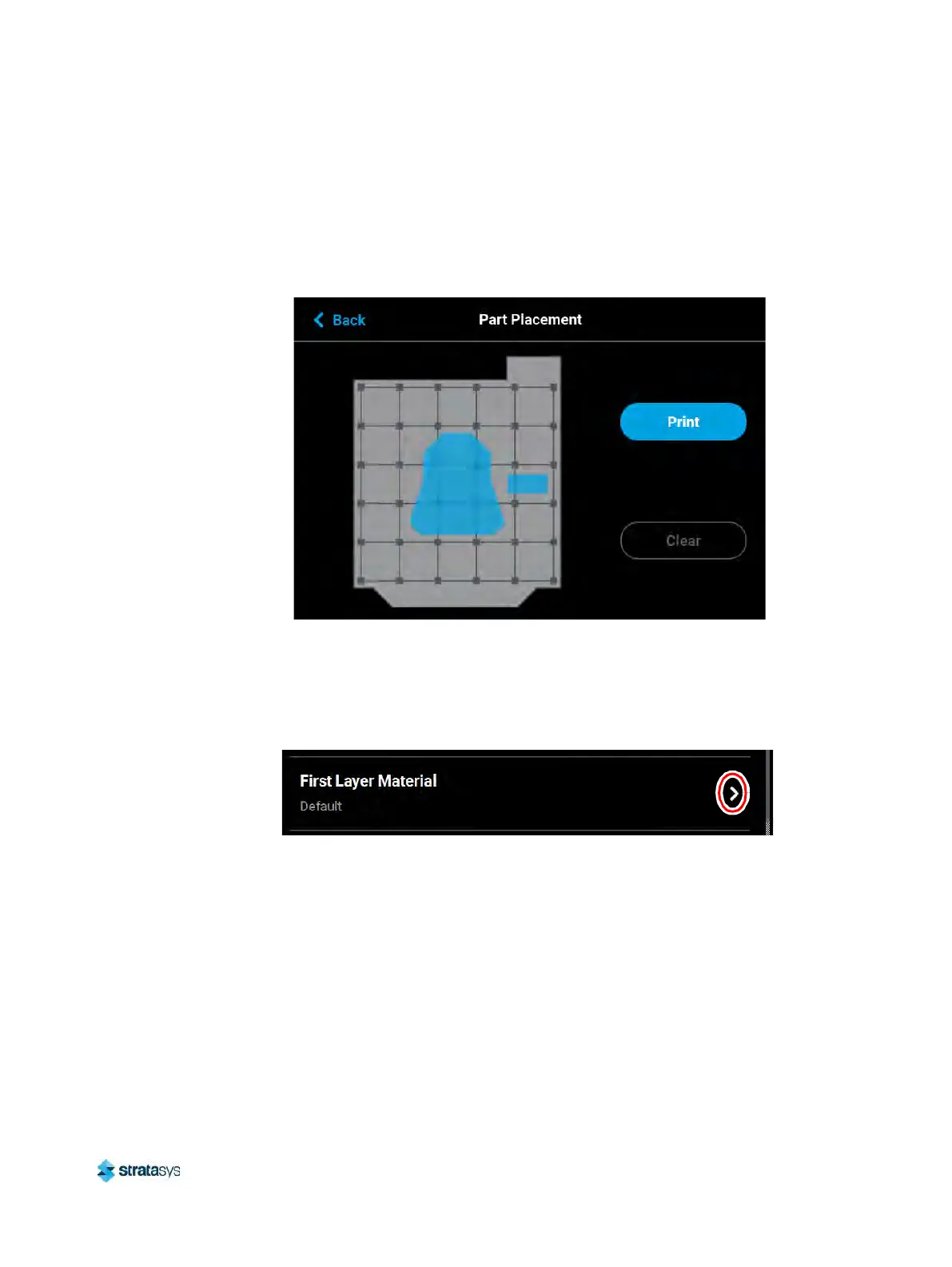
You can select the part’s build location by dragging and dropping the bounding box on the
touchscreen; the bounding box cannot be placed outside the limits of the platen. Pressing the
Print button will confirm your selected placement and start a build. "Ghost box" graphics are
also displayed; a "ghost box" represents the location where a part was built previously. Clicking
the Clear History button will clear the display, removing all "ghost box" items.
Figure 42: Part Placement Dialog
First Layer Material
The First Layer Material row displays the material type to be used for the first build layer, Model
or Default.
Figure 43: First Layer Material













 To Next Page