Working with the Tools Page Settings
Page 78
© Copyright 2020 Stratasys. All rights reserved.
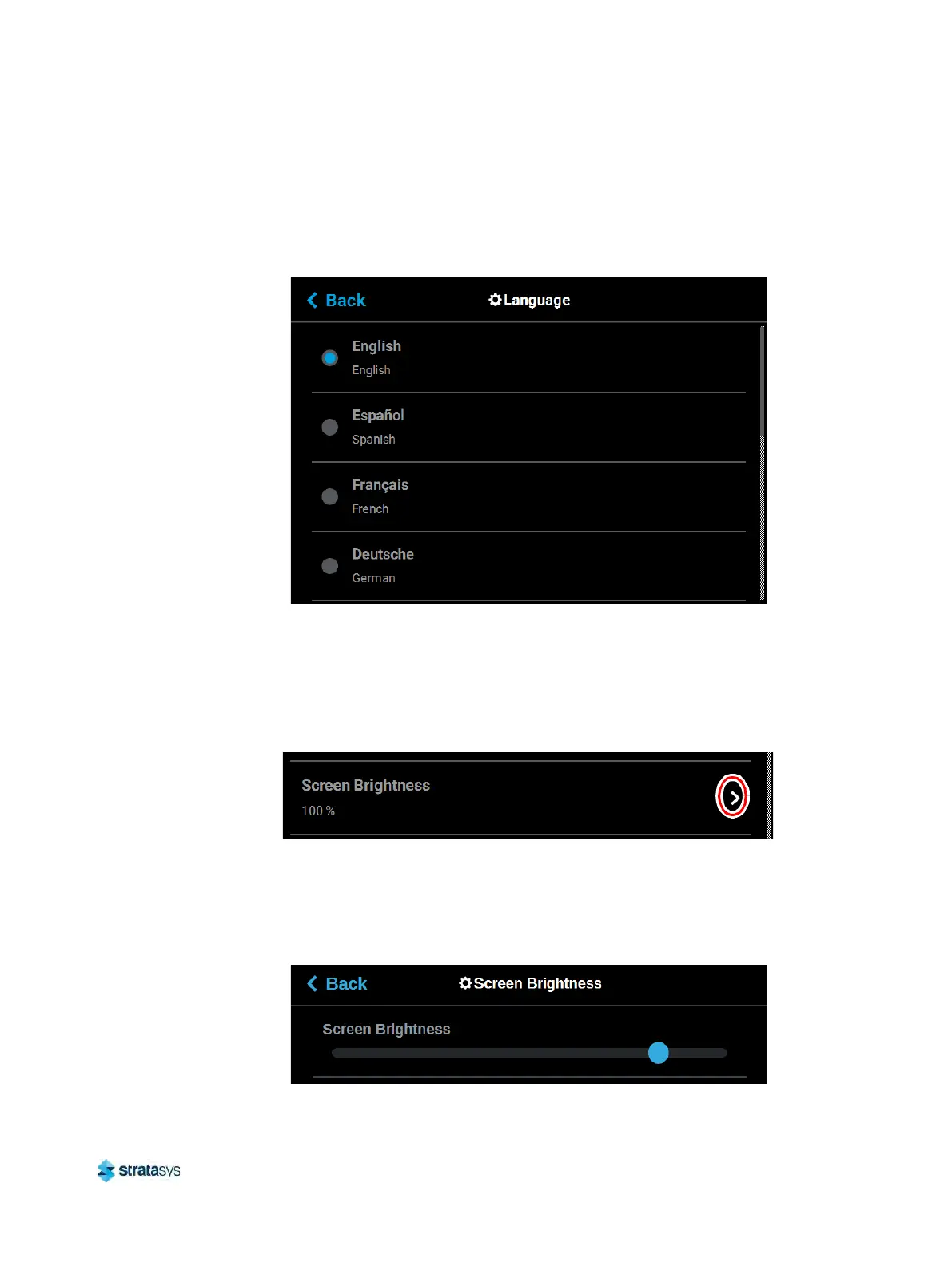
Additionally, the first time the printer is powered ON, a dialog will be displayed asking you to
select your desired language. Once you’ve set your desired language following initial power
up, this selection will be retained and can only be changed by navigating to the Language page
and adjusting your language selection.
Figure 50: Configure Language
Screen Brightness
The Screen Brightness setting allows you to adjust the brightness of the touchscreen
display.This setting is displayed as a percentage with 100% percent representing the greatest
amount of brightness available.
Figure 51: Screen Brightness
To configure this setting, press anywhere within the row; the Screen Brightness page will be
di
splayed. Within this page use the slider graphic to adjust brightness as needed. Sliding to the
right will increase brightness while sliding to the left will dim brightness. Please note that you
cannot set screen brightness to 0% (completely dim).
Figure 52: Configure Screen Brightness













 To Next Page