Working with the Tools Page Settings
Page 77
© Copyright 2020 Stratasys. All rights reserved.
a build, thus saving energy. When the Quick Start radio button is selected (i.e. Standby Mode is
turned Off) the printer’s oven will remain On for 60 hours after the completion of a build and
oven temperature will stay at the material’s build temperature.
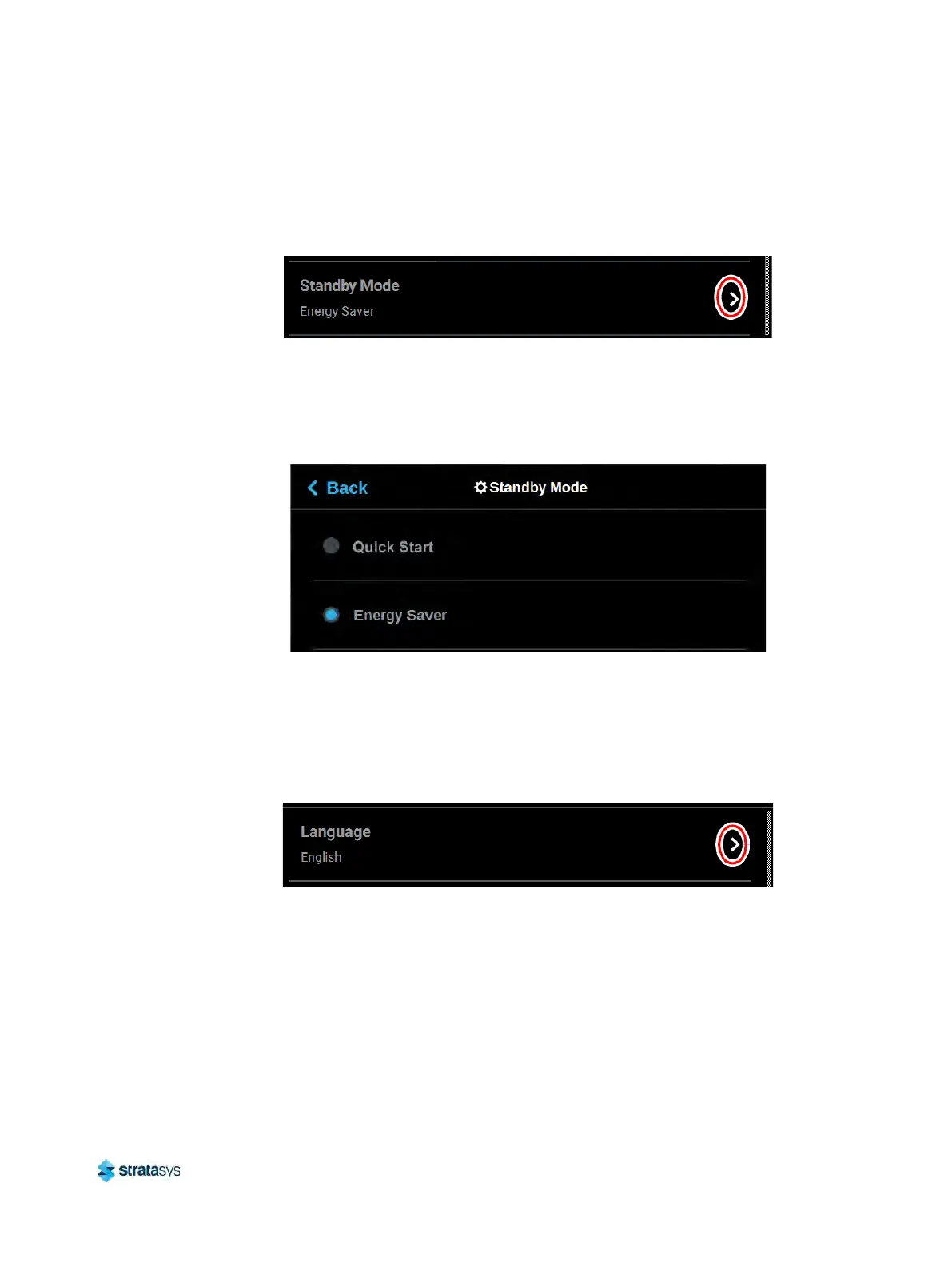
Figure 47: Standby Mode
To configure this setting, press anywhere within the row; the Standby Mode page will be
di
splayed. Use the radio buttons within the page to select between the Energy Saver and
Quick Start options as needed. The Quick Start radio button is selected by default (i.e. Standby
Mode is set to Off by default).
Figure 48: Configure Standby Mode
Language
The Language row displays the language that the User Interface is configured for. Language
options include English (default), Spanish, French, German, Italian, Russian, Chinese
(traditional or simplified), and Japanese.
Figure 49: Language
To configure this setting, press anywhere within the row; the Language page will be displayed.
Us
e the scrollbar (along the right side of the page) to view the list of available languages.
Select the radio button corresponding to your desired language.













 To Next Page