Objet1000 Plus User Guide 6 Operating and Maintaining the Objet1000 Plus 3DPrinter
DOC-06810 Rev.B 6-46
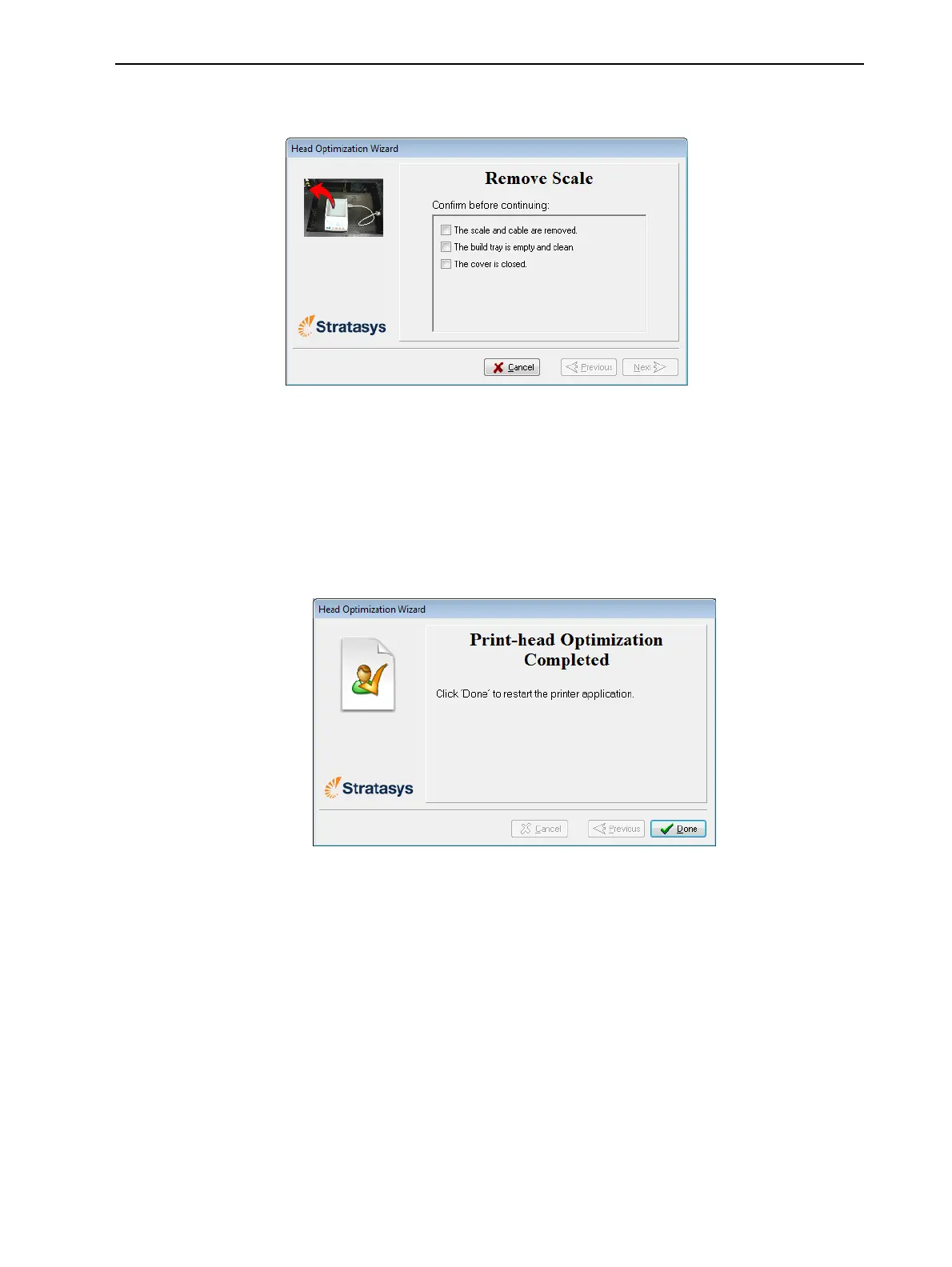
19.Whenthefollowingscreenappears,removethescaleandcleanthebuild
tray.
Figure6-62Remove the scaleconfirmationscreen
20.Inthewizardscreen,confirmthatthebuildtrayisclearandthatthe
doorsareclosedandclickNext.
Thewizardusesthedatacollectedtoanalyzetheconditionoftheprint
headsandoptimizethemsotheyprintmodelswithauniformlayerof
material.
❒ Iftheheadsareinsatisfactorycondition,thefollowingwizardscreen
appears.
Figure6-63Finalwizardscreen,afteroptimizingprintheads













 To Next Page