Objet1000 Plus User Guide 6 Operating and Maintaining the Objet1000 Plus 3DPrinter
DOC-06810 Rev.B 6-49
Toreplaceaprinthead:
1. Prepare—
❒ replacementprinthead(s)
❒ isopropanol(IPA—isopropylalcohol)orethanol(ethylalcohol)
❒ disposablecleaninggloves(suppliedwiththeprinthead;oruseany
clean,powder-freeprotectivegloves)
❒ asuppliedcleaningclothorequivalent
❒ amirror
❒ a5-mmflat-headscrewdriverora3-mmhex(Allen)key(dependingon
thetypeofprintblock)
❒ thescalesuppliedforuseintheHeadOptimizationwizard(Weight
Test)
❒ theMissingNozzlesruler
Important: Makesurethatyouhavetheseitemsandthatthescaleis
calibratedandfullychargedbeforecontinuing.Itishighlyrecommendedto
connectthescaletothewallpowersocketwhenrunningthiswizard.
2. StarttheHeadOptimizationwizardfromtheOptionsmenu(seethefigure
onpage6-40).
3. Intheopeningwizardscreen,clickNexttobegin.
TheWizard Conditionsscreenappears.
4. Readtheconditions,selectIAgreeandclickNext.
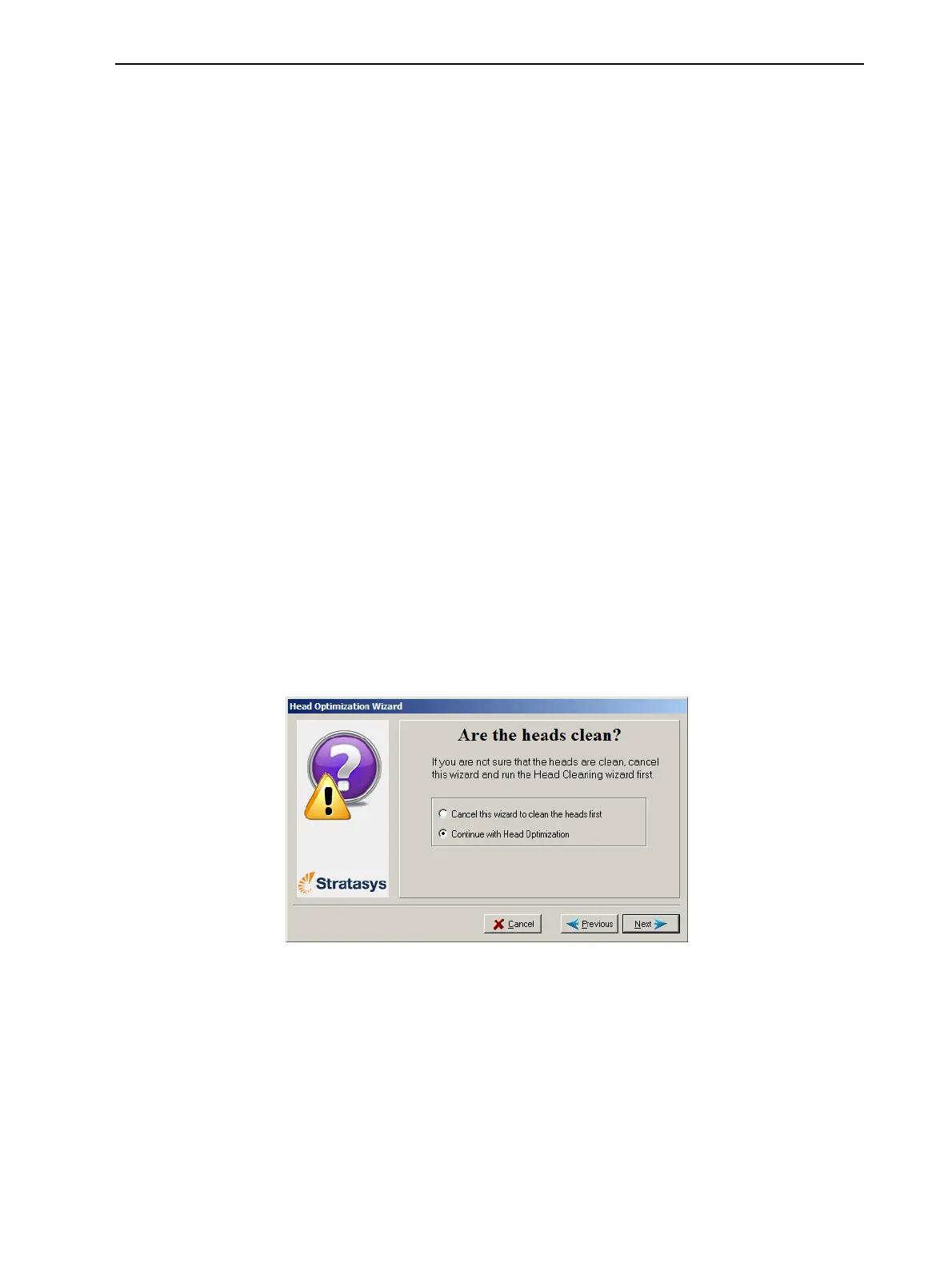
5. Inthefollowingscreen,selectContinuewithHeadoptimizationifyouhave
recentlycleanedtheprintheads.Otherwise,cancelthewizardandrunthe
Cleaningwizard.
Figure6-65Cleanprintheadsscreen













 To Next Page