Objet1000 Plus User Guide 6 Operating and Maintaining the Objet1000 Plus 3DPrinter
DOC-06810 Rev.B 6-55
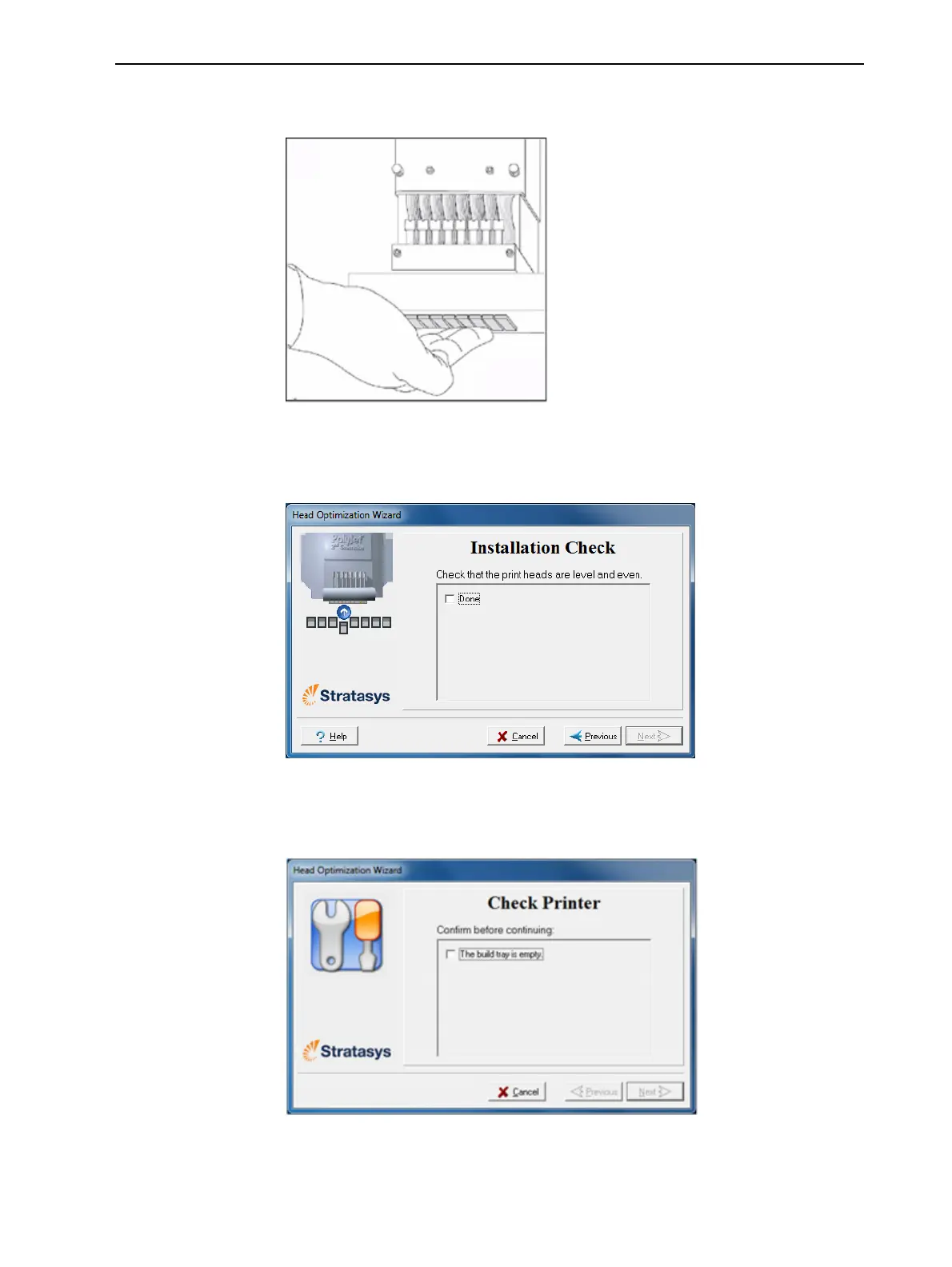
20.Withyourfingers,makesurethatthenewheadislevelandevenwiththe
otherheads.
Figure6-79Checkingthelevelofthenewhead
21.Confirmthattheheadsarelevelbyselectingthecheckboxinthe
followingwizardscreen,andclickNext.
Figure6-80Installation-checkscreen
22.Inthenextwizardscreen,confirmthatyouhaveremovedalltoolsand
objectsfromtheprinter.
Figure6-81Cleared-trayconfirmationscreen
23.Closetheprinterdoors.













 To Next Page