Objet1000 Plus User Guide 6 Operating and Maintaining the Objet1000 Plus 3DPrinter
DOC-06810 Rev.B 6-56
Thewizardcontinuesbyheatingtheheads,thenfillingandpurgingthem.
Iftherearenoinstallationproblems,theoptimizationprocedurebegins,
tocalibratetheprintheadstothebestworkingconfiguration—see
"Optimizing(Calibrating)PrintHeads"onpage6-40.
Ifinstallationproblemsaredetected,thewizardalertsyouandinstructs
youhowtocontinue(see"InstallationProblems"below).
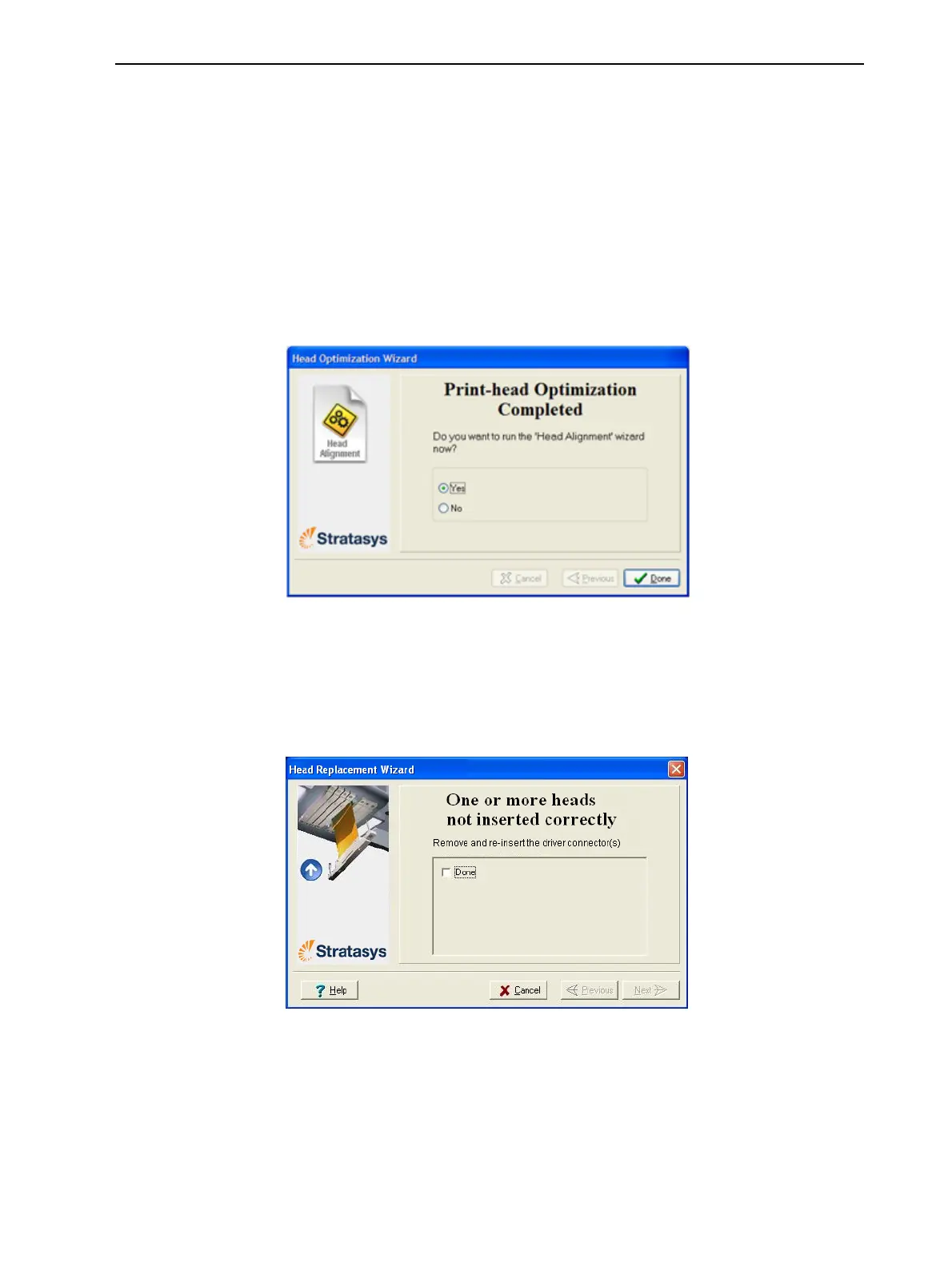
24.Afterreplacingprintheads,youshouldchecktheheadalignmentbefore
usingtheprintertoproducemodels.Inthefinalwizardscreen:
❒ SelectYesandclickDonetoopentheHeadAlignmentwizard(see
"AligningthePrintHeads"onpage6-36).
❒ SelectNoandclickDonetoaligntheheadsatanothertime.
Figure6-82FinalwizardScreen
Installation
Problems
Iftheprinterdetectsthatthereisaproblemafteryouinstallprintheads,
relevantwarningscreensappear.
•Iftheprintersoftwaredoesnotdetectthereplacedhead,thefollowing
warningscreenappears.
Figure6-83Incorrect-installationscreen
Ifthishappens:
a. Opentheprintheadcompartment(seeFigure6-72onpage6-52).
b. Re-inserttheprint-headdrivercardintoitssocket(seeFigure6-76on
page6-53).













 To Next Page