Objet1000 Plus User Guide 6 Operating and Maintaining the Objet1000 Plus 3DPrinter
DOC-06810 Rev.B 6-54
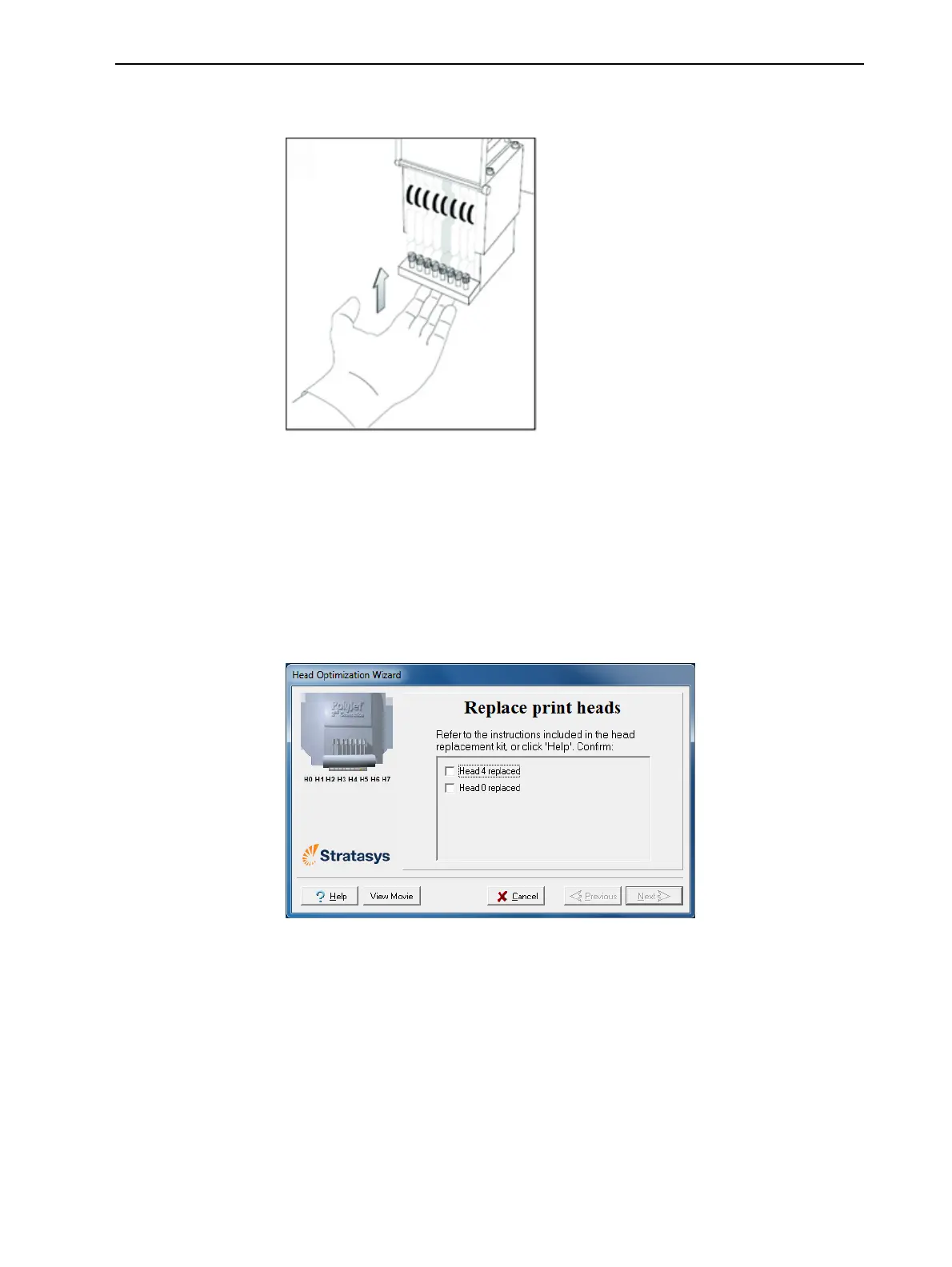
16.Pushtheheadupuntilyouhearitclickintoplace,inbothfrontandrear
holders.
Figure6-77Pushingtheheadintoplaceintheprintblock
17.Lowerthedooroftheprintheadcompartment,andtightenthescrewsto
lockitinplace.
18.Tightentheupperandlowerscrewsthatsecuretheprintheadintheprint
block(seeFigure6-70onpage6-51).
Note:Hand-tightenthesescrews.Donotuseascrewdriver.
19.IntheReplace print heads screen,selectthecheckboxtoconfirmthat
youhavereplacedthehead(s),andclickNext.
Figure6-78Headreplacementconfirmation













 To Next Page