Objet1000 Plus User Guide 6 Operating and Maintaining the Objet1000 Plus 3DPrinter
DOC-06810 Rev.B 6-61
AfterexaminingtheUVcalibrationresults:
1. ClickNext.
2. RemovetheUVmeterandclosetheprinter.Afterconfirmingtheitems
listedinthewizardscreen,clickNext.
Figure6-92FinalUVCalibrationWizardscreen
Replacing the
Roller Waste
Tube
Asroutinemaintenance,youshouldreplacetherollerwastetubeevery500
hoursofprinting.
Toreplacetherollerwastetube:
1. Prepare—
❒ twocleaningcloths
❒ oneNorprene
®
tube(suppliedintheStart-UpKit)
2. MakesurethattheprinteriseitherinStandby2orinIdlemode.
3. PressF8.
or—
FromtheOptionsmenu,selectGotoHeadInspection.
Theprintblockmovesforwardandthebuildtraylowers.
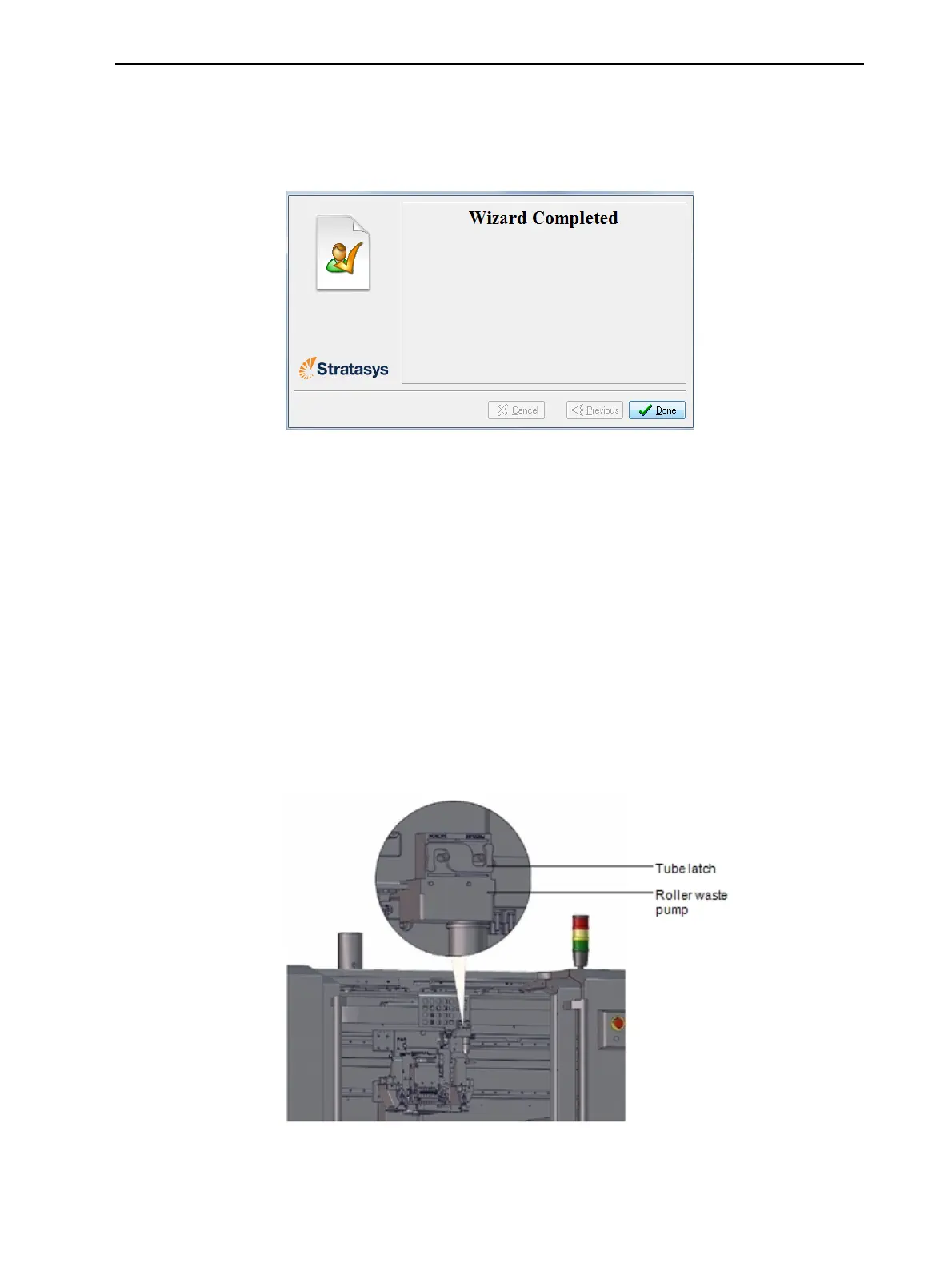
4. Opentheprinterdoorsandlocatethetubelatchontherollerwastepump.
Figure6-93Pumptubelatch













 To Next Page