Objet1000 Plus User Guide 6 Operating and Maintaining the Objet1000 Plus 3DPrinter
DOC-06810 Rev.B 6-65
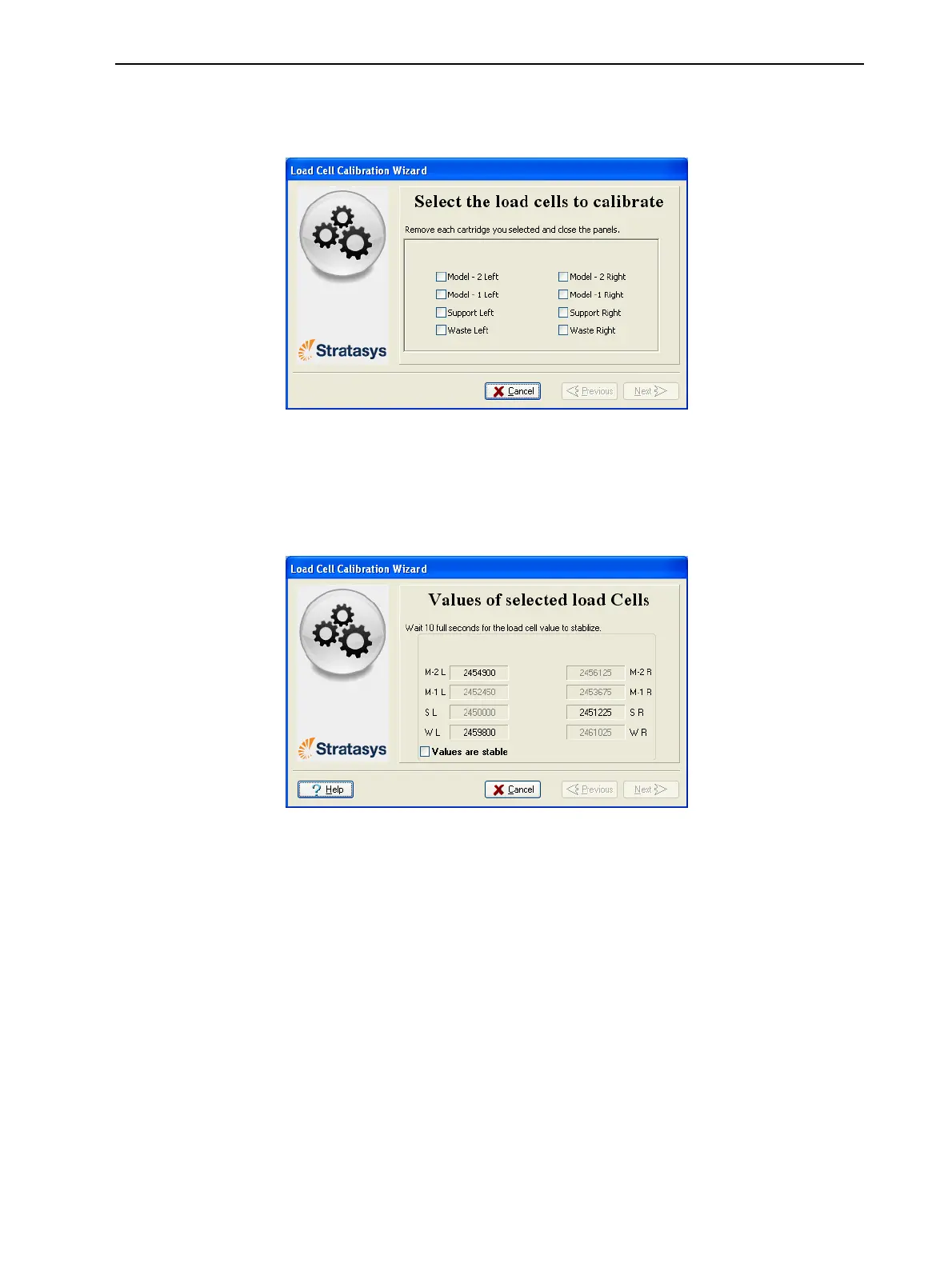
2. Makesurethattherearenocontainersontheloadcellsthatyouwantto
calibrate,selecttheappropriatecheckboxesinthewizardscreen,and
clickNext.
Figure6-99Loadcellselection
3. Removethecontainer,asinstructedbythewizard,confirmthisinthe
wizardscreen,andclickNext.
4. Inthenextwizardscreen,observethenumbersandwaituntiltheweight
levelisrelativelystable—twounitsaboveorbelowtheaveragelevelshown.
Figure6-100Weightstabilization
5. Selectthecheckbox,andclickNext.
Ifyouneedtocalibratemorethanoneloadcell,thenextcalibration
screenappears.Repeatsteps4and5untilalloftheloadcellsare
calibrated.













 To Next Page