Basic Operation 2-1
2 Basic Operation
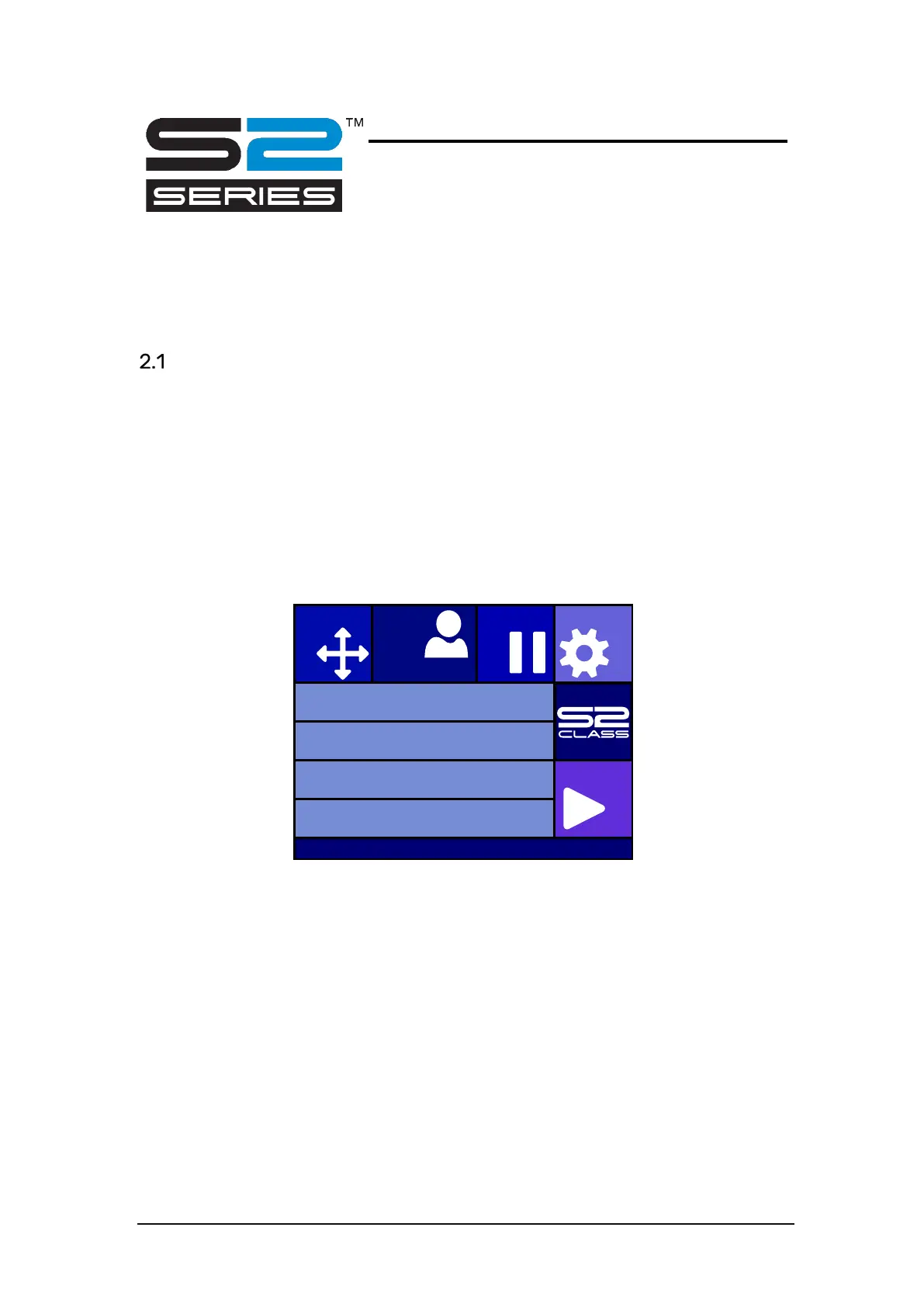
Touch Screen
The 320x240-dot touch screen provides a unique interface system that provides detailed
cutter status information and offers a more flexible and powerful control of the cutter’s
configuration.
All screen and optional panel controls on the touch screen are easily formatted to allow quick
access to the most common cutter settings.
Next to the status messages and/or menu options, displayed on the touch screen, button
symbols can be pressed to change menu items or to change the value for a given
submenu/parameter.
There are different color scemes to choose from.
FIG 2-1
2-1 TOUCH SCREEN
Knife pressure 95 gr
Velocity 800 mm/s
Tool Tangential knife
Media size 50000 x 718 mm
Actions
Settings
Configuration 1
Pau se
Origin
IP 192.168.1.7








 To Next Page