S CLASS™ 2 cutter User’s Manual
Detailed Operation 4-2
4.2.3 Home
Click Home to leave the action menu.
4.2.4 Cut Tests
Click Cut Tests to go to the internal test menu. Currently, there are two internal tests available.
The DIN A4 test
The DIN A4 Test performs an electrical and mechanical test of the cutter in order to check the
cutting quality. It also provides feedback on knife setting, knife pressure, knife offset, and
cutting depth.
This cut is always run as a DIN A4 portrait/A-size image, regardless of the actual size of the
loaded media. If the loaded media is smaller than a DIN A4/A-size, a part of the outer box will
be clipped (not cut).
The confidence test
The confidence test performs a quick electrical and mechanical test of the cutter to make sure
that the cutter is fully operational. A media sheet of at least A3/B-size should be used for this
plot. This test is always cut at the left side of the loaded media.
4.2.5 Open file
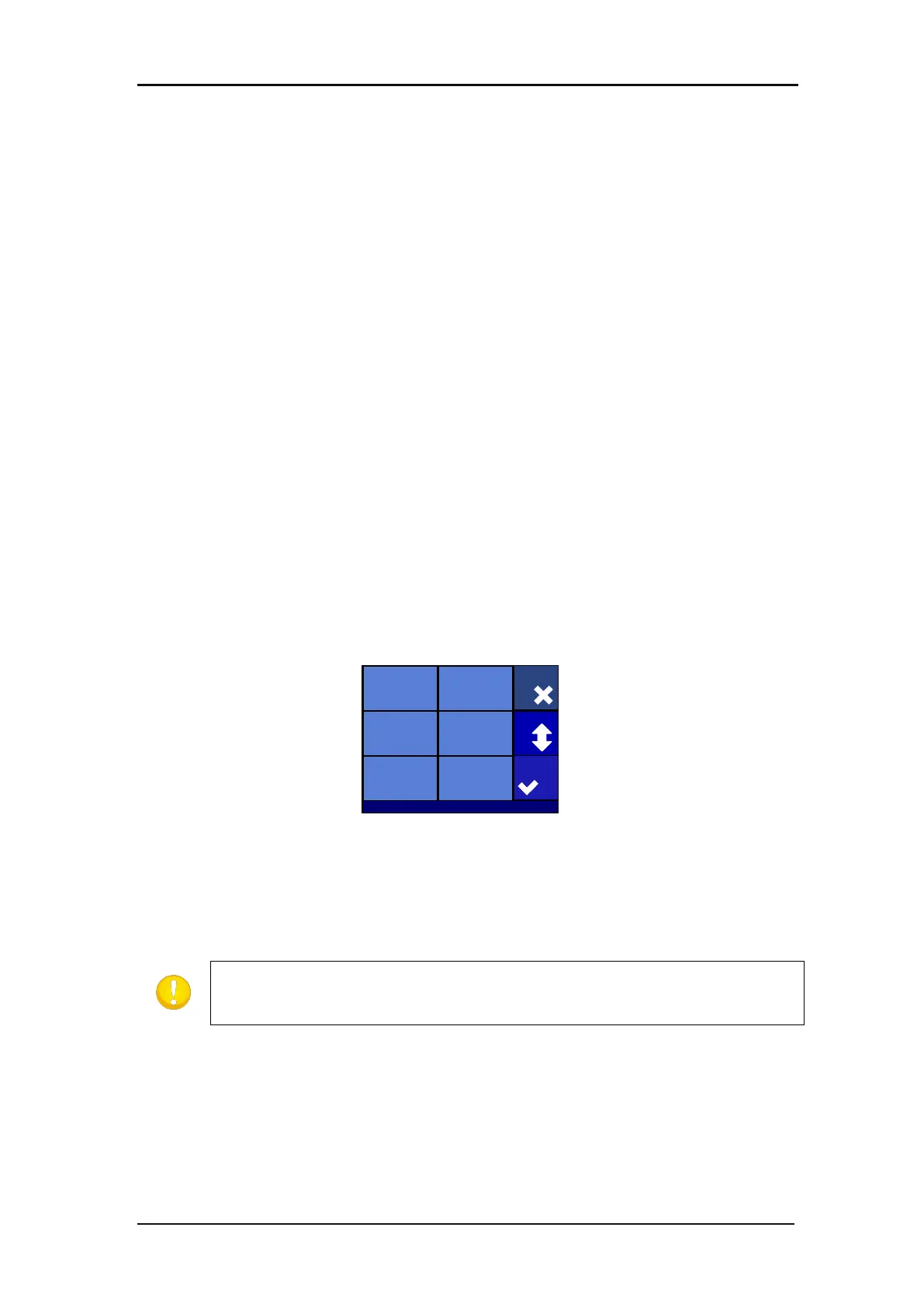
Use this option to cut directly from the USB flash drive or to upgrade the cutter. Click on the
icon to see the list of the files that are present on the USB stick.
Select the file to cut, press apply
The cutter now cuts out the file. If the file has a new version of firmware, then the firmware is
upgraded. However, it is recommended to upgrade with the program Summa Cutter Control, if
possible.
Settings | Advanced cutting
Home
Panel replot
Off
Sorting verctors
Automatic
Long verctors
0
Overcut
0.1 mm
Panelling
Off
Panel size
50 cm
Actions
Untitled_7.plt
Opostestv3.plt sample.plt
60030062315.plt
90030062315.plt
Test.plt
Cancel
Apply
More
The cutter only accepts files with cutting data. Those are HPGL or DMPL files
made by software that is used to drive the cutter directly. As extension they can
have .plt, dmp, .hpg, hgl or .hgp.








 To Next Page