S CLASS™ 2 cutter User’s Manual
Basic Operation 2-2
There is also a screen saving feature. After a certain amount of time the screen goes blank
and this logo appears on the screen.
FIG 2-2
2-2 SCREEN SAVER
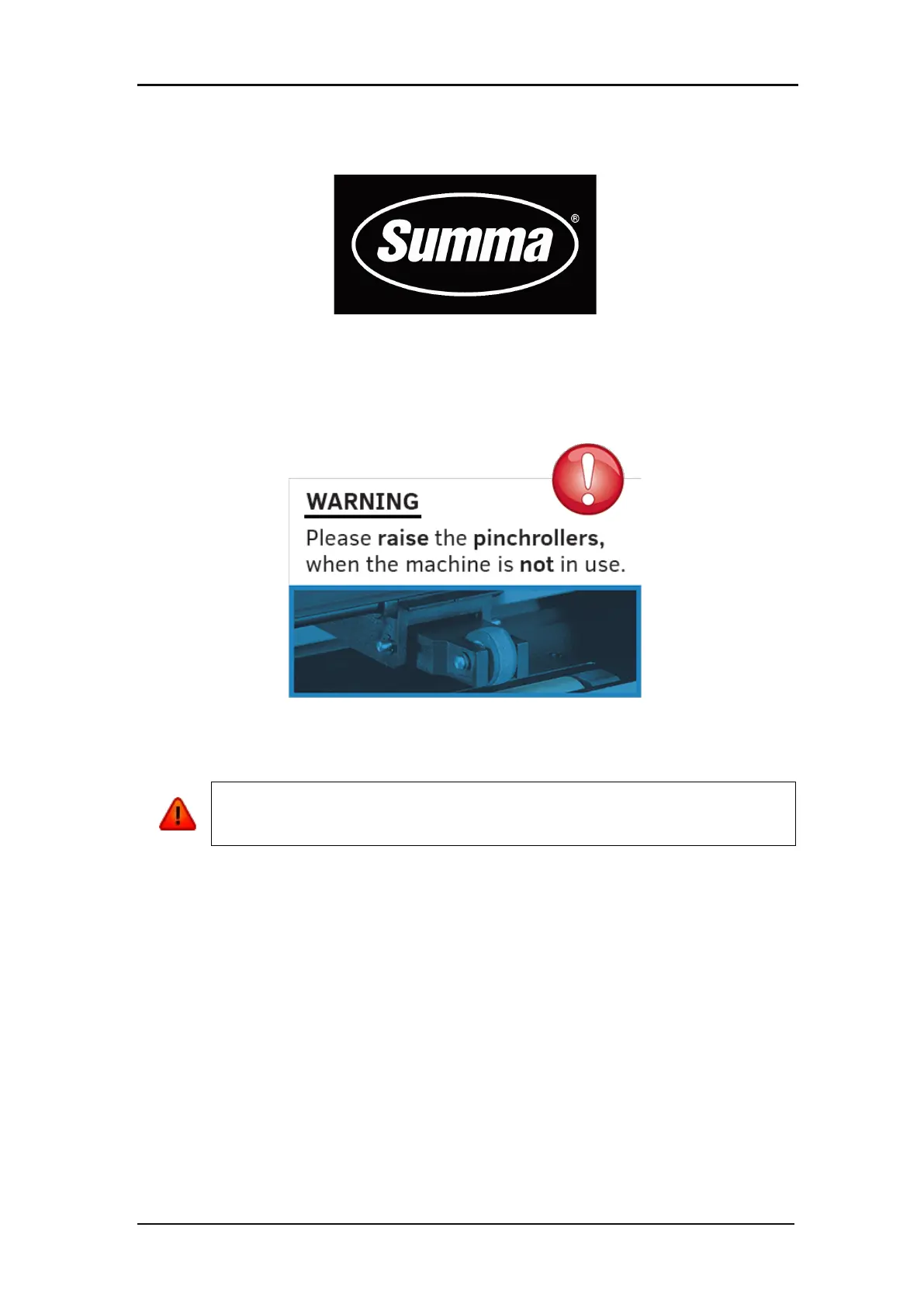
If applicable tips or advice will be shown instead of the Summa logo. For example when the
cutter is not busy and the pinch rollers are down, then following warning will appear on screen.
Touching the screen once disables the screen saver.
WARNING: Each keystroke can initiate an internal test or movement of the head
or media. Keep fingers and other body parts away from the cutting area. There are








 To Next Page