S CLASS™ 2 cutter User’s Manual
Setup 1-16
1.5.2 Ethernet connection
A couple of parameters need to be set when connecting a cutter to the Ethernet. It is best to
ask the network administrator whether a static address is needed or if a DHCP server is used.
If a static address is used, ask for the address and the subnet mask.
In case the DHCP server is used:
Just connect the cutter and write down the IP address to set up the cutting software.
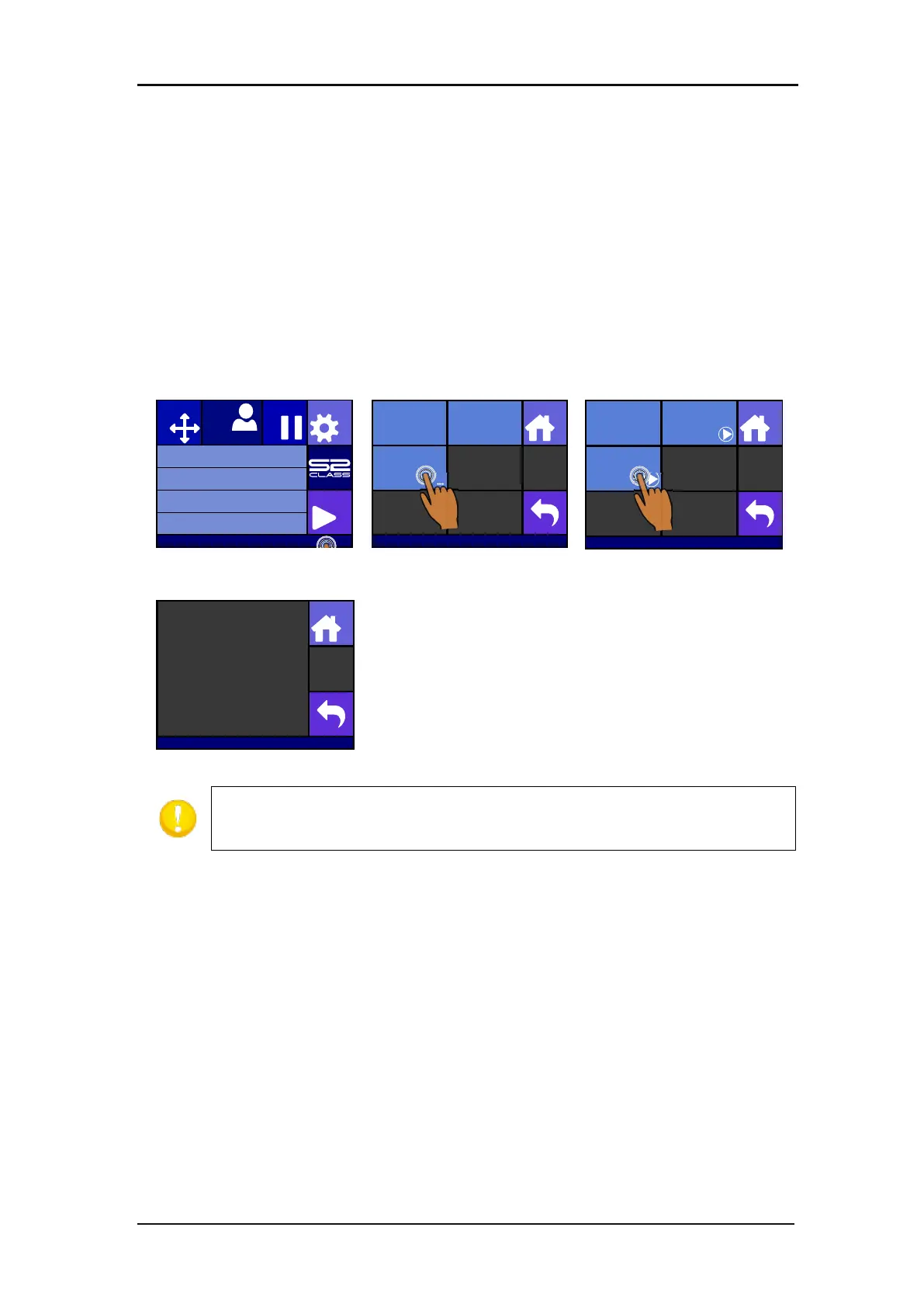
Check the IP address in the communication menu:
1. Power on the cutter (see section 1.4) and connect the Ethernet cable.
IP address (and other
network settings) are shown
on
the screen.
NOTE: it is recommended to work with a static IP address. If no static IP address
is used, it is possible that the IP address of the cutter suddenly changes and that
the cutter software does not function anymore.
Knife pressure 95 gr
Velocity 800 mm/s
Tool Tangential knife
Media size 50000 x 718 mm
Actions
Settings
Configuration 1
Pause
Origin
IP 192.168.1.7
Communication
Home
Tool Commands
Accept
USB class
USB port 1
LAN
...
Communication | LAN
Home
DHCP
On
Configure
Status
S31212-10088
Home
IP : 192.168.1.7
Subnet : 255.255.255.0
Gateway : 0.0.0.0
DNS1 : 0.0.0.0
DNS2 : 0.0.0.0
mac : 00-00-5e-f8-36-31








 To Next Page