S CLASS™ 2 cutter User’s Manual
OPOS 2-23
Dual Head (Optional)
2.6.1 Introduction
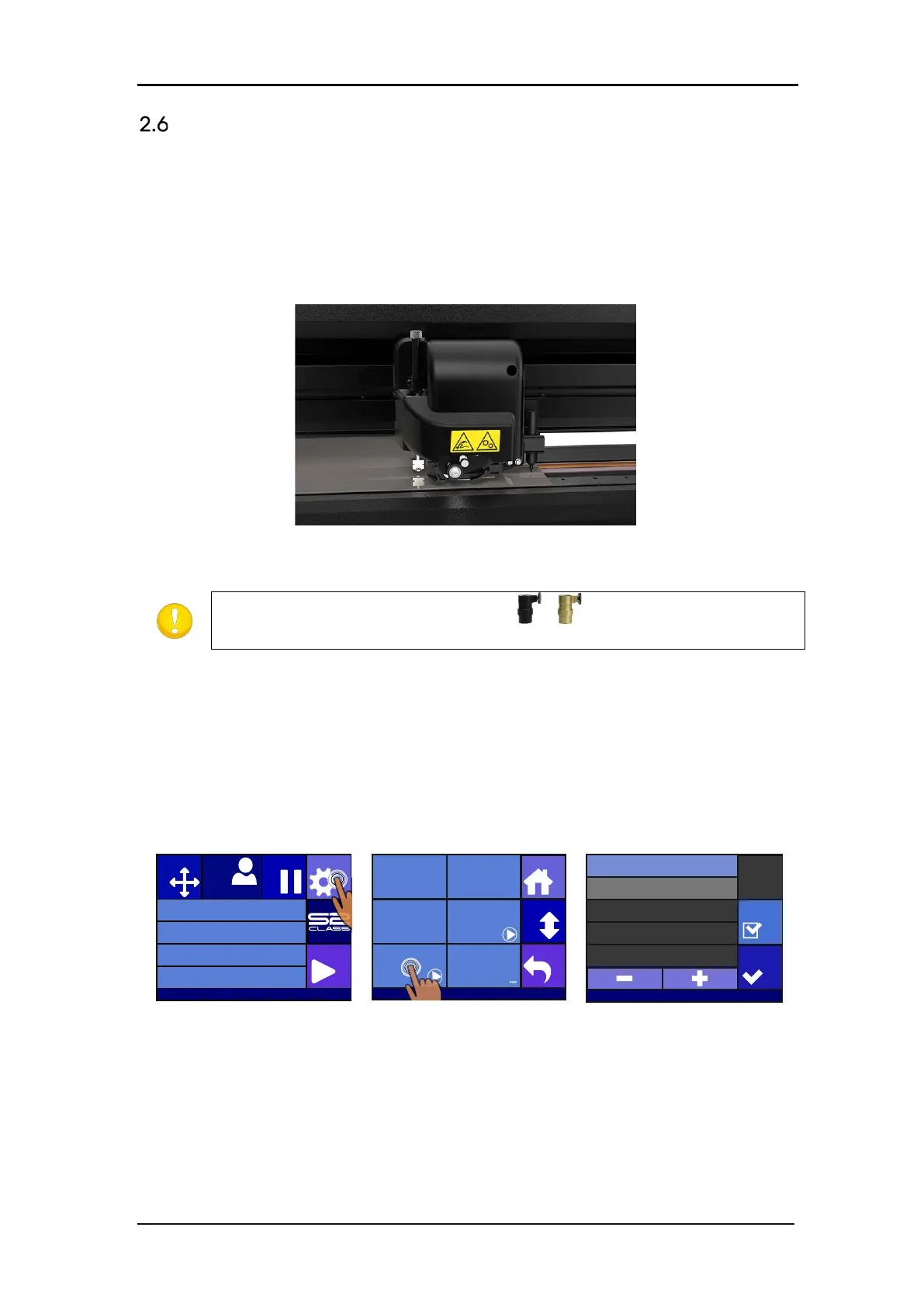
As an option, the S Class 2 T Series can be equipped with a cutting head with dual functionality.
This special Dual Head features an extra pen adaptor, instead of the OPOS sensor, allowing
you to work alternately with each tool. This extra pen has a fixed pressure which is controlled
by a spring.
FIG 2-14
2-14 DUAL HEAD
ATTENTION: The universal pen holders ( )cannot be used in the extra
penholder. Trying to mount them will break the pen holder.
2.6.2 Calibration Dual head
The extra pen needs an extra calibration. The purpose of the calibration is to set the origin
point of the knife the same as the origin point of the extra pen. The parameter that controls
this is called the Pen offset (X and Y).
Procedure to do this calibration:
1. Power on the cutter, load the media, and mount the knife and pen.
Press Settings
Press Pen offset
Press Test.
The cutter will cut two small lines at an angle of 90° and then draw over those lines with the
extra pen. If the pen draws exactly over the cut lines, then the Pen offset is calibrated
correctly. If the lines are not drawn exactly over the cut line, then adjust the values and test
again until the lines are exactly above one another.
Knife pressure 95 gr
Velocity 800 mm/s
Tool Tangential knife
Media size 50000 x 718 mm
Actions
Settings
Configuration 1
PauseOrigin
USB port 1
Settings
Back
More
Home
Tool
Tangential knife
Velocity
800 mm/s
Knife pressure
95 gr
Calibrate Knife
Pen offset FlexCut
255.255.255.0
Apply
Settings
Pen X offset 12.2mm
Pen Y offset 106.0mm
Test








 To Next Page