Chapter 8 Removing and Installing Subassemblies 77
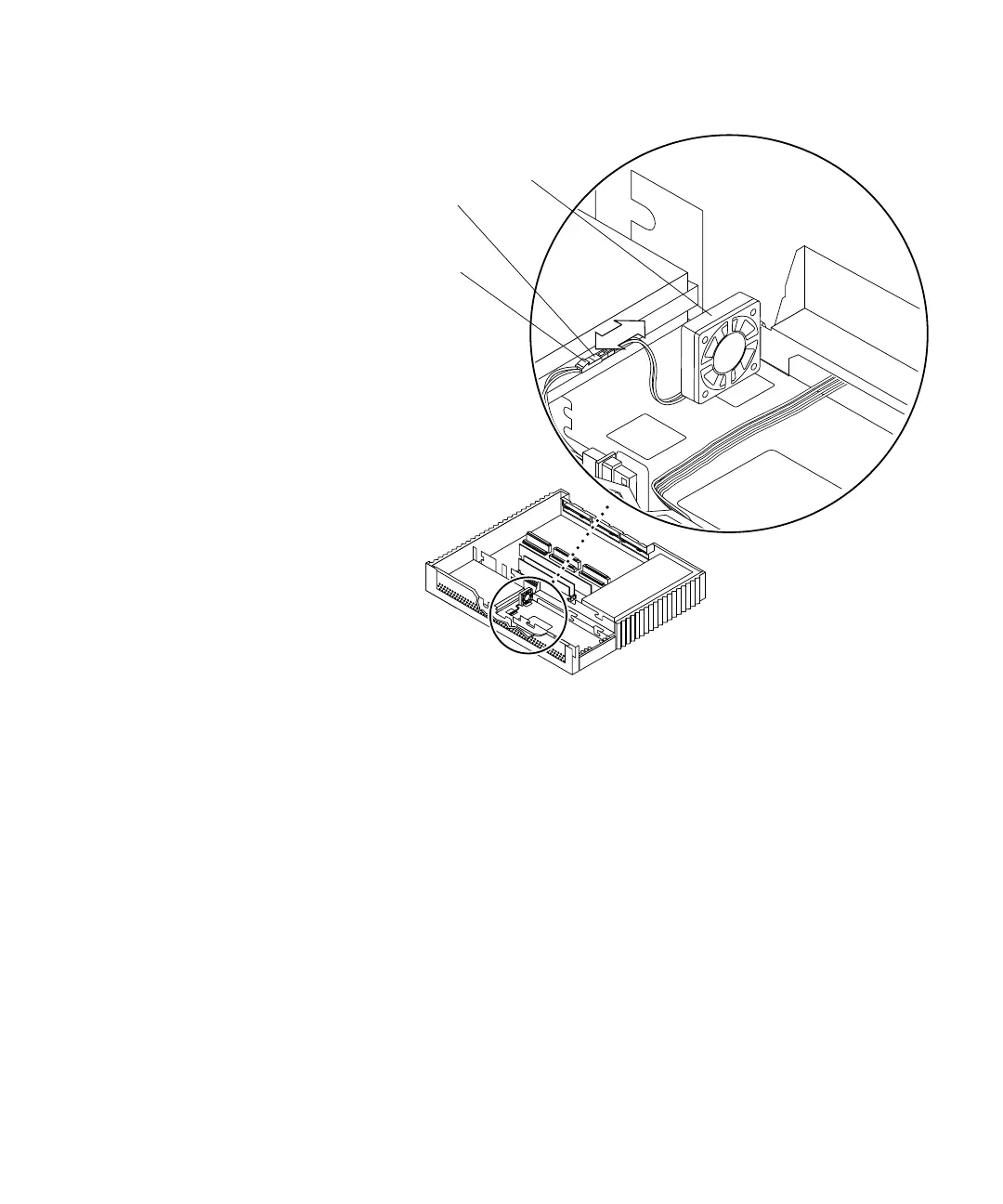
FIGURE 8-19 Disconnecting the Fan Power Connector from the DC Power Connector
5. Lift the excess fan DC cable from the cable trough along the front of the chassis;
remove the fan DC power harness (
FIGURE 8-20).
6. Disconnect the fan DC power connector from the CD-ROM drive power connector
(
FIGURE 8-21).
Front
Right
side
Fan assembly
DC power
Fan power
connector
connector
Note: Cable restraints and SCSI data
cables are not illustrated.














 To Next Page