Chapter 8 Removing and Installing Subassemblies 61
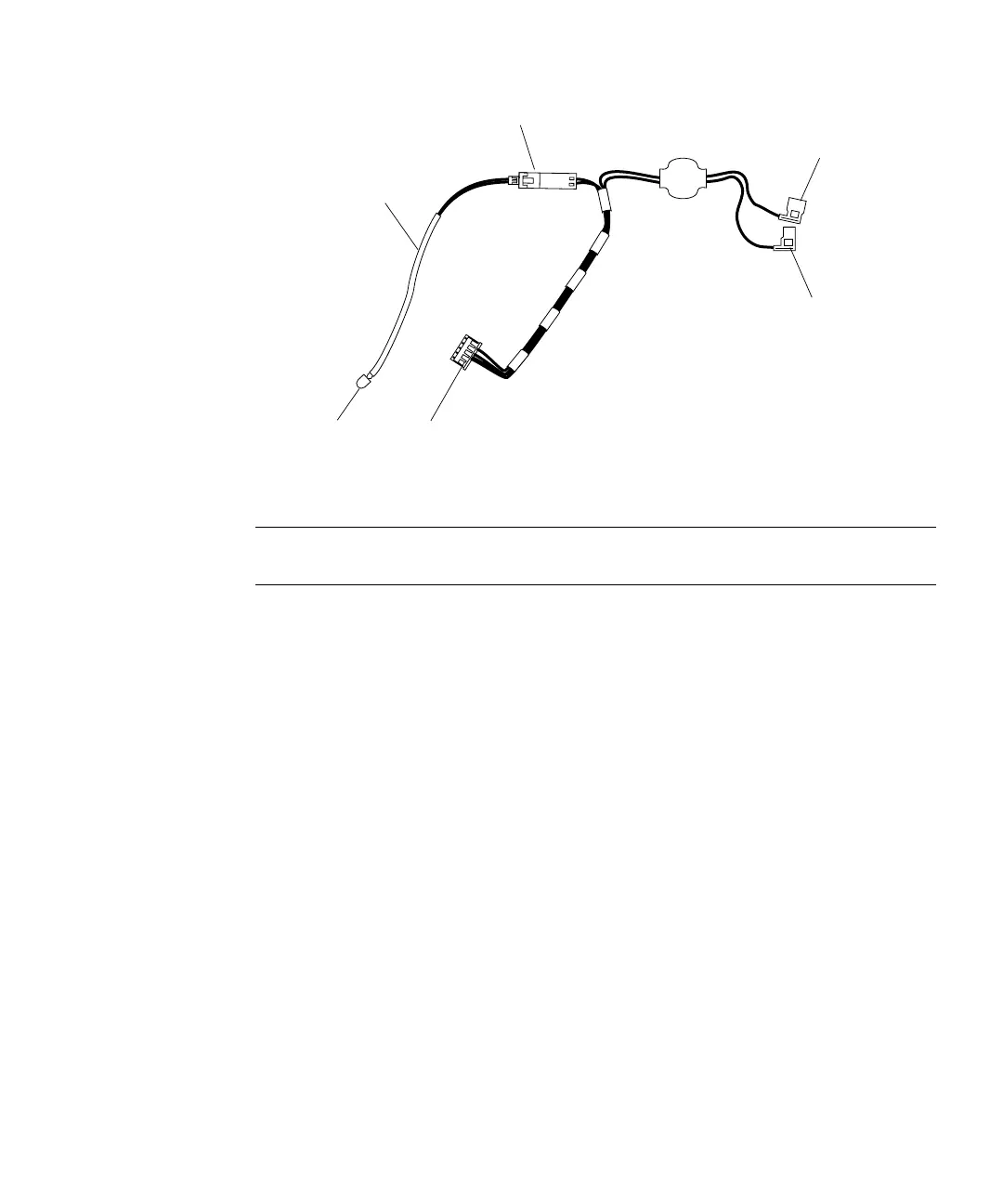
FIGURE 8-5 Speaker/LED Cable Detail
Note – Three tabs on the LED light pipe secure the LED to the right front corner of
the chassis (FIGURE 8-6).
4. Use the tip of a small screwdriver to work the cable and LED free from the light
pipe tabs (
FIGURE 8-6).
5. Disconnect the shrink-wrapped section of the LED cable from the in-line
connector (
FIGURE 8-7).
Speaker spade
connector (small)
Speaker/LED system
LED
In-line connector
Speaker spade
connector (large)
Shrink-wrapped
LED wires














 To Next Page