Chapter 8 Removing and Installing Subassemblies 73
7. Detach the wrist strap and replace the cover.
See Chapter 7.
8. Power on the system
See Section “Turning On the Power” on page 6-47.
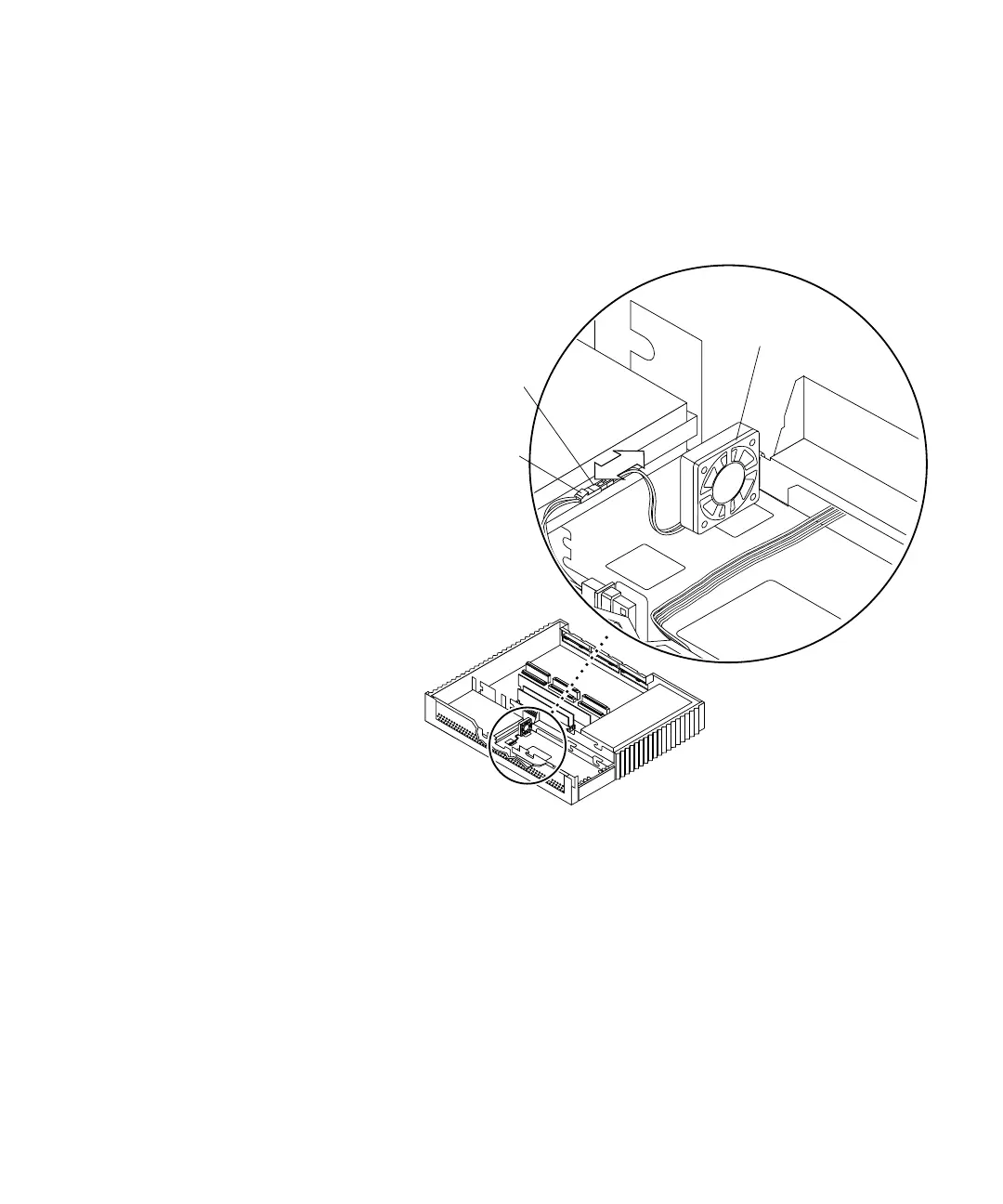
FIGURE 8-15 Connecting the Fan Assembly DC Power Connector
Front
Right
side
DC power
connector
Fan assembly
Fan connector
Note: Cable restraints and SCSI data
cables are not illustrated.














 To Next Page