120 SPARCstation 20 Service Manual • July 1996
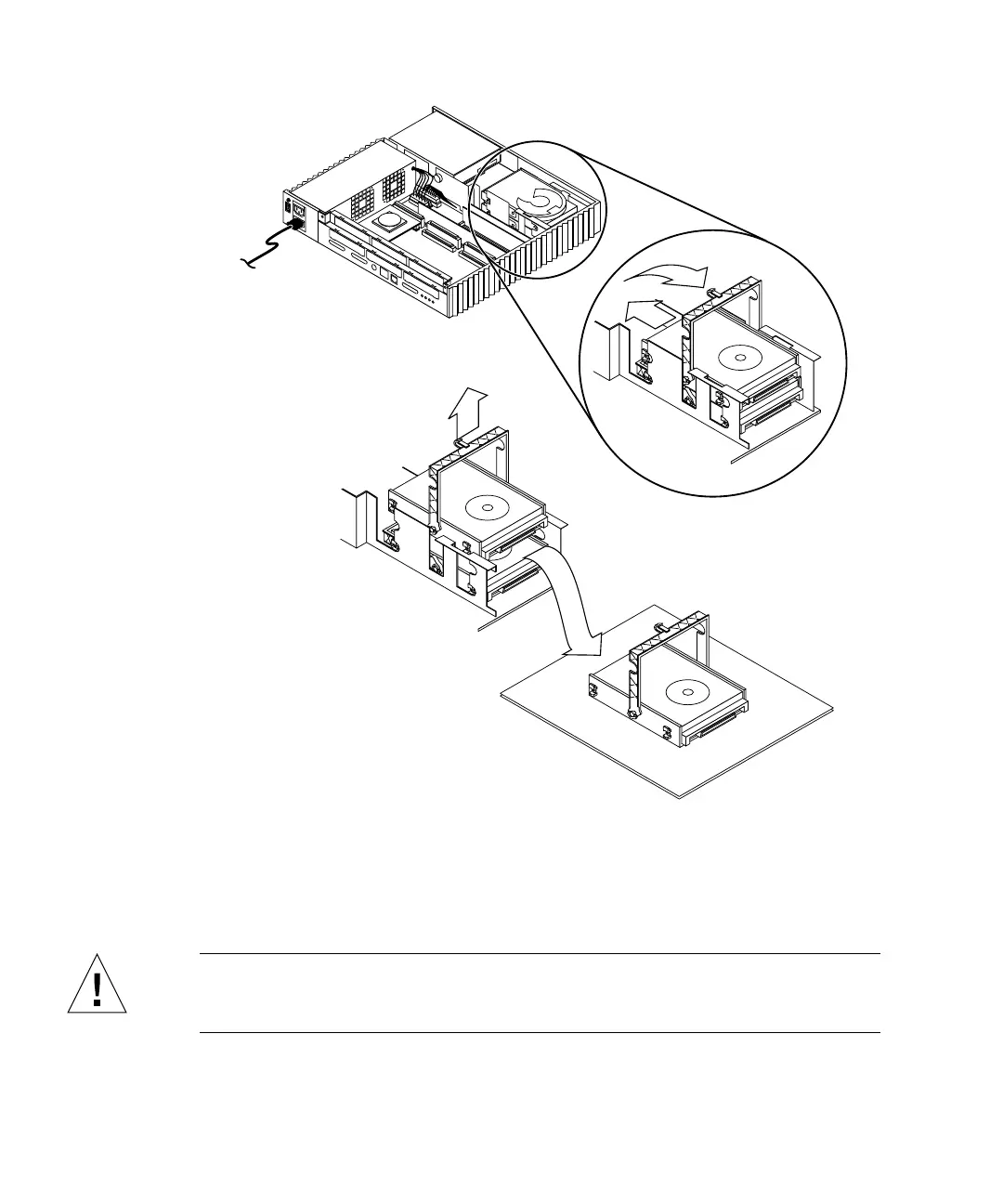
FIGURE 9-3 Removing a Hard Disk Drive
Installing a Hard Disk Drive
Caution – Use proper ESD grounding techniques when handling components. Wear
an antistatic wrist strap and use an ESD-protected mat. Store ESD-sensitive
components in antistatic bags before placing it on any surface.














 To Next Page