150 SPARCstation 20 Service Manual • July 1996
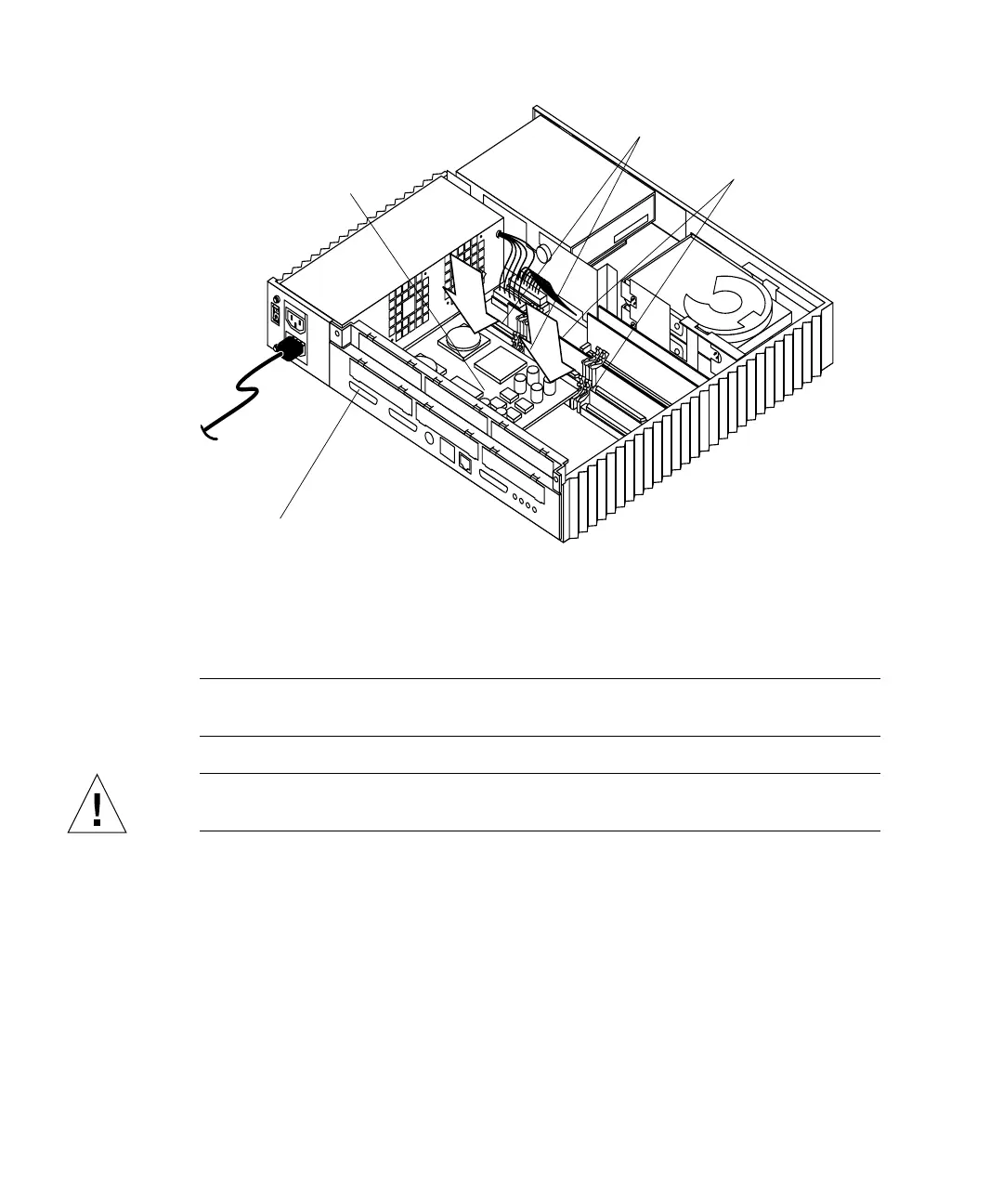
FIGURE 11-8 Installing a Double-Wide MBus Module
2. Insert the MBus module back plate into the system back panel; hook the MBus
module back plate into the back panel slot (
FIGURE 11-9).
Note – A double-wide MBus module installs and has a back plate like an SBus card.
The connector on the MBus module should face the appropriate MBus module slot.
Caution – An MBus module must be installed in MBus module slot 0 or the system
will not work.
SBus card retainer (2)
MBus module retainer (2)
Back panel
Double-wide
Mbus module














 To Next Page