80 SPARCstation 20 Service Manual • July 1996
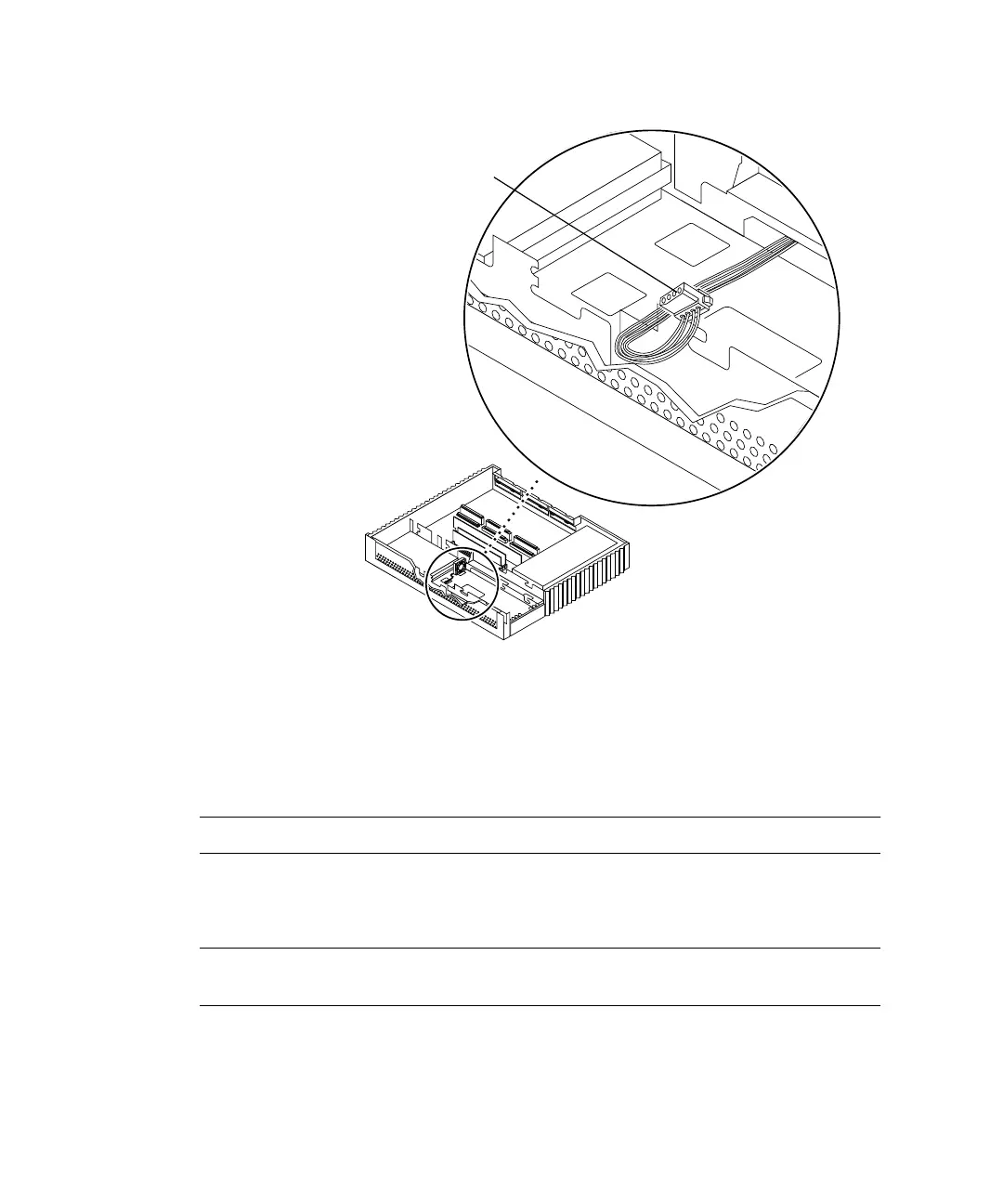
FIGURE 8-22 CD-ROM Drive DC Power Connector Location
2. Connect the fan DC power connector to the CD-ROM drive DC power connector
(
FIGURE 8-23).
Note – Connectors and terminals are keyed to ensure proper connection.
3. Place the excess cable into the cable trough along the front of the chassis
(
FIGURE 8-24).
Note – Be sure an adequate amount of two-wire fan DC cable is exposed to allow
fan connection.
Right side
Front
CD-ROM drive
DC power
connector
Note: Cable restraints and SCSI data
cables are not illustrated.














 To Next Page