156 SPARCstation 20 Service Manual • July 1996
Installing an SBus Card
Caution – Use proper ESD grounding techniques when handling components. Wear
an antistatic wrist strap and use an ESD-protected mat. Store ESD-sensitive
components in antistatic bags before placing it on any surface.
1. Place the SBus card on an antistatic surface.
2. If required, set the card jumpers or switches.
See the manual for the SBus product.
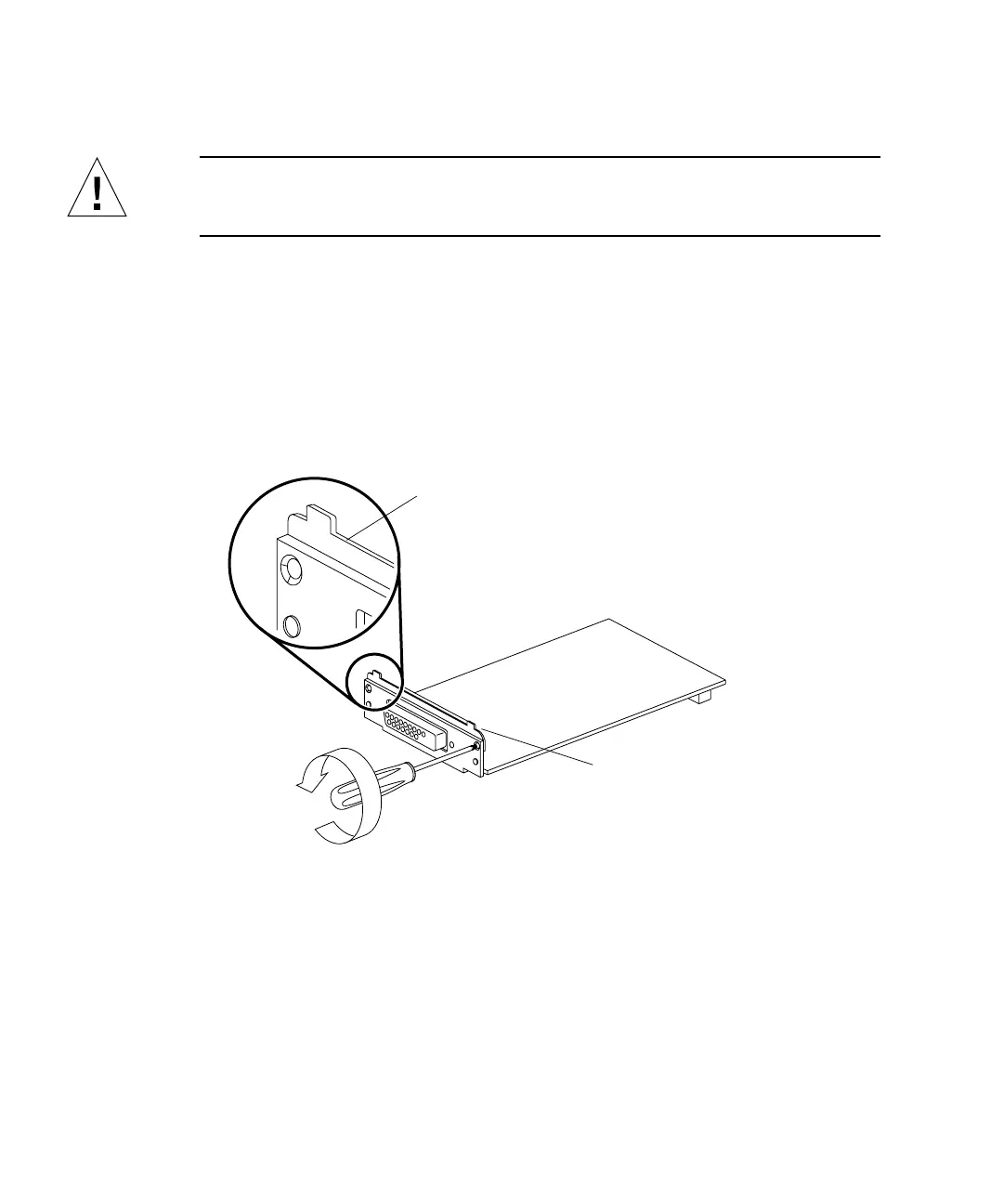
3. If the SBus card has tabs on the back plate, remove the two small Phillips screws
that attach the adapter bracket to the back plate and remove the adapter bracket
(
FIGURE 11-16).
FIGURE 11-16 Removing the SBus Card Adapter Bracket
4. Remove the card extractor from the SBus card as follows:
a. Bend one leg of the extractor outward slightly until the hook clears the hole in
the SBus card (
FIGURE 11-17).
b. Remove the other side of the extractor, which should come out easily without
bending.
5. Push the rear card retainers back on the system board (
FIGURE 11-17 and
FIGURE 11-18).
Adapter bracket
Tab














 To Next Page