86 SPARCstation 20 Service Manual • July 1996
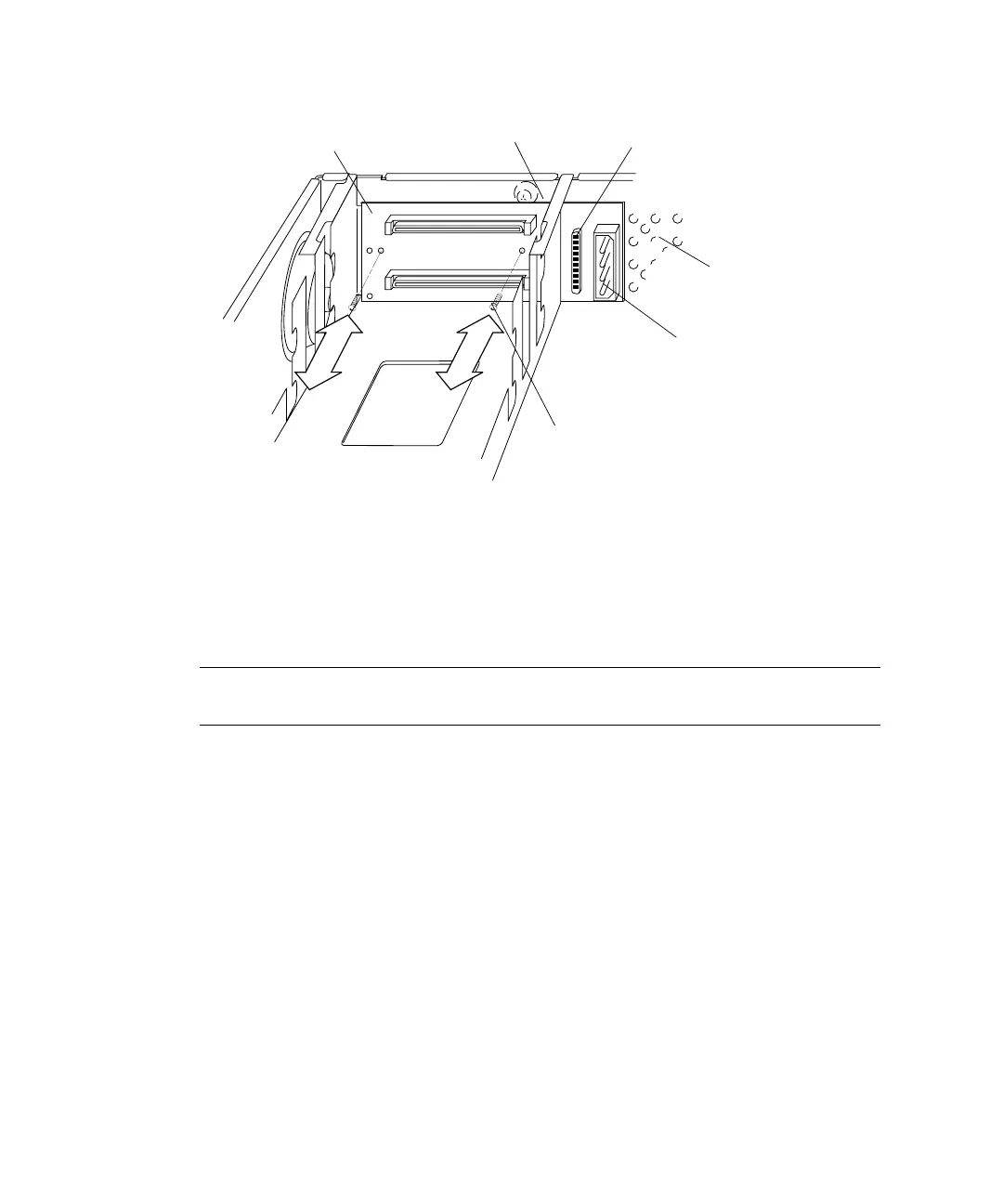
FIGURE 8-27 SCSI Backplane Screws
9. Remove the SCSI backplane bracket as follows (FIGURE 8-28):
a. Insert long needlenose pliers or a flat-blade screwdriver between the SCSI
backplane bracket and the sheetmetal chassis.
Note – If there is difficulty in accessing the bottom plastic tab with needlenose
pliers, use a flat-blade screwdriver to push the tabs toward the chassis corner.
b. Squeeze the plastic bracket tabs together and release the SCSI backplane
bracket from the slots that secure it to the sheetmetal chassis.
Sheetmetal slot
SCSI data
socket
DC power
socket
Left edge of
SCSI backplane
Sheetmetal
chassis
vented area
Phillips-head
screw (2)














 To Next Page