68 SPARCstation 20 Service Manual • July 1996
b. Place the tip of a small flat-blade screwdriver under the fan side mounting clip
and pry it up to free the fan clip from the chassis metal drive bracket.
c. While prying the clip up, pull the fan housing toward the center of the system
to free the bottom clip from the chassis (
FIGURE 8-11).
d. Set the fan aside.
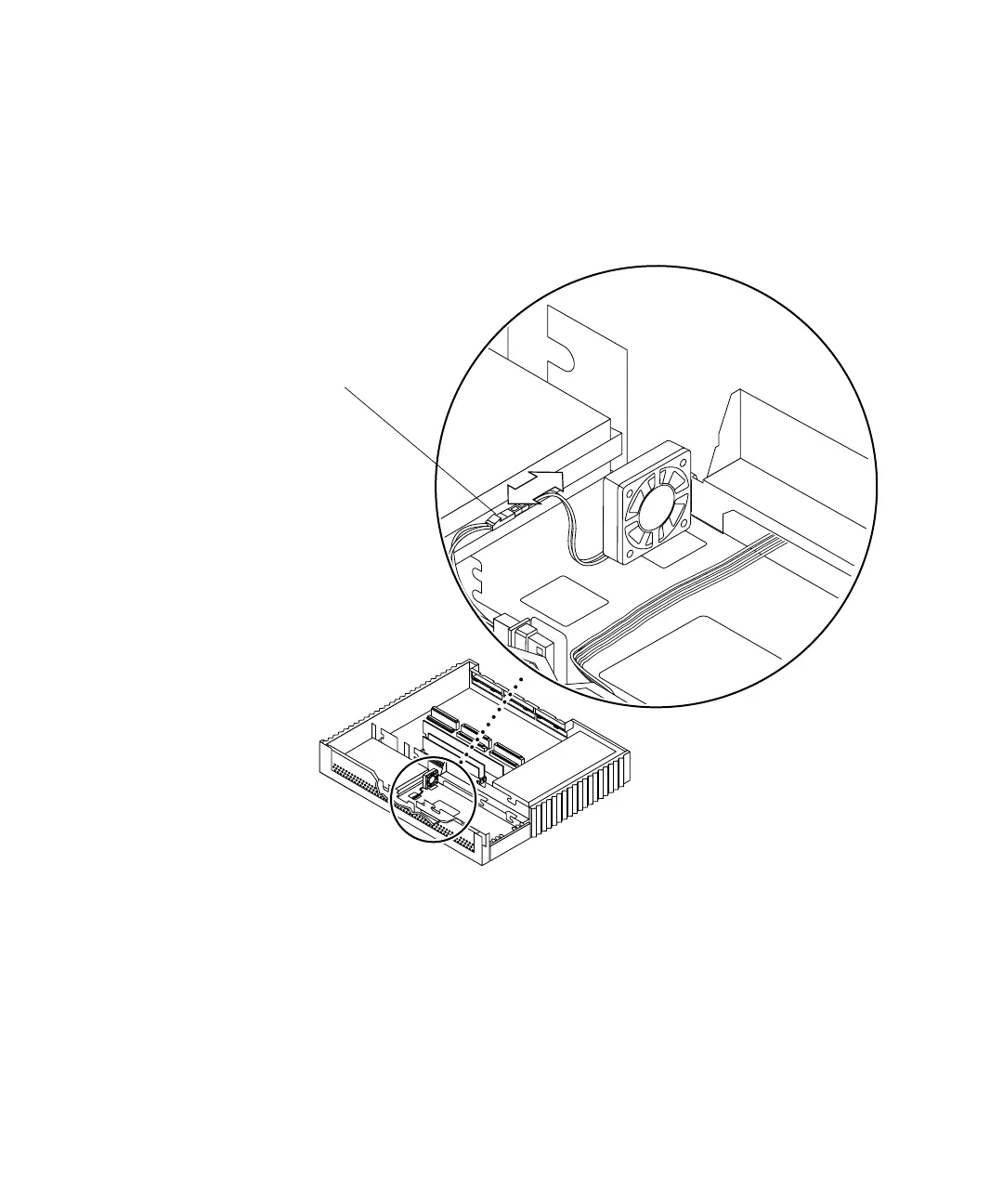
FIGURE 8-10 Disconnecting the Fan DC Power Connector
Right side
Front
Note: Cable restraints and SCSI data
cables are not illustrated.
Fan DC power connector














 To Next Page