128 SPARCstation 20 Service Manual • July 1996
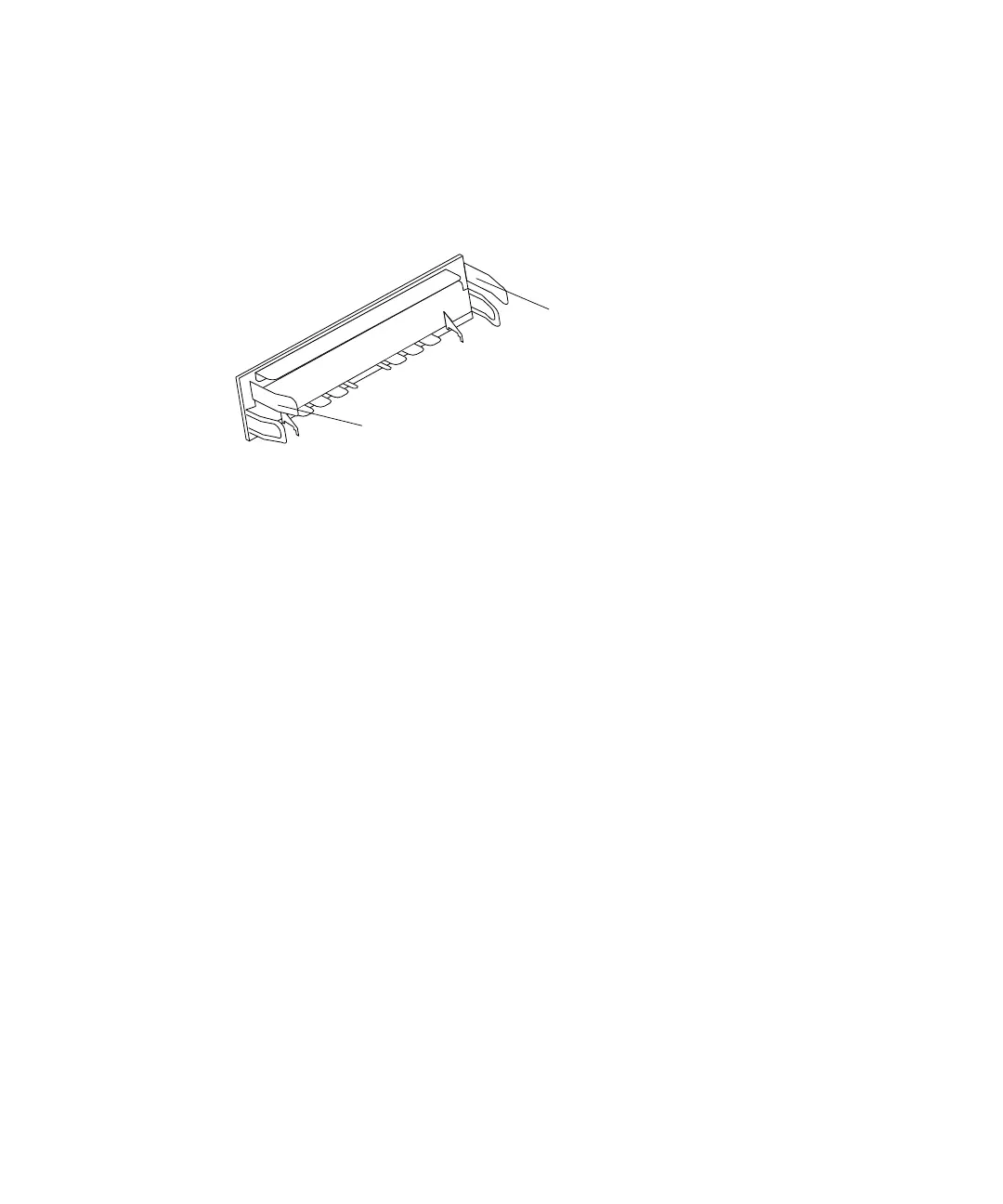
4. Remove the filler panel as follows (FIGURE 9-10):
a. Press the filler panel tabs in.
b. Rotate the filler panel outward.
c. Remove the filler panel from the chassis.
FIGURE 9-10 CD-ROM Drive Filler Panel
5. Place the screwdriver tip into the drive bracket slot next to a diskette grommet.
Use the screwdriver as a lever to move a diskette grommet forward, toward the
center of the chassis (
FIGURE 9-11).
6. Repeat Step 5 for other grommets to free the diskette drive.
7. Disconnect the power cable from the diskette drive (
FIGURE 9-11).
Tab
Tab














 To Next Page