Chapter 4
36
UM10372_PCNC440_Manual_0221A
OPERATiON
4. OPERATiON
This chapter provides an overview of the basic controls of the PCNC 440 mill.
WARNING! Unaended Operaon: Machine is not designed to operate unaended. Do not leave
machine unaended during operaon. When machine is not in use, turn the main disconnect o. Failure
to do so could result in death, serious injury, and/or machine damage.
4.1 Control Locations
There are two primarty controls: the Operator Box and the (on-screen) PathPilot® interface. All
control funcons can be found in one or the other locaon.
4.1.1 Operator Box
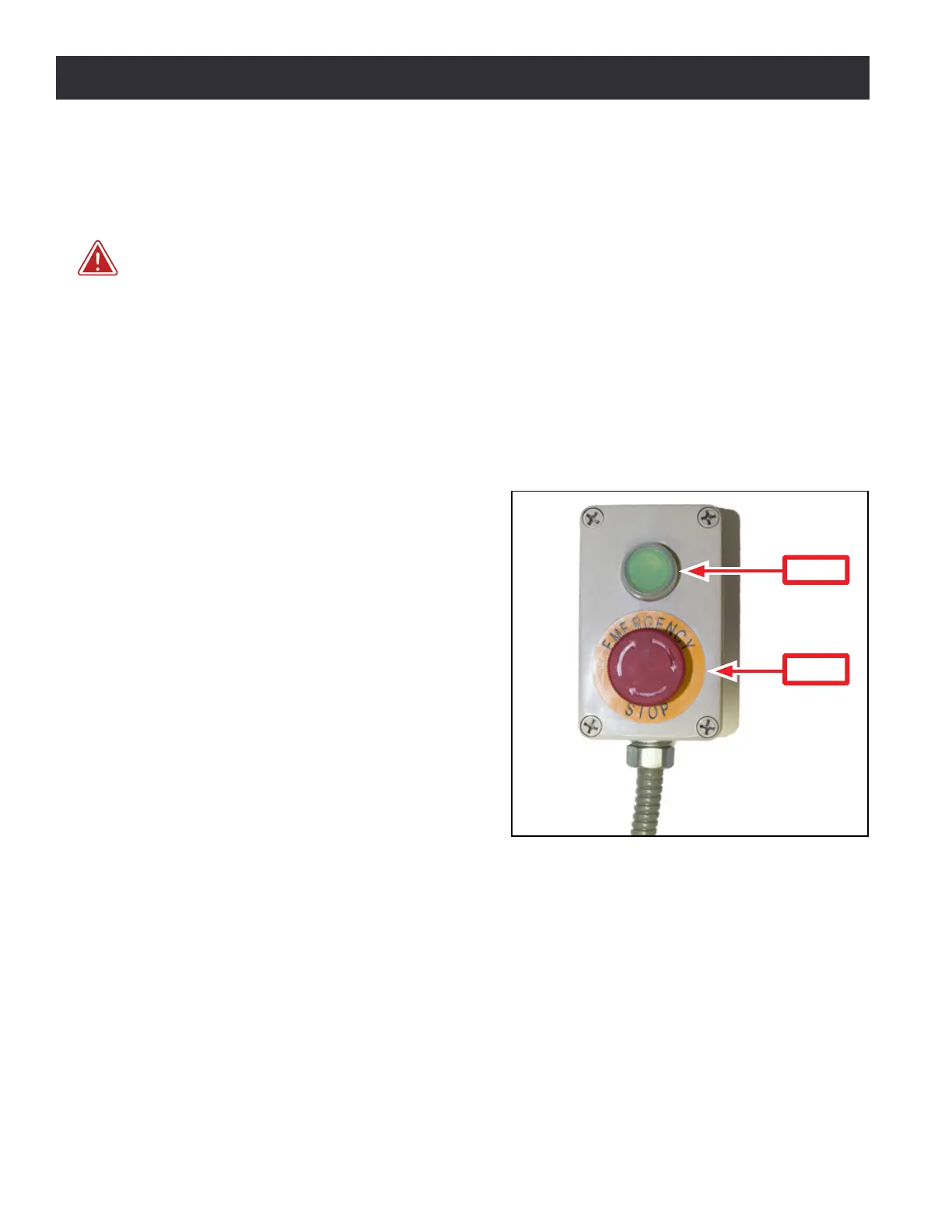
The operator box is shown in Figure 4.1. It
contains physical buons that control the
following funcons:
• Start
• E-stop
NOTE: Operator may choose to mount operator box to
slots on the right side of the chip pan. Hardware is not
included for mounng.
4.1.2 PathPilot Interface
PathPilot is a sophiscated CNC controller for
Tormach products. All aspects of the PCNC
440 are controlled via the on-screen PathPilot
interface. There are four primary ways for the
operator to interact with PathPilot:
• Keyboard
• Mouse
• Jog shule (oponal)
• Touch screen (oponal)
For informaon on the PathPilot interface, refer to chapter 6, PathPilot Interface.
Addional devices can also interface with PathPilot. These include Probe, Tool Seer, CNC Scanner,
etc. For informaon on these accessories, refer to chapter 8, Accessories.
Figure 4.1
Start
E-stop



 To Next Page