Chapter 3
30
UM10372_PCNC440_Manual_0221A
iNSTAllATiON
3.4 Essential Controls Overview
Check to ensure your local power supply meets the requirements detailed in chapter 2, Site Planning
and Prep.
3.4.1 E-stop, Start, Reset, and Main Disconnect
NOTE: Before connuing, review Power O/On
Procedure later in this chapter.
E-stop (emergency stop)
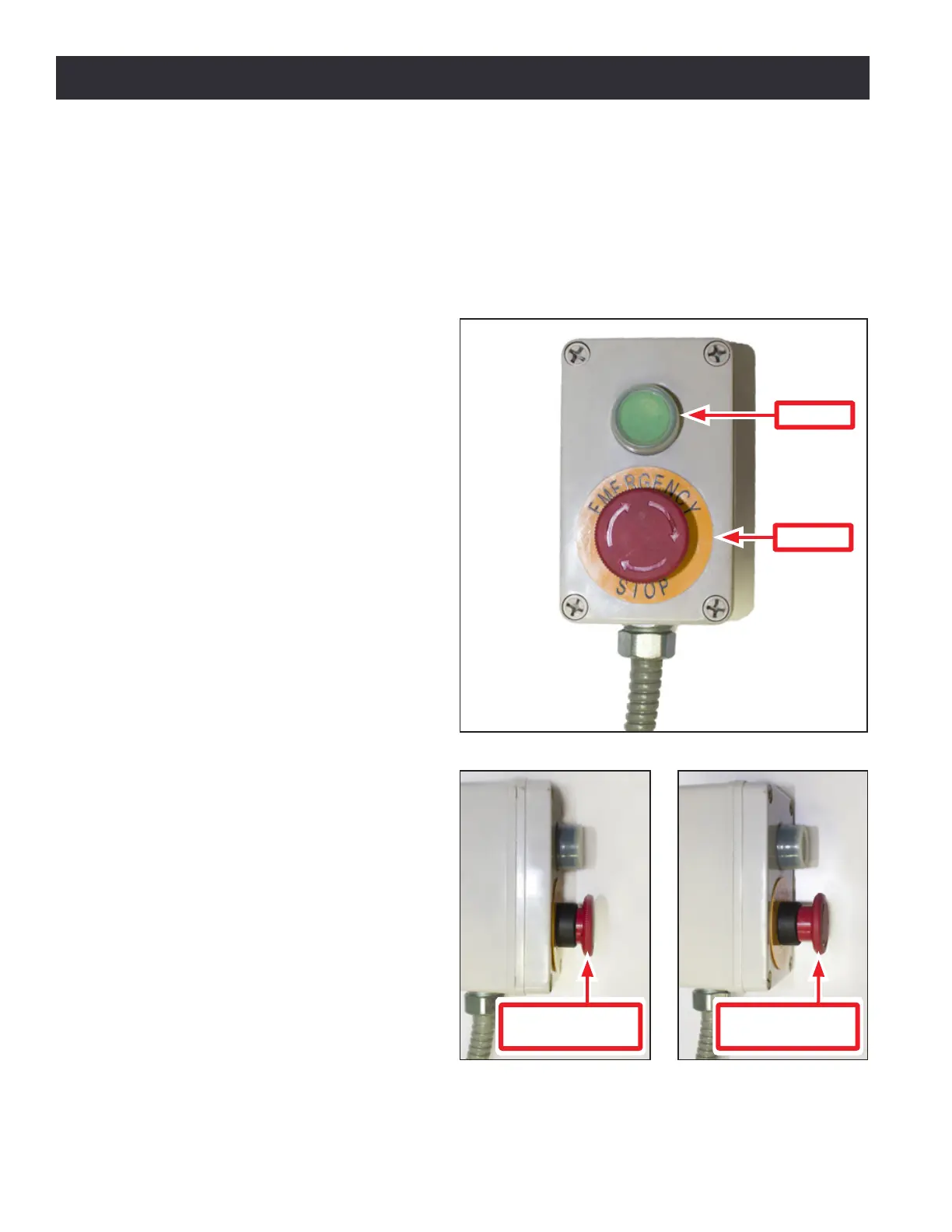
The mill has one emergency stop
buon or E-stop pre-installed on the
Operator Box (see Figure 3.12). The
E-stop terminates all moon and spindle
funcon. Depress the red E-stop and it
locks in the Power O posion (see Figure
3.13). Turn the red E-stop clockwise
a quarter-turn to release it; press the
green Start buon to power back on (see
Figure 3.12).
Start
The mill’s green Start buon, located
on the Operator Box (see Figure 3.12),
powers on circuits for the axis drives. The
PathPilot interface indicates the mill is
powered on and ready to operate when
the Machine OK LED is illuminated (see
Figure 3.16).
NOTE: Once E-stop is depressed, Start buon is
inoperave unl the E-stop is released.
Reset
Click the blinking Reset buon on
the PathPilot interface to establish
communicaons between the controller
and the mill (see Figure 3.16).
Figure 3.12
E-stop
Start
Operator Box
Figure 3.13
E-stop depressed
(Power Off)
Figure 3.14
E-stop released
(Power On)



 To Next Page