Chapter 7
108
UM10350_PCNC770_Manual_0916A
Programming
7.5.6 Plane Selection – G17, G18 and G19
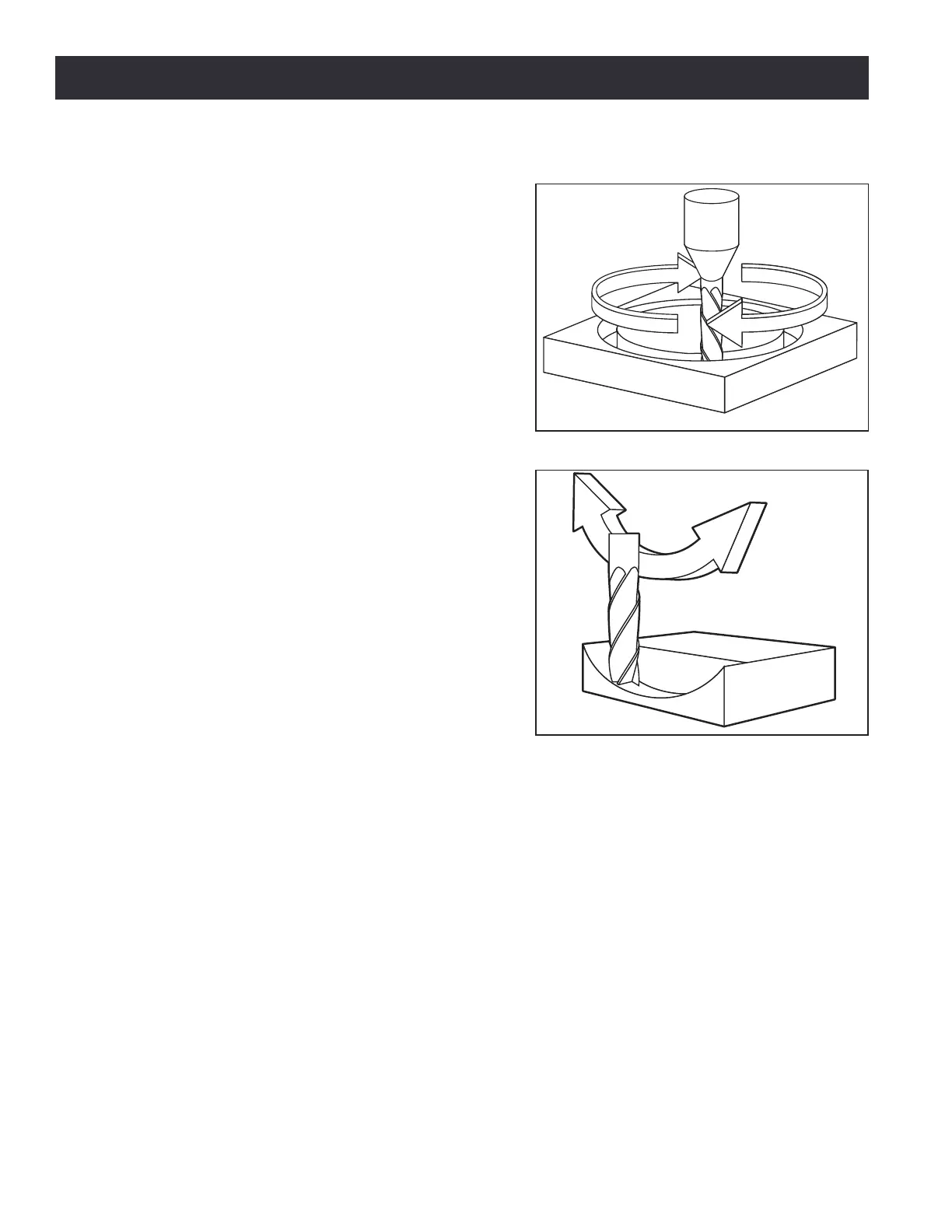
To select the XY-plane as acve, program: G17 (see
Figure 7.3).
To select the XZ-plane as acve, program: G18 (see
Figure 7.4)
To select the YZ-plane as acve, program: G19
The acve plane determines how the tool path of
an arc (G02 or G03) or canned cycle (G73, G81-G89)
is interpreted.
7.5.7 Length Units – G20 and G21
To set length units to inches, program: G20
To set length units to millimeters, program: G21
It is best pracce to program either G20 or G21
near the beginning of a program, before any moon
occurs. Also, avoid using either one anywhere else in
the program. It is the responsibility of the operator
to make sure all numbers are appropriate for use
with the current length units.
7.5.8 Return to Pre-defined Position – G28 and G28.1
To make a rapid linear move to the G28.1 posion, program: G28
To make a rapid linear move to the G28.1 posion by rst going to the intermediate posion specied
by the X~, Y~, and Z~ words, program: G28 X~Y~Z~
To store the current locaon of the tool in the G28.1 seng, program: G28.1
G28 uses the values stored in parameters 5161, 5162, and 5163 as the X,Y,and Z nal points to move
to. The parameter values are absolute mill coordinates in the nave machine units of inches.
G28.1 stores the current absolute posion into parameters 5161-5163.
It is an error if:
• Cuer Compensaon is turned on
Figure 7.3
Figure 7.4



 To Next Page