Chapter 5
51
UM10350_PCNC770_Manual_0916A
Intro to PathPilot
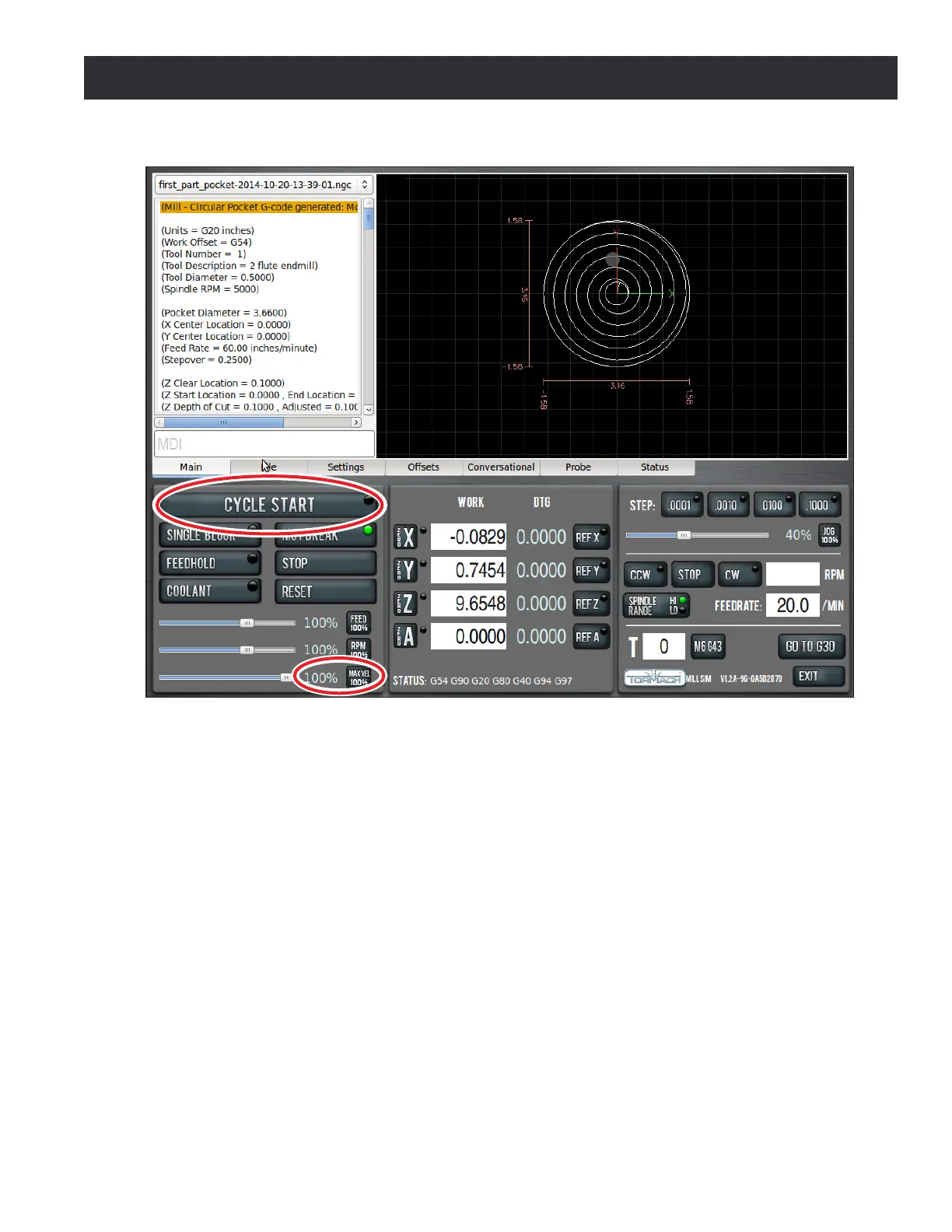
3. Grab Maxvel slider again and slowly increase allowed velocity (see Figure 5.12). Bring velocity
back down to zero when you get close to the part and double check values in the DROs to
make sure that tool posion looks correct. For example, if tool is 1/4” above the workpiece,
Z DRO should read 0.2500. If everything looks correct, move Maxvel slider back up to resume
part program.
5.1.5.2 Operation 2
Go back to the Conversaonal screen and click on the Engrave tab (see Figure 5.10) and the Engrave
screen opens (see Figure 5.13). Enter the values shown in Figure 5.13, Conversaonal DROs. Make
sure to enter PCNC in the text eld.
1. Select the FreeMonoOblique. font (see Figure 5.13) and change the Tool DRO to 2 for the
engraving operaon.
2. Press the Append to File buon (see Figure 5.13). A le chooser dialog opens that allows you
to select the le to which you want to add the engraving G-code.
Figure 5.12



 To Next Page