Chapter 5
50
UM10350_PCNC770_Manual_0916A
Intro to PathPilot
Make note of a few things:
• Units are expressed according to the
current G20/21 seng. If you are in
G21 (metric), the feed rates will be in
mm/min and the coordinates in mm.
For the purposes of this tutorial, use
imperial units (G20). You can check the
current G20/21 seng by inspecng
the string of acve G-codes next to the
word Status at the boom middle of
the screen (see Figure 5.12).
• To enter values in a DRO, simply
click the mouse inside the DRO and
type a number, then click Enter on
the keyboard. Pressing Enter in the
conversaonal DROs is not required,
but is recommended as the control
will automacally move your cursor to
the next DRO in the sequence and will
perform validaon to make sure you
have not entered an illegal value.
• Aer the values from Figure 5.10 are entered, click the Post to File buon to save the G-code.
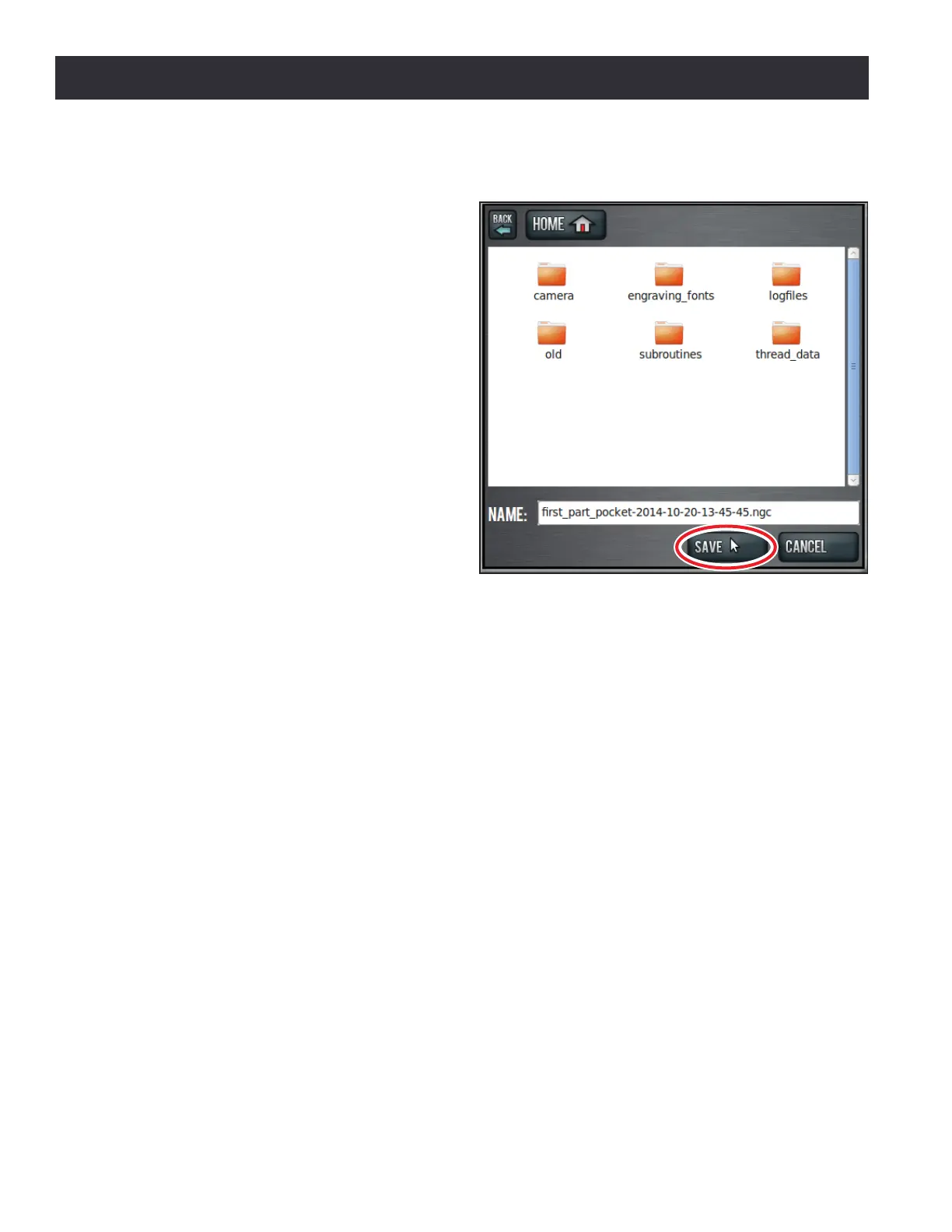
• When you click Save (see Figure 5.11) it also automacally loads into the control and displays
the tool path (see Figure 5.12).
To run the program:
1. Grab the Maxvel slider (lower le hand corner of screen) by clicking on and drag it down to
zero (see Figure 5.12).
NOTE: If your mill is equipped with an ATC, seng Maxvel to zero stops all moon and will prevent the mill
from changing tools.
2. Click Cycle Start buon (see Figure 5.12). If the current tool is not Tool 1 and you have
congured the mill for manual tool changes, the Cycle Start buon LED may blink requesng a
tool change. Change the tool and conrm by clicking the Cycle Start buon again. If equipped
with an ATC, tool changes happen automacally without operator interacon.
Figure 5.11



 To Next Page