1-18 SHB WL34 * 2.0
1 Maintenance
Maintenance
Removing/installing the operator seat
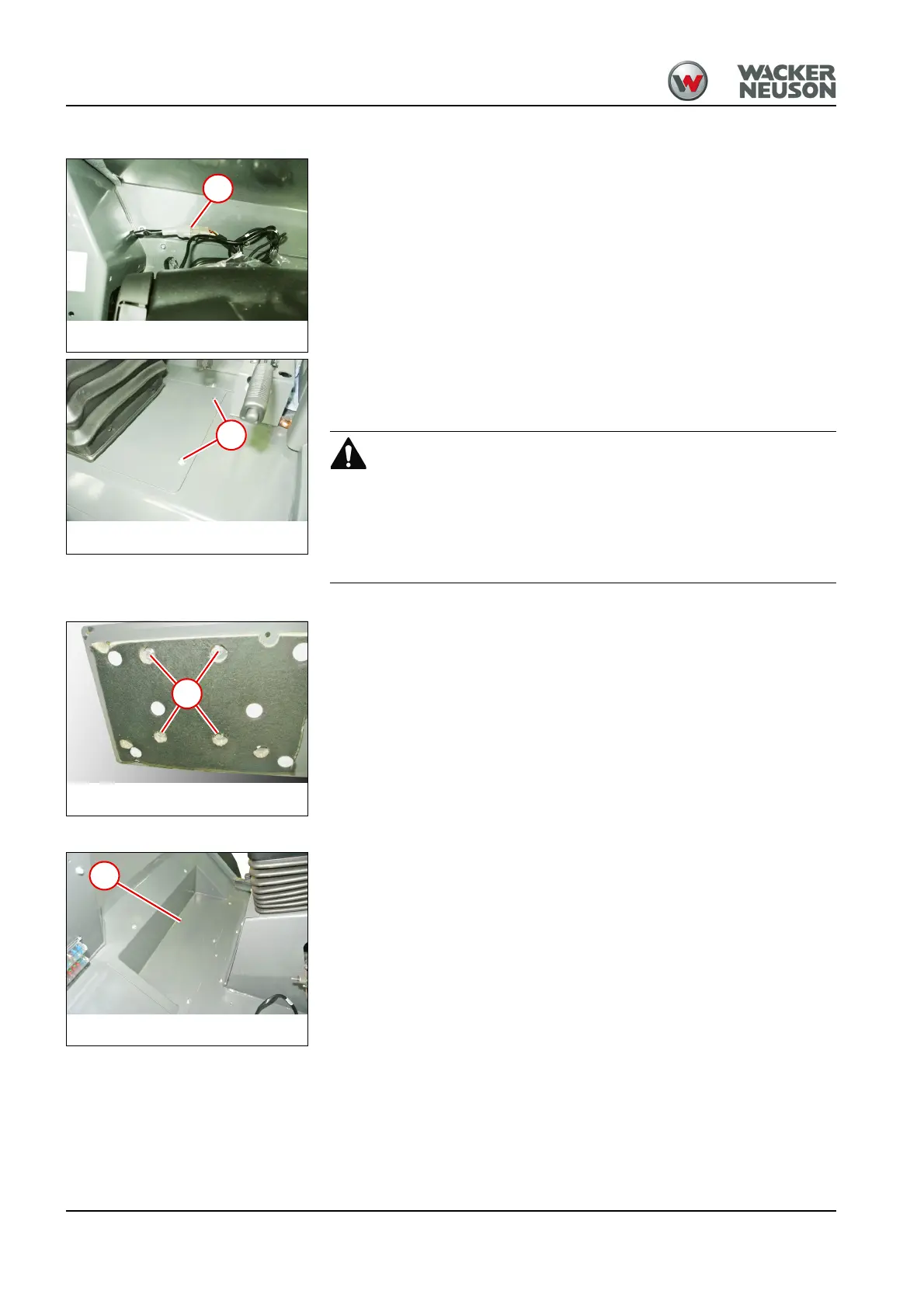
1. Disconnect the plug connector for seat contact switch 1.
2. Remove the fastening screws from both sides of the cover of the seat
console 2.
Injury hazard due to heavy component!
The operator seat with cover panel weighs approx. 47 kg.
To remove and install the operator seat, use suitable lifting gear or work
together with a second person.
3. Remove the operator seat using a lifting tool.
4. Remove the fastening screws 3 and take off the cover panel.
Install in the reverse order.
Removing/installing the footwell cover panel
1. Remove floor mat.
2. Remove all screws and take off the cover plate 1.
Install in the reverse order.



 To Next Page