GDP-32
II
INSTRUCTION MANUAL
January 2003 Section 8, Page 6
SCREEN 4 – DATA ACQUISITION SCREEN
Primary survey settings are displayed after the initial parameters and channels have been set.
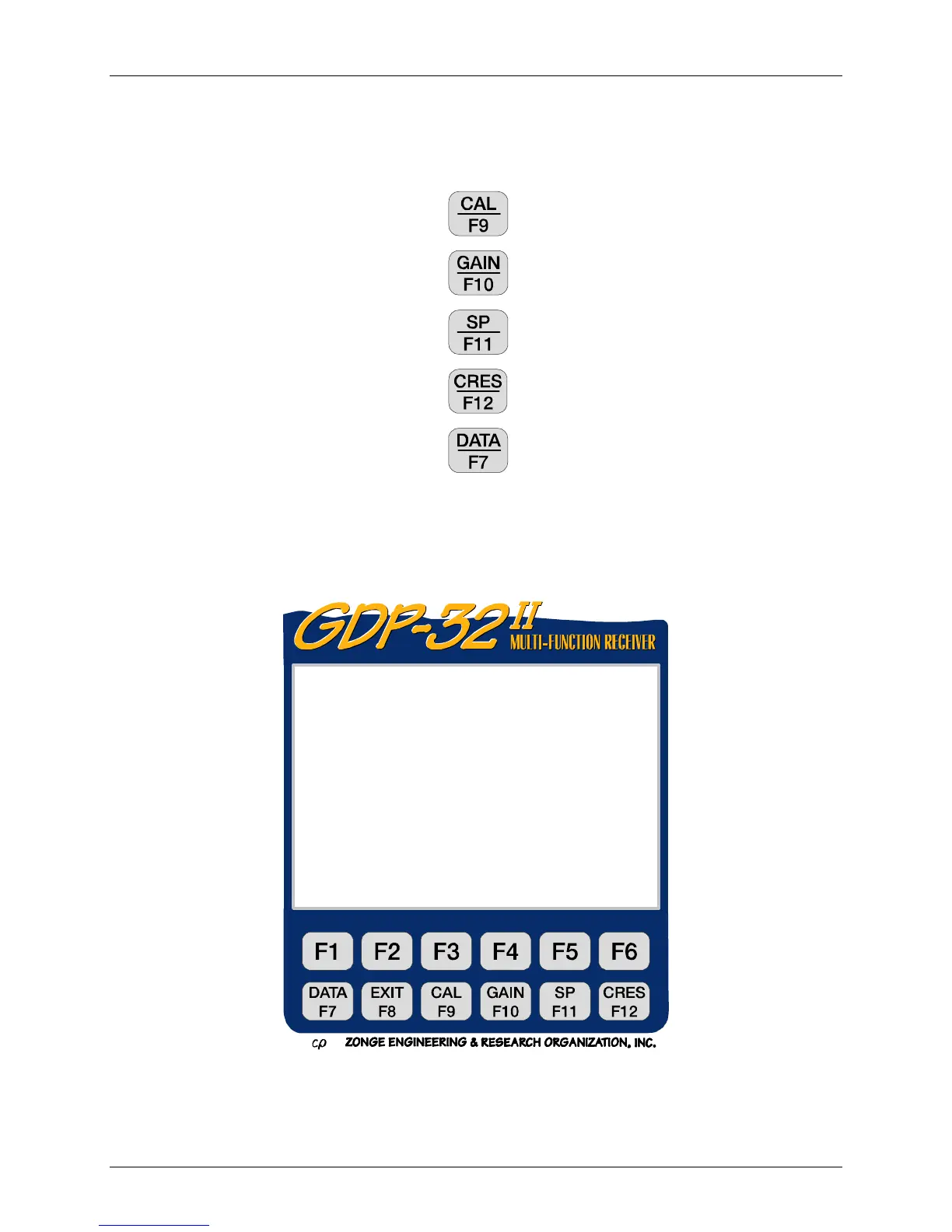
Initiate the following routines from this screen:
Calibration or System Check
Gain Setting and Stack Count
Bucking out Self-Potential
Measuring Contact Resistance
Reviewing Data
Refer to Section 5 – Accessing Programs for more information on Survey Program Screen.
Refer to Section 6 – Receiver Setup for information on setting up the GDP-32
II
receiver prior to
gathering data.
0207 RPIP0613 11.7 08 Jan 18 13:47:24
Survey D-D
Tx 1 Rx 3 N OUT
.125 Hz 8 Cycles Tx Curr 1
CH N G0 G1 G2 Atn SP GGGA
1 ON 1 1 1 1 OUT -7.14 005O
2 ON 2 1 1 1 OUT -3.05 005O
3 OFF
4 OFF
CONT-Set gains, ESC-Prev. menu



 To Next Page