GDP-32
II
INSTRUCTION MANUAL
January 2003 Section 8, Page 12
VIEWING DATA
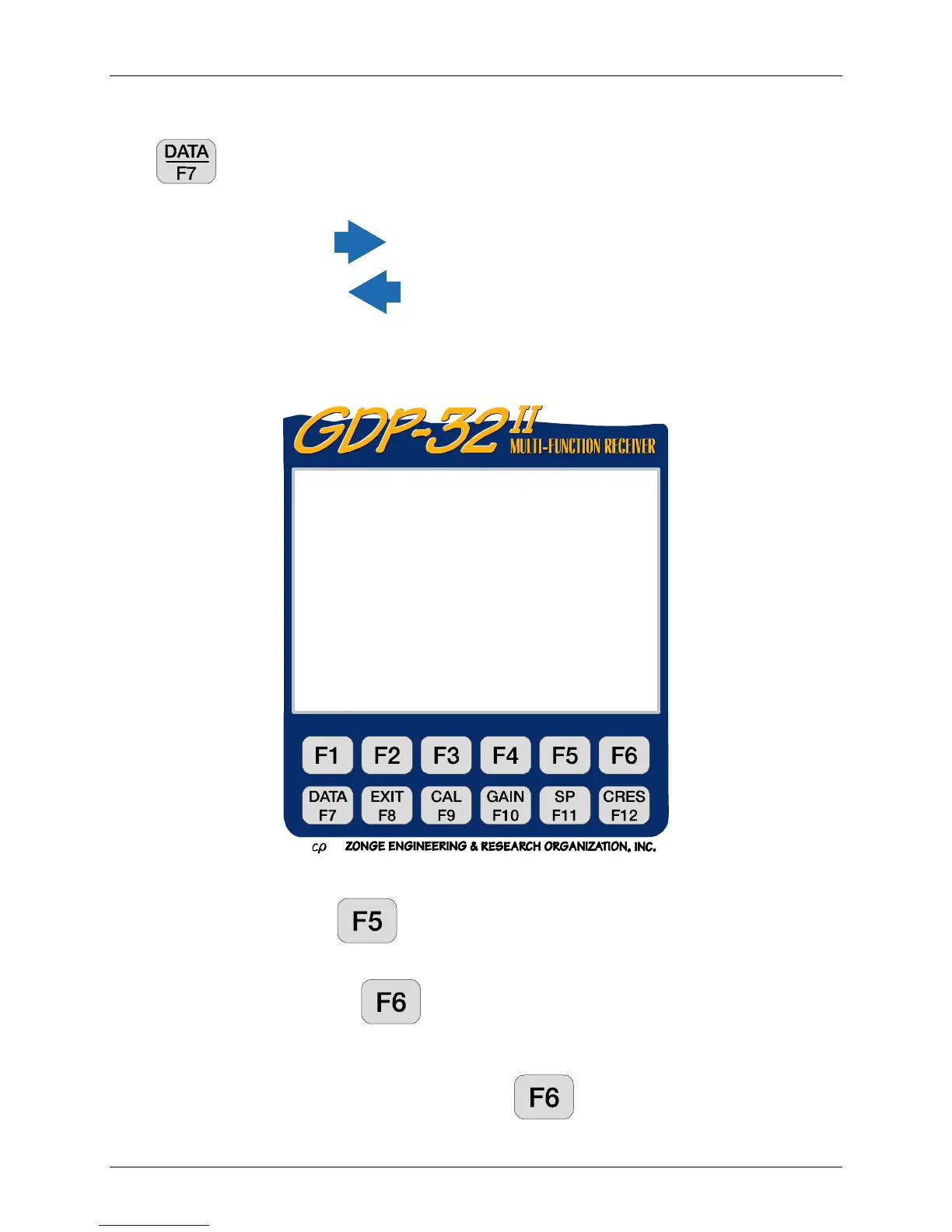
Press to display the last stack. The data display is in the following format:
The SEM, SP and contact resistance values have been saved, but are off the screen to the right.
To view these numbers press several times.
To move back to the left, press
.
NOTE: The “O” for Attenuator OUT is included with the powers of 2 gain settings above (e.g.
005O).
Data Acquisition Options
Plot Data - Press
to access the plot routines. Only complex plane plots are
enabled for this version of RPIP.
Skip Flag - Pressing
places an 'x' between the version number and the date
in the header for the block being viewed. This flag is recognized by the
plot routines and the flagged data is skipped when averaging multiple
blocks for plotting. Pressing
again removes the 'x'.
Block: 0208 Total: 0208
RPIP0618 2000-01-18 13:50:31 11.7v D-D 28.8% 23.3DegC
Tx 1 Rx 3 N OUT
.125 Hz 4/ 4 Cycles Tx Curr 1
CH N MAG
φ
φφ
φ
rho GGGA SEM SP
1 ON 1 1.2737 0.1 1086 000O 0.01 –7.14
2 ON 2 1.2736 0.1 7542 000O 0.00 –3.85
3 OFF
4 OFF
Select Block Plot Skip
Block 0208 Data Flag



 To Next Page