QUICK START
Section 4, Page 7 October 2003
4.4 CALIBRATION
Calibrations are performed from the Data Acquisition Screen of the Survey Program to be
calibrated.
CAUTION: Performing a calibration overwrites any previous calibration data for that
program.
INTERNAL CALIBRATION
SUMMARY
NOTE: The following summary is based
on the TDIP, RPIP or CSAMT Survey
Programs.
1. Set the frequency to the lowest
frequency to be used in your
survey. (e.g. 0.125 Hz)
2. Set cycles to 16.
3. Set the notch filter to be used
for this Survey Program.
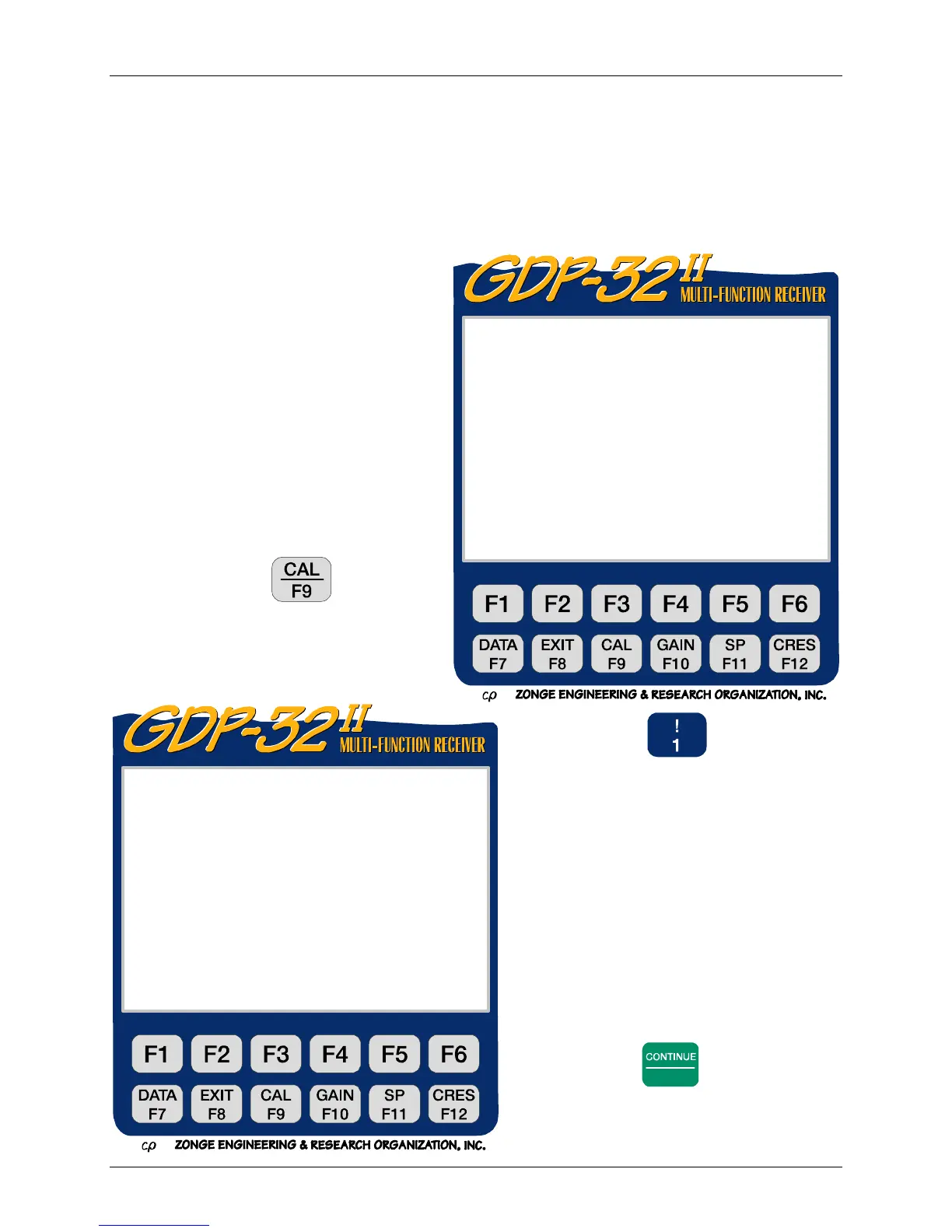
4. Press the
function key.
You can now select between the
Calibrate (Cal) and System
Check (Sys) Mode.
5. Press to “Create new
calibrate records”.
6. Press
Enter
to proceed.
0151 RPIP0613 11.7 26 Jan 00 20:31:58
Survey D-D
Tx 1Rx 700N 60, 5
1 Hz 16 Cycles Tx Curr 8
1) Create new calibrate records
2) System check
3) Auto system check
4) Set calibrate voltage
(Press 1 – 4, ESCAPE):
0151 RPIP0613 11.7 26 Jan 00 20:32:16
Survey D-D
Tx 1Rx 700N 60, 5
1 Hz 16 Cycles Tx Curr 8
This will destroy previous calibrates.
CONTINUE to proceed, ESCAPE to abort.



 To Next Page