GDP-32
II
INSTRUCTION MANUAL
October 2002 Section 19, Page 22
19.11 CONFIGURING PORTS
SERIAL I/O PARAMETERS
Option 3 of the Data Mode Main Menu sets the protocols for transferring data to a computer via
the RS-232 serial port. The GDP-32
II
uses a standard XON, XOFF software handshake protocol.
For complete information on transferring data see Section 19.12 below.
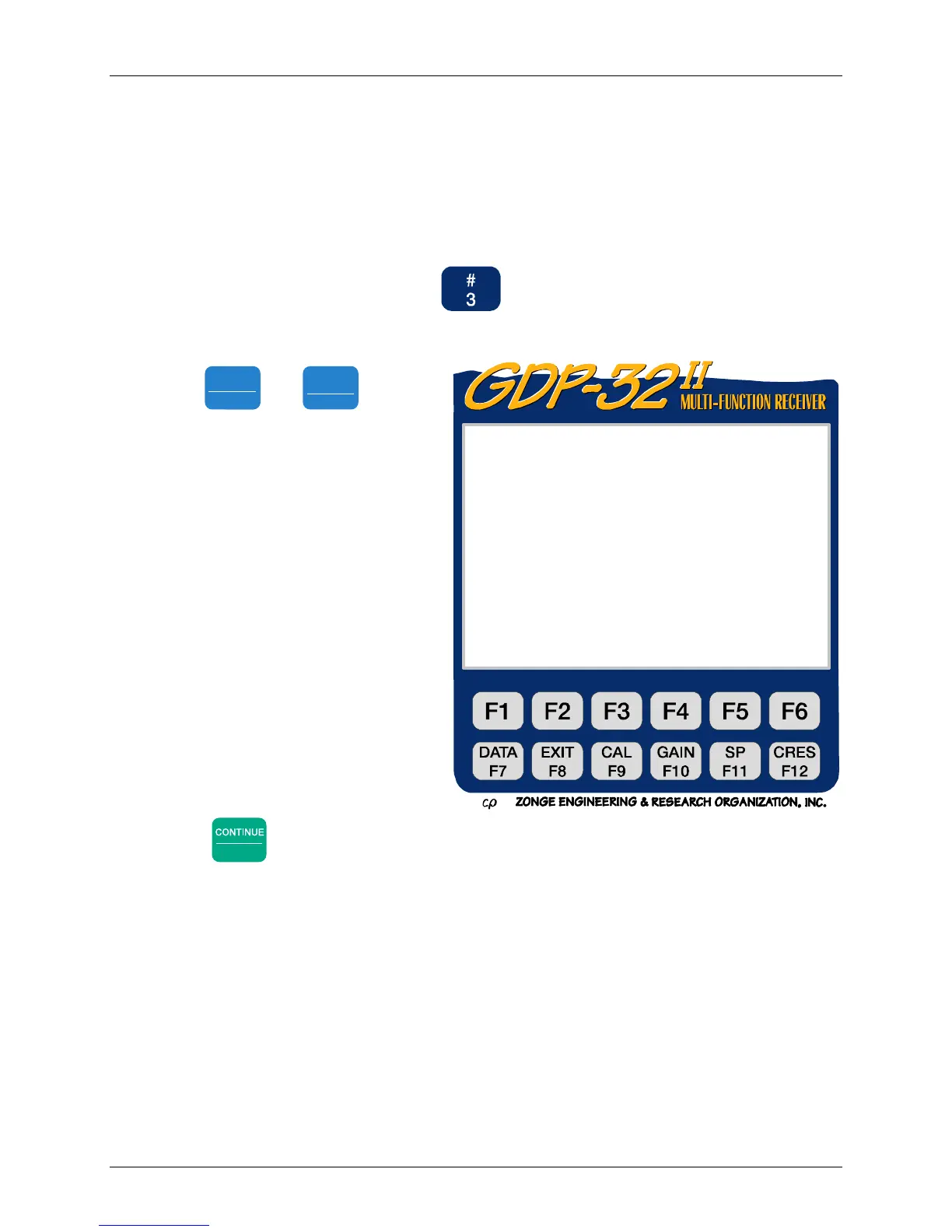
1. From the Main Data Menu, press . The Configure Serial Port Options
Menu appears:
2. Use
SELECT UP
Home
and
SELECT DN
End
to set the
four parameters.
The default Baud Rate is 9600.
Most computers accept this
transfer rate. This transfer rate
may need to be decreased for
some modems. Available Baud
Rates range from 300 to 38,400.
The default Parity is NONE.
The GDP-32
II
also accepts
EVEN or ODD parities.
Data length default value is 8
bits.
Stop bits default is 1.
3. Once the parameters have been set,
press
Enter
to return to the Data Mode Main Menu.
ER 320 Main Menu
Current: Field Data Remaining:3388KB
Baud Rate : 9600
Parity : None
Data Length : 8
Stop Bits : 1
Press CONT when done



 To Next Page