SYSTEM START UP
Section 3, Page 5 May 2002
3. The last line changes to
“Testing analog
boards” when that portion of
the program is entered. The
relays on the installed boards
will click audibly. This process
takes several seconds, and then
the LCD displays the Main
Program Menu.
3.3 SHUTTING DOWN THE GDP-32
II
Turn Power Off
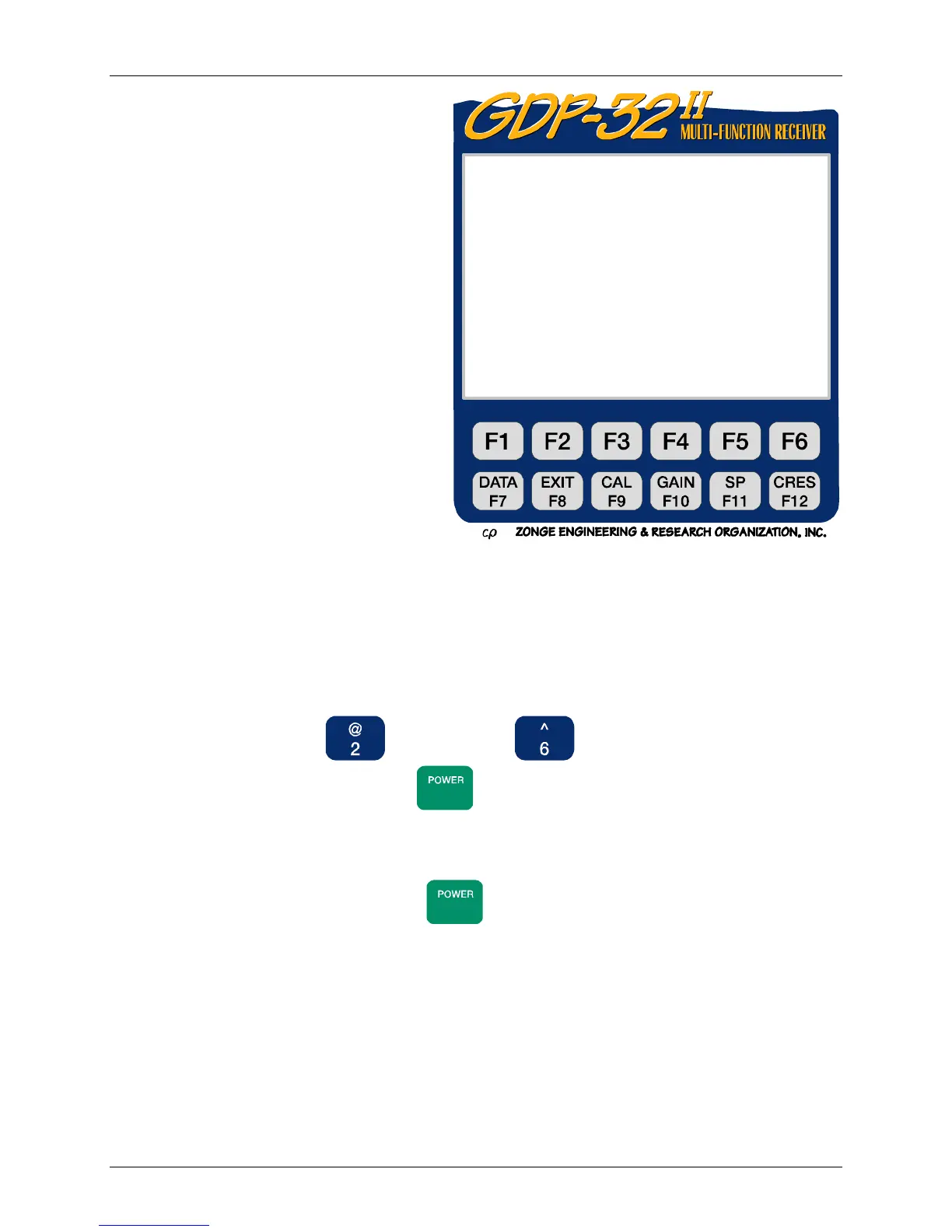
Go to the first menu, press (Utilities), then (Turn Off Power). Wait until the
logo appears on the screen. Then press
ON/OFF
until you hear a series of single beeps, and then
release the key. The screen goes blank and the unit shuts down. This procedure permits the
receiver to turn down power in a regulated sequence, which is necessary for several components.
The turnoff sequence will sound like “beep-beep-beep, beep-beep-beep, beep-beep-beep, then
bip, bip, bip, …”. Then you may release
ON/OFF
. If you are shutting down for the day, you can
turn off the crystal, otherwise leave it on.
12 Jan 0 0 16:45:07
Initializing: Please stand by.
Cache Freq Domain Cal validated.
Cache Time Domain Cal validated.
Cache Antenna Cal validated.
Cache CR Calibrate validated.
Cache CR Antenna Cal validated.
Cache AMT Calibrate validated.
Cache AMT Antenna Cal validated.
Cache Field Data validated.
Cache memory approximately 11542 KB
Timing board initialized.
Calibration board initialized.
Resetting analog boards.



 To Next Page