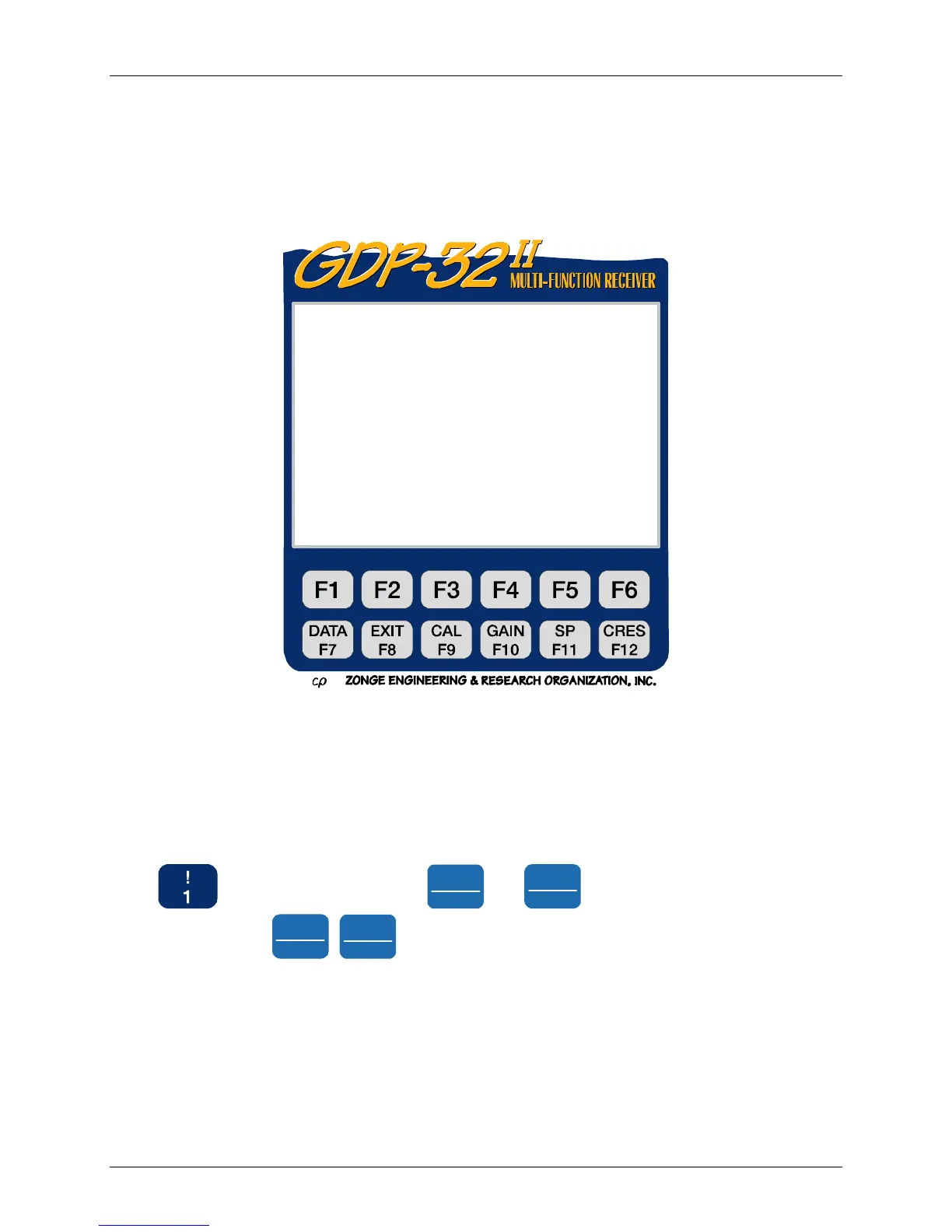
GDP-32
II
INSTRUCTION MANUAL
May 2002 Section 5, Page 2
5.1 THE MAIN PROGRAM MENU
The GDP-32
II
software is menu driven. This section reviews the procedures for accessing the
receiver functions.
The Main Program Menu [MJR1]is the first operating selection the user makes, and is the main
branching point for all receiver functions.
To make a selection, enter the corresponding number from the Program Menu. These selections
are described in the following sections.
OPTION 1 – SET DATE AND TIME
This option allows you to update the date and time. Accurate information is important because it
is imprinted on the data files that are stored in memory. Later, it may help retrace the sequence
of events on a complex survey.
Press
to set date and time. Use
Pg Up
PREV FIELD
and
Pg Dn
NEXT FIELD
keys to move the cursor, and use
the number keys and
Home
SELECT UP
,
SELECT DN
End
keys to enter the proper date and time.
NOTE: The date entry is formatted as day/month/year (dd/mm/yy).
ZONGE ENGINEERING 11.8 12 Jan 08 17:16:16
GDP32II320
1) Set Date and Time
2) Utilities
3) RPIP
4) TDIP
5) CR AND HACSAMT
6) CSAMT
7) TEM
8) AMT/MT
9) NANOTEM
a) ZETA
Select program (Press 1 – 9, ESCAPE)
Ch Info



 To Next Page