GDP-32
II
INSTRUCTION MANUAL
May 2002 Section 7, Page 10
7.4 INITIALIZING CACHES
Initializing is used for erasing or modifying the contents of memory. This option is primarily
used after all data in the cache is transferred to an external computer.
CAUTION: Once a cache is initialized, data cannot be recalled. Read the menu instructions
carefully.
Initialization is the same for Field Data, Board Calibrations or Antenna Calibrations. This
example uses the Field Data Cache.
See Section 12.22 for Initializing the NanoTEM Field Data Cache.
INITIALIZING THE FIELD DATA CACHE
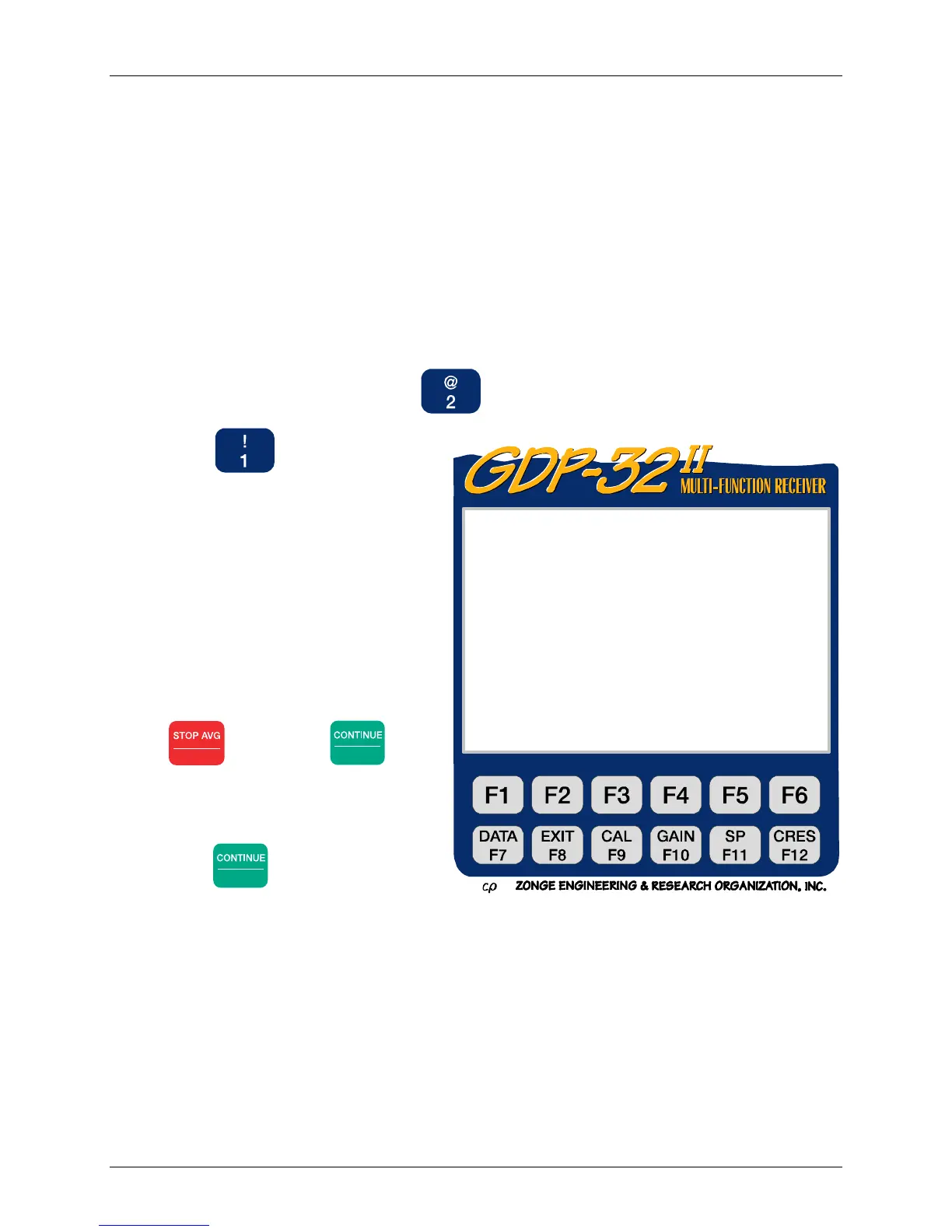
1. From the Main Data Menu, press
, Initialize Cache.
2. Press , Field Data to select
the cache to be initialized.
Initializing the Field Data cache
erases all data stored in the cache.
Initializing any calibration cache
replaces existing magnitudes with
1's and existing phases with 0's.
3. Once a cache is selected for
initialization the screen displays the
following:
4. To cancel the initialization, press
Escape
, then press
Enter
. The
receiver returns to the Data Mode
Main Menu.
5. To proceed with the initialization
press
Enter
. The receiver returns
to the Data Mode Main Menu.
WARNING: Initializing a cache means erasing ALL data stored in that cache.
WARNING: T
econtentso
t
eF
e
Cache will be CLEARED.
To pro ceed, press CLEAR, then RESET.
To abo rt, press ESCAPE.



 To Next Page