GDP-32
II
INSTRUCTION MANUAL
May 2002 Section 3, Page 4
3.2 POWERING UP THE GDP-32
II
Turn the Crystal Oscillator ON
1. Locate the POWER ON/OFF button on the Control I/O panel on the side of the GDP.
Press the button once. The “CRYSTAL ON” light on the front panel will turn ON.
2. Press
ON/OFF
to cycle the receiver to ON. This activates the digital portion of the
receiver.
3. Check the Front Panel to ensure that the Crystal Oscillator indicator light is ON. If it
is not, the batteries may need to be charged. (See Section 15 - Maintenance for
complete trouble-shooting instructions).
Note: For synchronous operation the crystal oscillator must be turned on for at least 60
minutes in order to reach operating stability. The crystal oscillators in both the receiver
and the transmitter controller must both be turned on for a minimum of 60 minutes before
attempting to synchronize clocks or collecting data.
No warm-up time is necessary if the receiver is to be operated in the asynchronous mode.
Turn Power On
The GDP-32
II
can be powered up directly without making any special checks during normal field
operations.
1. Press
ON/OFF
. The LCD should
activate within a few seconds.
If you cannot see the display,
you may need to adjust the
contrast.
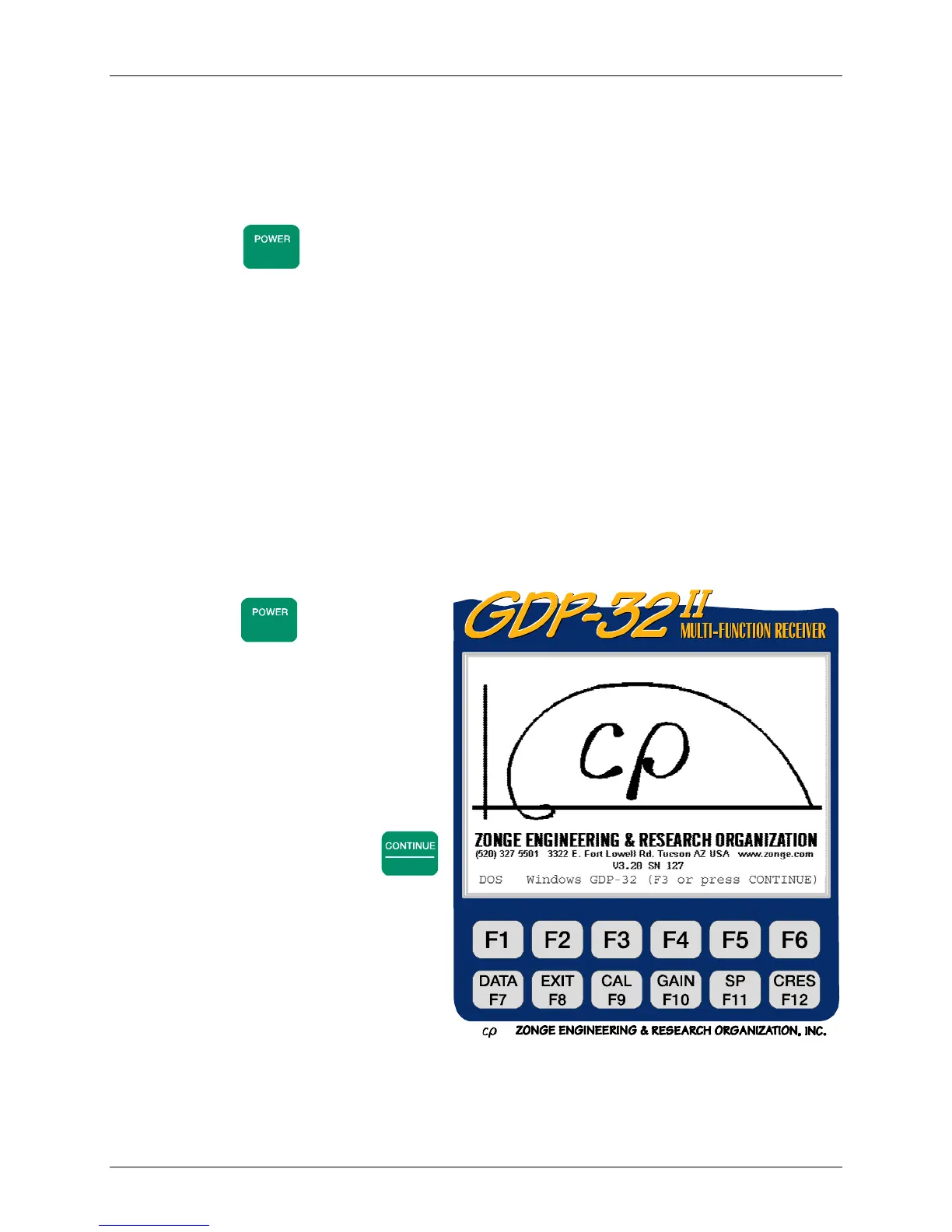
2. The first major display is the
Zonge Engineering logo with
the selection of DOS, Windows
95, or GDP operation displayed
below the logo. Press
Enter
to select the GDP program and
the initializing display will
appear on the screen:



 To Next Page