ACCESSING PROGRAMS
Section 5, Page 3 May 2002
OPTION 2 – UTILITIES
The Utilities Menu has eight choices:
Utilities Option 1 - Set automatic startup
This option allows the user to specify a
complete startup initialization routine for
the receiver. This routine is executed each
time the receiver is turned on.
Utilities Option 2 - Diagnostics
The Diagnostics option tests basic receiver
functions when an operation problem is
suspected. For a complete explanation of
Diagnostics see Section 15 - Maintenance.
Utilities Option 3 - Initialize Channel
Configuration
The Initialize Channel Configuration
routine:
Lists available Channels
Displays the PASSED/FAILED
parameters of each Channel
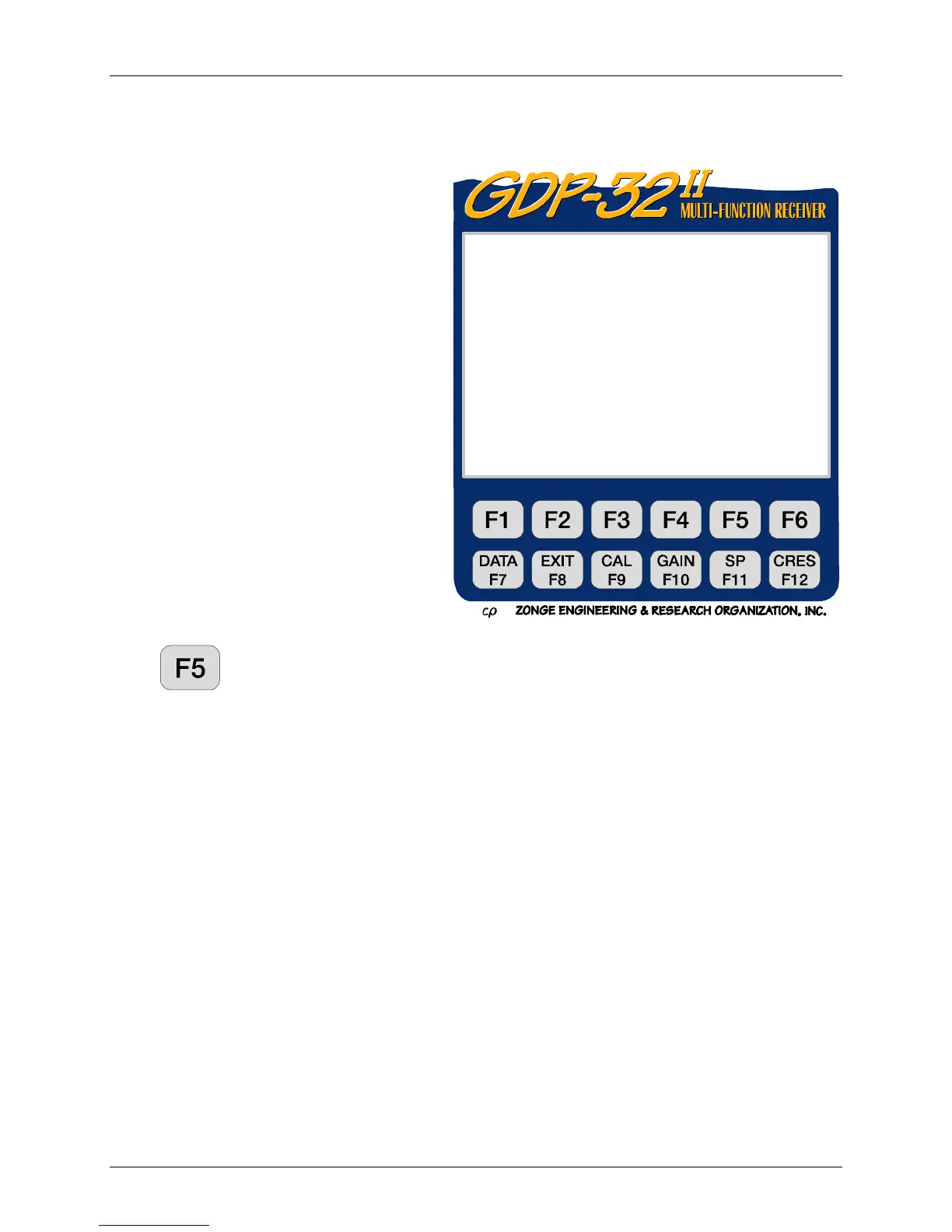
Press
, (Ch Info) in the main menu to access a different set of channel parameters,
including powerline notch filters, board serial numbers, and input configurations.
Utilities Option 4 - Synchronize to XMT
This routine guides the user through the synchronization procedure. Refer to Section 6.2 for a
description of this routine.
Utilities Option 5 - Antenna Calibrate
Antenna coil calibration is performed in-house. For information on antenna coil calibration
contact Zonge Engineering.
Utilities Option 6 - Turn Off Power
This function is the recommended method for turning off the receiver. It shuts down the analog
cards in an orderly manner and protects the system from static shock. See Section 4.2 for details
on turning power off to the receiver.
Utilities Option 7 – Output Data
Time series data collected with some survey programs (e.g. AMT) must be dumped through the
LAN port. For complete information on when to use this feature, refer to the AMT Field Survey
section.
ZONGE ENGINEERING 12.3 09 Dec 99 08:17:24
HAARP320
1) Set automatic startup
2) Diagnostics
3) Initialize Channel Configuration
4) Synchronize to XMT
5) Antenna Calibrate
6) Turn Off Power
7) Output Data
8) GPS status
(Press 1 – 8, ESCAPE):



 To Next Page