TRANSIENT ELECTROMAGNETICS PROGRAM
Section 12, Page 39 October 2002
DOS PROCEDURE FOR NANOTEM CACHE INITIALIZATION:
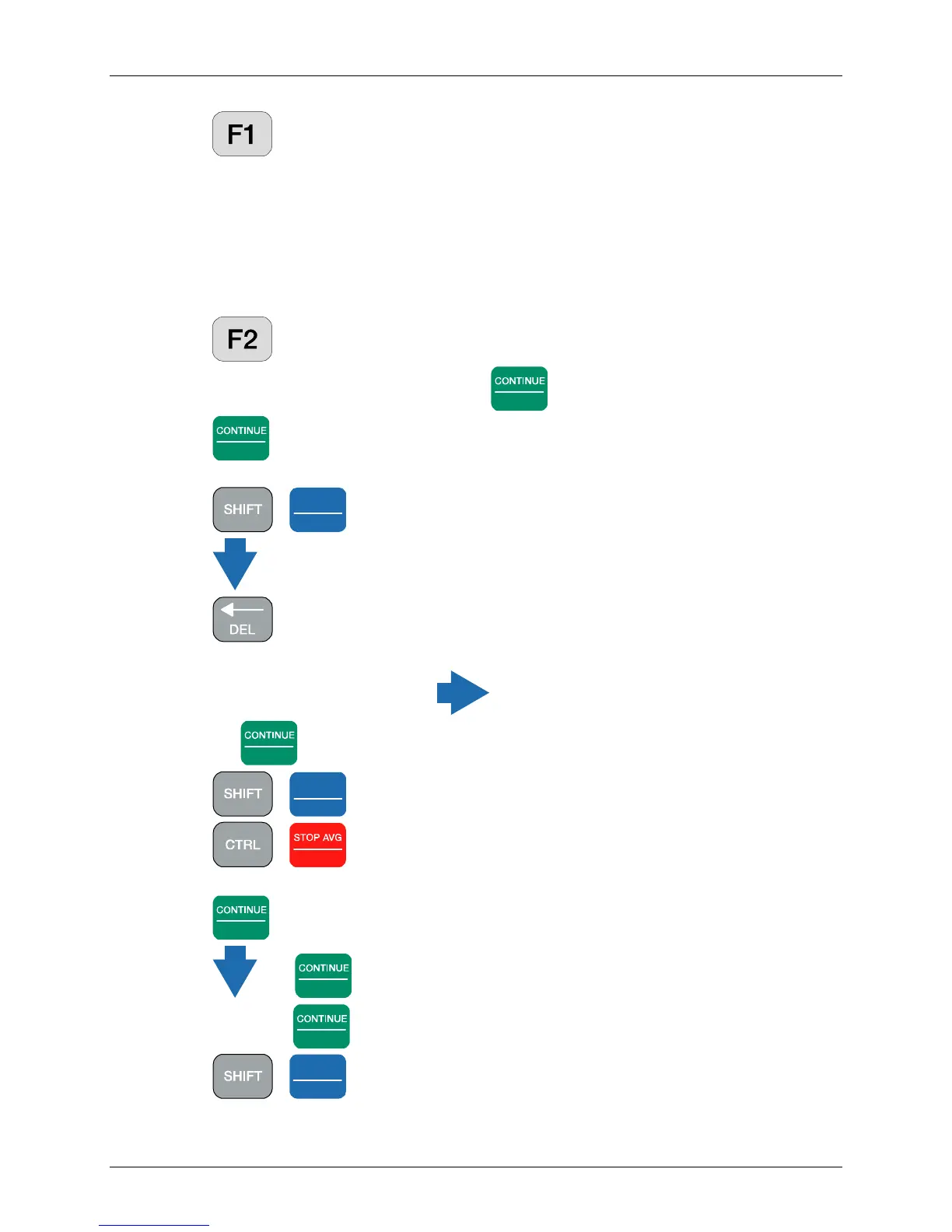
Press to get into DOS. The C:\> prompt will be displayed.
Type: DEL NTDATA.CAC
Type: DIR /P and page through the files. NTDATA.CAC should not be included.
Type: MENU
The LOGO screen will now be displayed.
WINDOWS PROCEDURE FOR NANOTEM CACHE INITIALIZATION:
Press to get into WINDOWS
If you do not have a mouse attached, press
Enter
(OK) for Mouse Support display box.
Press
Enter
(YES) for the DHCP box
Windows EXPLORER is now activated
Press -
Pg Dn
NEXT FIELD
to see the bottom of the display and the file listings
Press until you highlight the file NTDATA.CAC
Press . The following message will appear
Are you sure you want to send NTDATA.CAC to the recycle bin?
If YES is not highlighted, press to highlight YES
Press
Enter
. NTDATA.CAC should be deleted from the screen
Press -
SELECT DN
End
to view the lower left-hand part of the screen
Press -
Escape
Press the down arrow to highlight SHUT DOWN
Press
Enter
Press and
Enter
to RESTART the computer, if desired,
Otherwise press
Enter
to turn the computer off.
Press -
Home
SELECT UP
to get back to the original position of the screen



 To Next Page