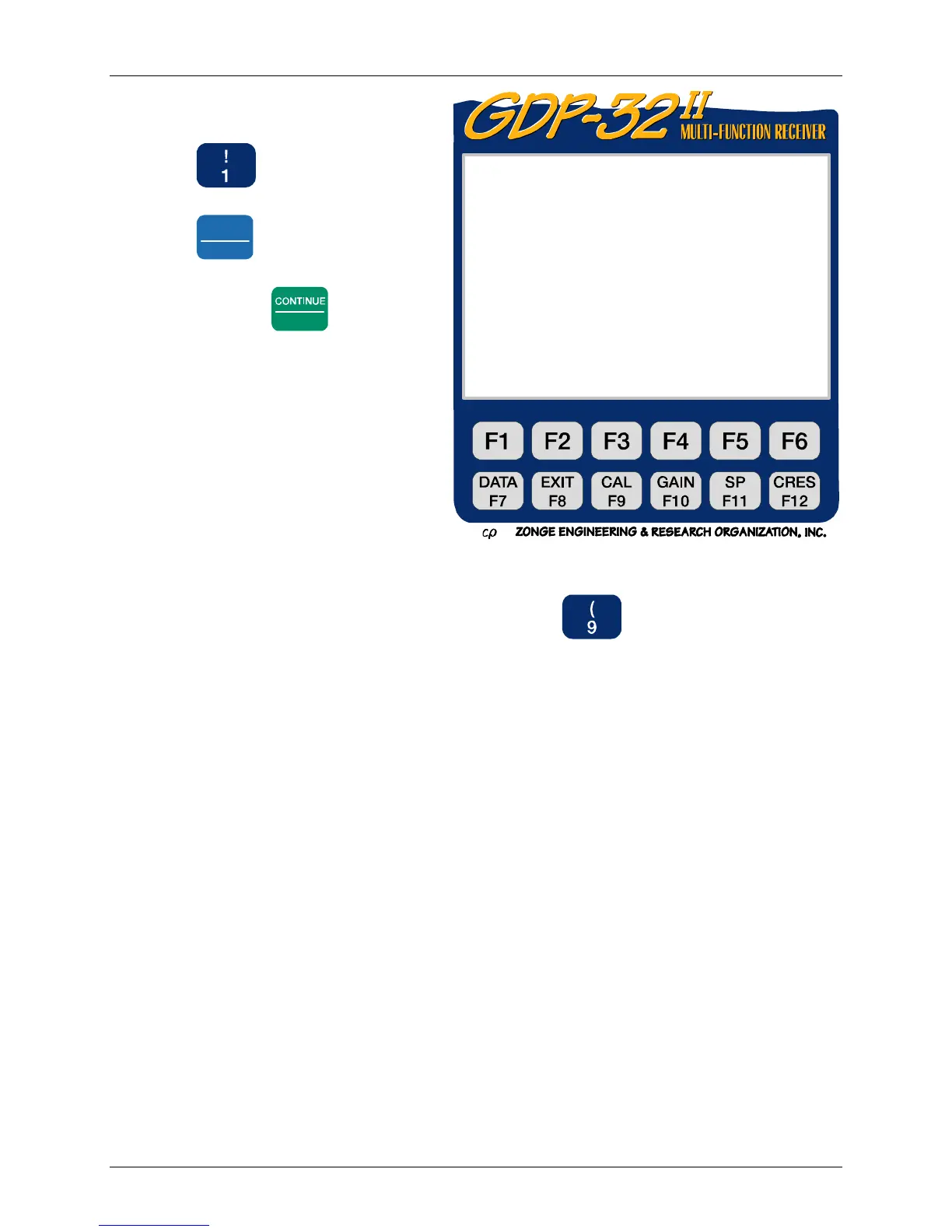
GDP-32
II
INSTRUCTION MANUAL
October 2003 Section 4, Page 4
4. Check the date and time. If the
settings are incorrect, press
to enter the “Set Date
and Time” program. Press
Pg Dn
NEXT FIELD
to change the field
values. Enter the correct values
and press
Enter
.
5. Select the Field Survey Program (e.g. Press for the for the NanoTEM
program). This brings up the Initial Program Screen for that program. For a
complete description of program screens and parameters see Section 5 – Accessing
Programs.
ZONGE ENGINEERING 11.8 12 Jan 00 17:16:16
GDP32II320
1) Set Date and Time
2) Utilities
3) RPIP
4) TDIP
5) CR AND HACSAMT
6) CSAMT
7) TEM
8) AMT/MT
9) NANOTEM
a) ZETA
Select program (Press 1 – 9, ESCAPE):
Ch Info



 To Next Page