ACCESSING PROGRAMS
Section 5, Page 11 May 2002
DATA ACQUISITION SCREEN
This screen displays the primary survey settings and accepts the final survey parameters. Select
frequency, number of cycles to average, notch filter in or out, etc.
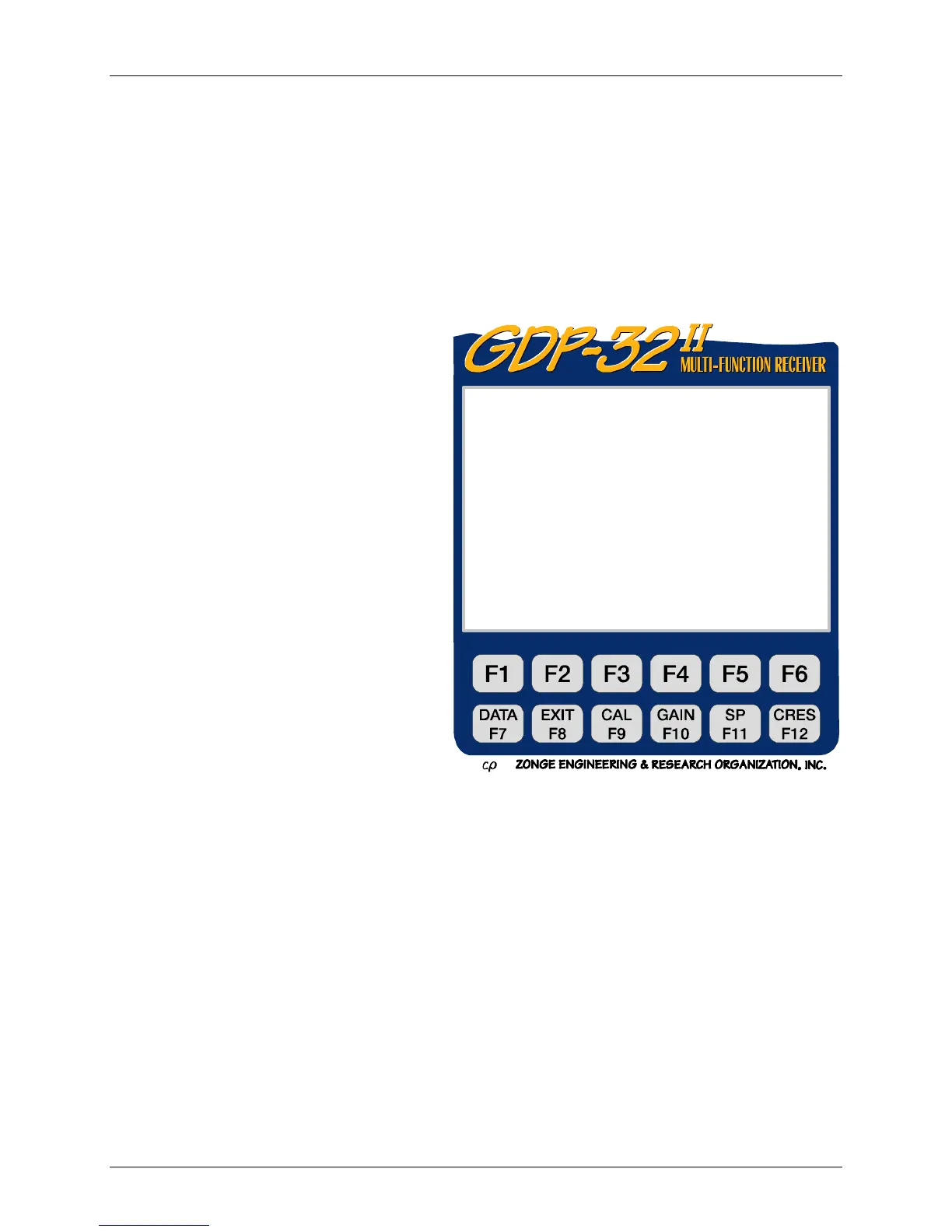
Calibrations, System Checks, or Set Gains tools are accessed from the Data Acquisition Screen
by pressing the corresponding Fixed Function Key.
User Programmable Fields
TX
Transmitter location. Zonge Engineering
recommends using the lowest numbered
electrode of the dipole (or the electrode for
a transmitting pole). This example will
transmit on a dipole, using electrodes
numbered 1 and 2. So, Tx is set to 1. The
field for Tx designation is ±NNNNN.N or
±NNNNNNN.
NOTE: for the Gradient array selection,
"Tx" appears as "Ry", and is used to input
the receiver coordinates.
RX
Receiver location. Zonge Engineering
recommends using the lowest numbered
electrode for the dipole closest to the
transmitting dipole (or pole). In this
example, Channel 1 receives data using
electrodes 3 and 4 and Channel 2 using
electrodes 4 and 5. Thus, Rx is set to 3.
The field for Rx designation is
±NNNNN.N or ±NNNNNNN.
N 60,5
The notch filter, set according to the following list:
OUT All notch filters bypassed
60 60 and 180 Hz notch filters enabled
60,5 60, 180, 300 and 540 Hz notch filters enabled
Other standard selections are:
50 50 and 150 Hz notch filters enabled
50,5 50, 150, 250 and 450 Hz notch filters enabled
50/60 50, 150, 60 and 180 Hz notch filters enabled
N
Defines the N-spacing (includes fractionals) for a particular channel. The decimal point does not
appear for integer N-spacings.
0809 RPIP0612 11.0 19 Jan 08 14:31:26
Survey D-D
Tx 1 Rx 3 N 60, 5
1Hz 00008CyclesTxCurr1
CH N G0 G1 G2 Atn SP GGGA
1ON 1 1 132OUT -0.14005O
2ON 2 1 132OUT -0.17005O
3OFF
4OFF
CONTINUE - set gains, ESC – Prev menu



 To Next Page